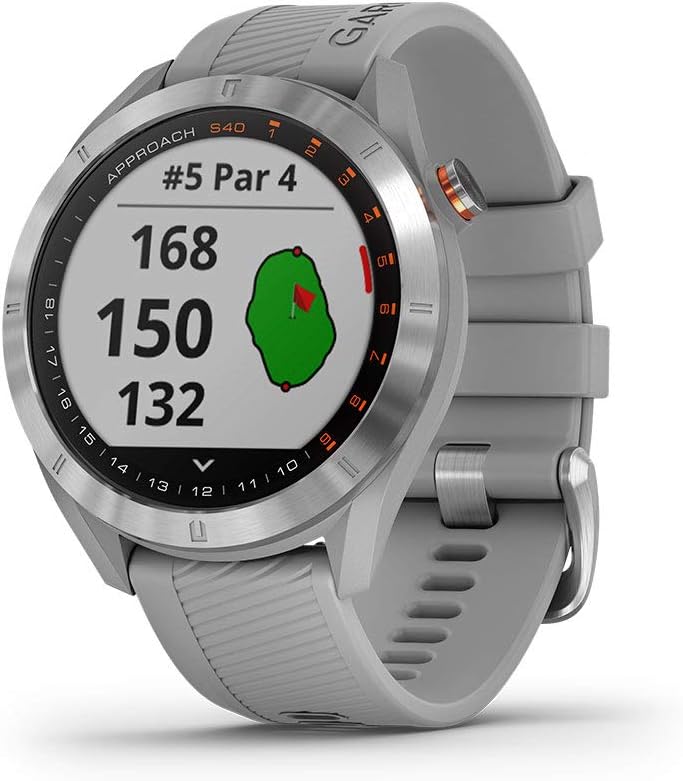
Garmin Approach S40, Stylish GPS Golf Smartwatch, Lightweight with Touchscreen Display, Gray/Stainless Steel
Product Information
About this item
- Stylish, lightweight GPS golf watch with a sunlight-readable 1. 2” color touchscreen display with metal bezel and quick release bands for easy change of style or color.Control Method:Touch.Special Feature:Bluetooth.Water Resistant: Yes
- Preloaded with more than 41, 000 courses from around the world
- Measures and auto-records detected shot distances; putts are not tracked, and some other shots, such as chips around the green, may not be tracked; pair with optional Approach CT10
- Green View feature allows manual pin positioning; quickly reference distances to the front, middle and back of the green as well as hazards and doglegs
- Tracks everyday activities such as steps, sleep and includes built-in multisport profiles
- Battery life: up to 15 hours in GPS mode; up to 10 days in smartwatch mode
Product Description
The Approach S40 GPS golf smartwatch with color touchscreen looks great on your wrist and on the course. It shows distances to the front, middle and back of the green, hazards and automatically records detected shot distances (lie and ball contact may affect shot tracking). It also lets you manually adjust to today’s pin position for accurate approach shots. For even more precise automatic game tracking, pair with optional Approach CT10 club tracking sensors. Use with the Garmin Golf app for live scoring, automatic scorecard uploads and the ability to review all your stats in real time during play and after your round on your compatible smartphone. With the additional smartwatch features, you can wear it all day, and it can track your activities. Troubleshoot: (1) Maximizing Battery Life : *Reduce the backlight timeout *Reduce the backlight brightness *Turn off Bluetooth technology when you are not using connected features *Limit the smartphone notifications the device displays (2) My phone will not connect to the device : *Turn off your smartphone and your device, and turn them back on again *Enable Bluetooth technology on your smartphone *Update the Garmin Golf app to the latest version *Remove your device from the Garmin Golf app and the Bluetooth settings on your smartphone to retry the pairing process *If you bought a new smartphone, remove your device from the Garmin Golf app on the smartphone you intend to stop using *Bring your smartphone within 10 m (33 ft.) of the device *Hold the button, and select Pair Phone (3) My device is in the wrong language - *Hold the button *select settings *Scroll down to the sixth item in the list, and select.
Similar Items
 Pink Brush Stepper Dual Mobile Phone Mute Bearing Pedometer$16.89
 OUNONA Practical Bearing Pedometer Shake Device for Mobile Phones USB Powered Multi-Functional Step Counter Mobile Holder for Office and Home Use$16.29
 Brush Stepper Dual Mobile Phone Pedometer Bearing Pink$16.89
 CALLARON Brush and Dual Stepper Mobile Phone Mute Stepper Bearing Pedometer with Automatically Swing Function High-tech Abs Stainless Steel Base Bracket for Sports Use$17.59
 Toddmomy Stainless Steel Mobile Phone Mute Stepper Bearing Pedometer Shake Phone Wiggler Device Tripod Pink Base Bracket$16.79
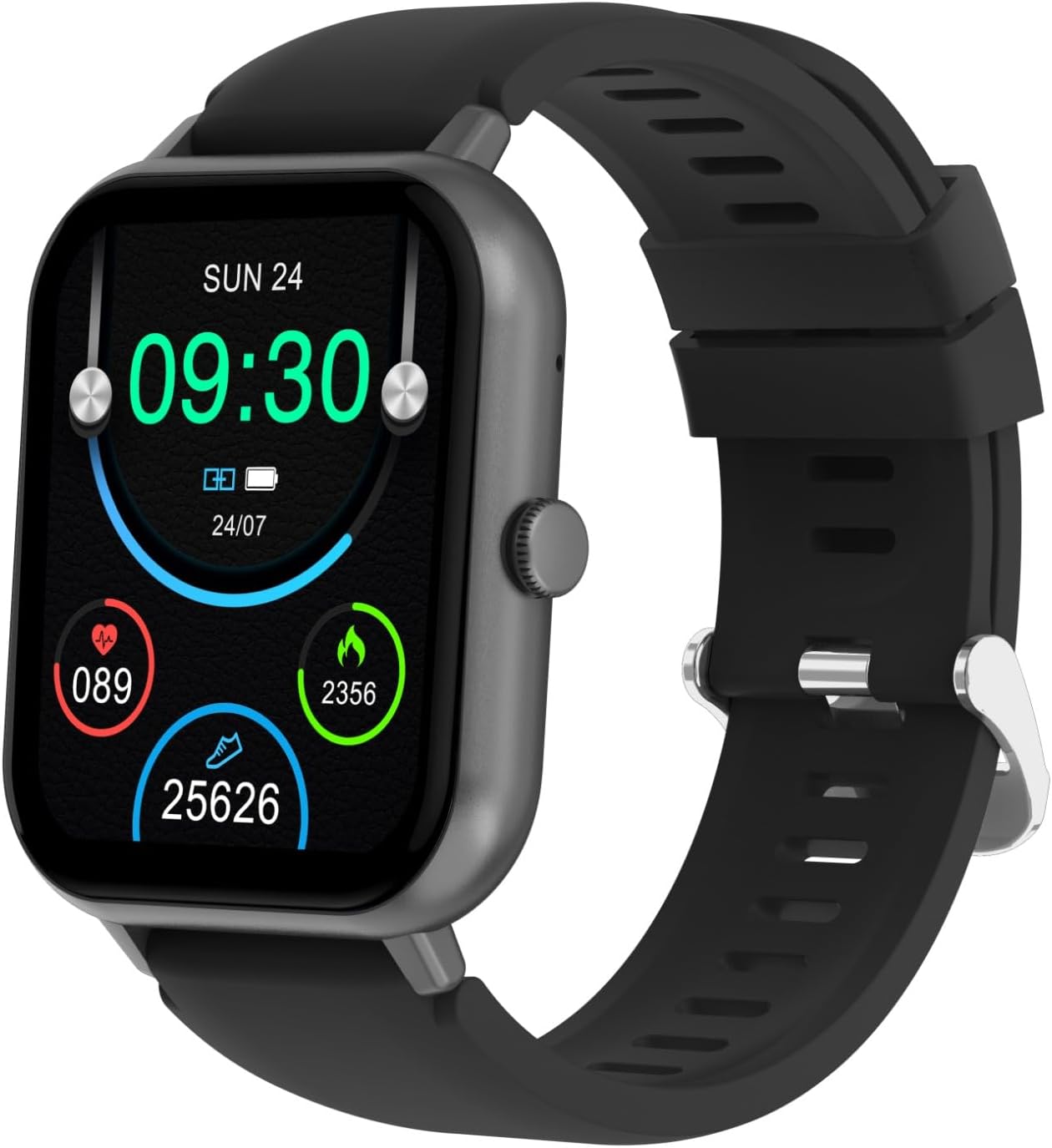 Smart Watch for Motorola Moto G Stylus 5G (2024) - with Bluetooth Call, 1.9" HD Touch Screen Fitness Tracker 50+ Sport Modes Elegant Activity Tracker for Android/iOS Phones - BlackView price
 Mute Phone Stepper for Phone Step Counting, USB Type, Pink Plastic$17.09
 Pet Food Desiccant Bag For Petlibro Automatic Cat dog Feeders, Keep Pet Food Dry and Fresh (1, 16-Pack)$19.99