← Back to Computers

Product Information

Seller
KLO SAT

About this item

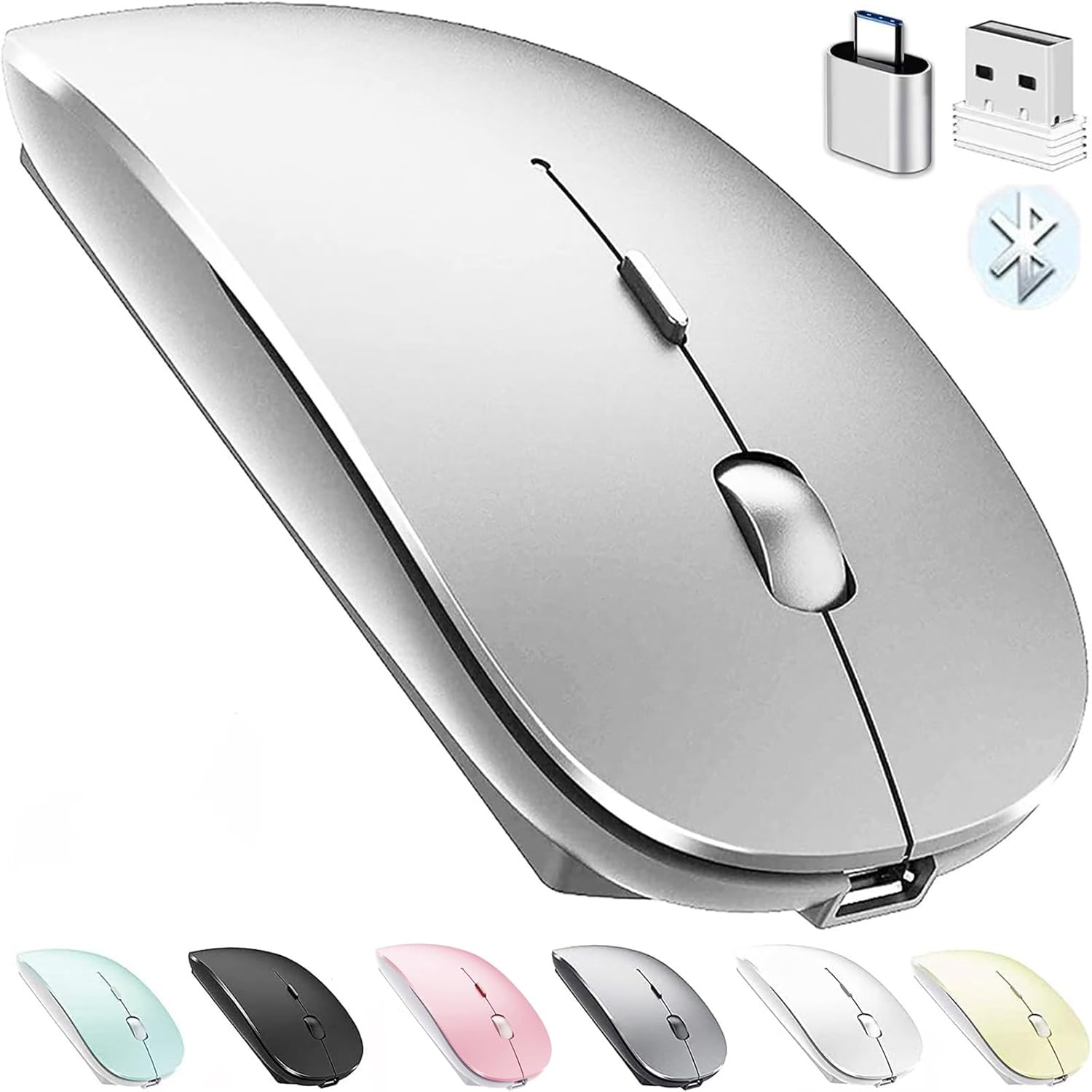
  • Upgrade version Rechargeable 4 Modes bluetooth mouse(Bluetooth 3.0/5.2+USB2.4G/Type C), Dual-port 2-in-1 Receiver USB2.4G/Type-C You can switch between the 4 connection modes, adds more fun to the boring office life.
  • It is compatible with Mac OS Windows XP, Vista, 7, 8, 10and is suitable for desktop, notebook, PC, Mac Macbook Pro/Air/ipad/iMac and other devices.
  • Built-in durable Lithium polymer rechargeable battery,You can use the USB cable to charge the mouse without replacing the battery,Just 2-3 hours charging, you can use it about 7-30 days, Standby time is very long, energy-saving features, automatic sleep mode and wake-up mode are installed to save energy,If you do not use the mouse for 5 minutes, it will go to sleeping mode.
  • 4 mode bluetooth mouse is designed ultra-silent and reduce noise by up to 96% compared with others, Sleek, well-built and lightweight , Contoured shape to fit comfortably in the palm of your hands so you can stay productive longer.
  • 3 DPI switches (1000, 1200, 1600) change the speed of the mouse freely,This bluetooth mouse can meet your demand of daily office working and personal preference.

Product Description

RECHARGEABLE DUAL MODE BLUETOOTH MOUSE(Bluetooth 3.0/5.2+Usb-2.4G/Type-C) It is compatible with Mac OS Windows XP, Vista, 7, 8, 10and is suitable for desktop, notebook, PC, Mac Macbook Pro/Air/ipad/iMac and other devices. How to use it Bluetooth Mode:No need to occupy PC interface, fast and stable connection, Turn on the device's Bluetooth function,Switch to "ON/OFF" button to left(Bluetooth mode),Search the product of Bluetooth and find “BT5.2/3.0 Mouse” to pair,It's ready to use. How to use it 2.4Ghz Mode: just take the USB/Type-C receiver from the bottom of the mouse, then insert the USB/Type-C receiver into the computer USB/Type-C port,Switch to "ON/OFF" button to right,Then you can use the mouse in 2.4GHz Mode.How to connect to iOS/iPad/Pro/Air/iPhone (ios 13/ios 14) via Bluetooth Mouse first slide the button at the bottom of the mouse to the bluetooth " " position ( bluetooth mode), open tabletSettings >Accessibility > Touch > AssistiveTouch > Click to open (An auxiliary dot will appear on the screen),Go back to Settings > Click on the bluetooth > Click to open > BT 5.2/3.0 MOUSE > connect and Pair.(PIN:0000) Note: The mouse cursor will move slowly or stop moving when the mouse is low battery,Please charge it in time. The blue light beside the scroll wheel will be on while charging, and then goes off when the mouse is fully charged,It takes about 2.5 hours to fully charge. Packing list: rechargeable dual-mode mouse *1USB charging line *1 USB2.4G/Type C Nano USB receiver *1(hidden in the slot at the bottom of the mouse) Instructions*1

Similar Items

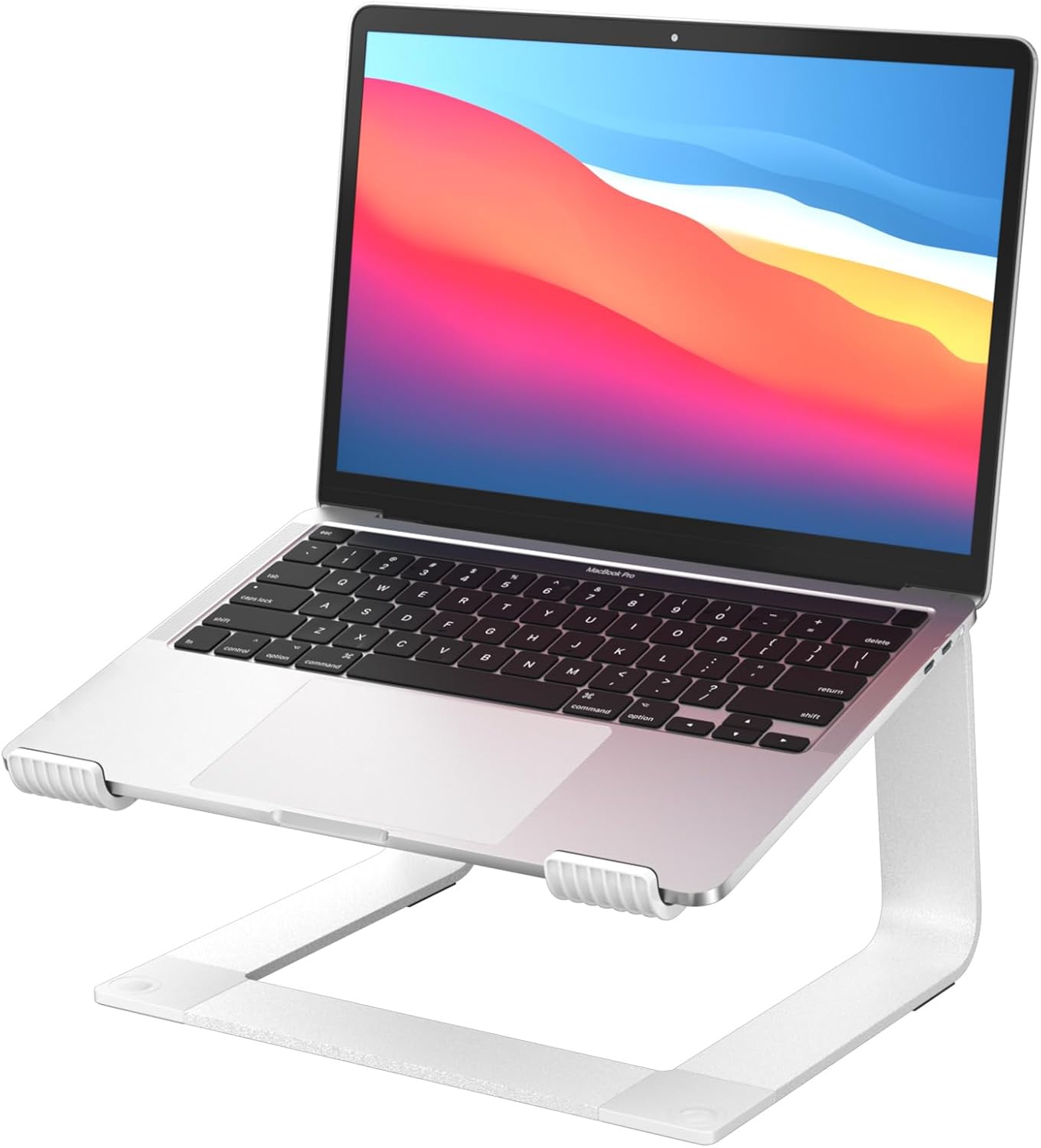
Foldable Laptop Stand, 7-Level Adjustable Aluminum Alloy Tablet Holder, Ultra-Thin Portable Notebook Riser for Desk, Office, Home, Travel (Silver,Aluminum Alloy)
★★★★☆10 reviews
$19.99
UGREEN Vertical Laptop Stand Holder for Desk Compatible with MacBook Pro, MacBook Air Stand Vertical Aluminum Adjustable for Up to 17.3 Inch Gaming Laptop, Gray
★★★★★8097 reviews
$22.99
Vaydeer Vertical Laptop Stand Holder Organizer Plastic Adjustable Desktop Notebook Dock Space-Saving 3 in 1 for All MacBook Pro Air,Mac,HP,Dell,Microsoft Surface,Lenovo,up to 17.3 inches (Black)
★★★★★2747 reviews
$12.99
Bluetooth Wireless Mouse for Laptop mac MacBook ipad MacBook air MacBook pro pc Desktop Computer Windows Chromebook Notebook (Silver)
★★★★☆22659 reviews
$11.96
Anker Charger, 65W 3-Port Fast Compact Foldable USB C Charger Block for MacBook Pro/Air, iPad Pro, Galaxy S20, Dell XPS 13, Note 20/10+, iPhone 17 Series, Steam Deck, and More
★★★★★22140 reviews
$23.99
GleYo Laptop Stand for Desk Portable Computer Riser Metal Notebook Holder Printer Stand Office Desk Accessories Compatible with MacBook Air, Pro, Dell, HP, Lenovo and All 10-16" Laptops, Silver
★★★★★855 reviews
$14.99
OMOTON Laptop Stand, Detachable Mount for MacBook Air/Pro Dell HP Silver
★★★★★10101 reviews
$16.99
Dzytnsy 65W USB C Charger Compatible with Lenovo Thinkpad/Yoga/Chromebook Laptop Computer 65W 45W USB C Fast Power Adapter
★★★★☆1333 reviews
$15.99
Universal 65W USB C Laptop Charger Compatible with HP chromebook Lenovo Dell Acer Asus Samsung Google Computer Type C Power AC Adapter
★★★★☆2318 reviews
$9.99
Lenovo 300 Wireless Mouse, Black, Computer Mouse for PC and Laptop with Windows, Ambidextrous Design, 2.4 GHz Nano USB Receiver, 12 Month Battery Life
★★★★★3205 reviews
$10.99