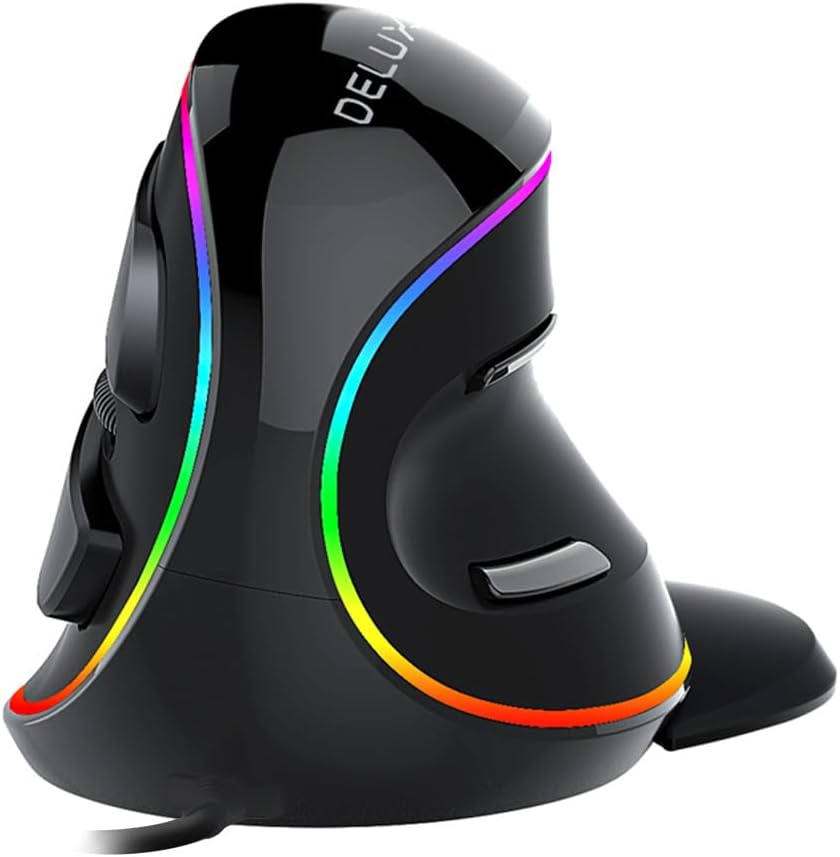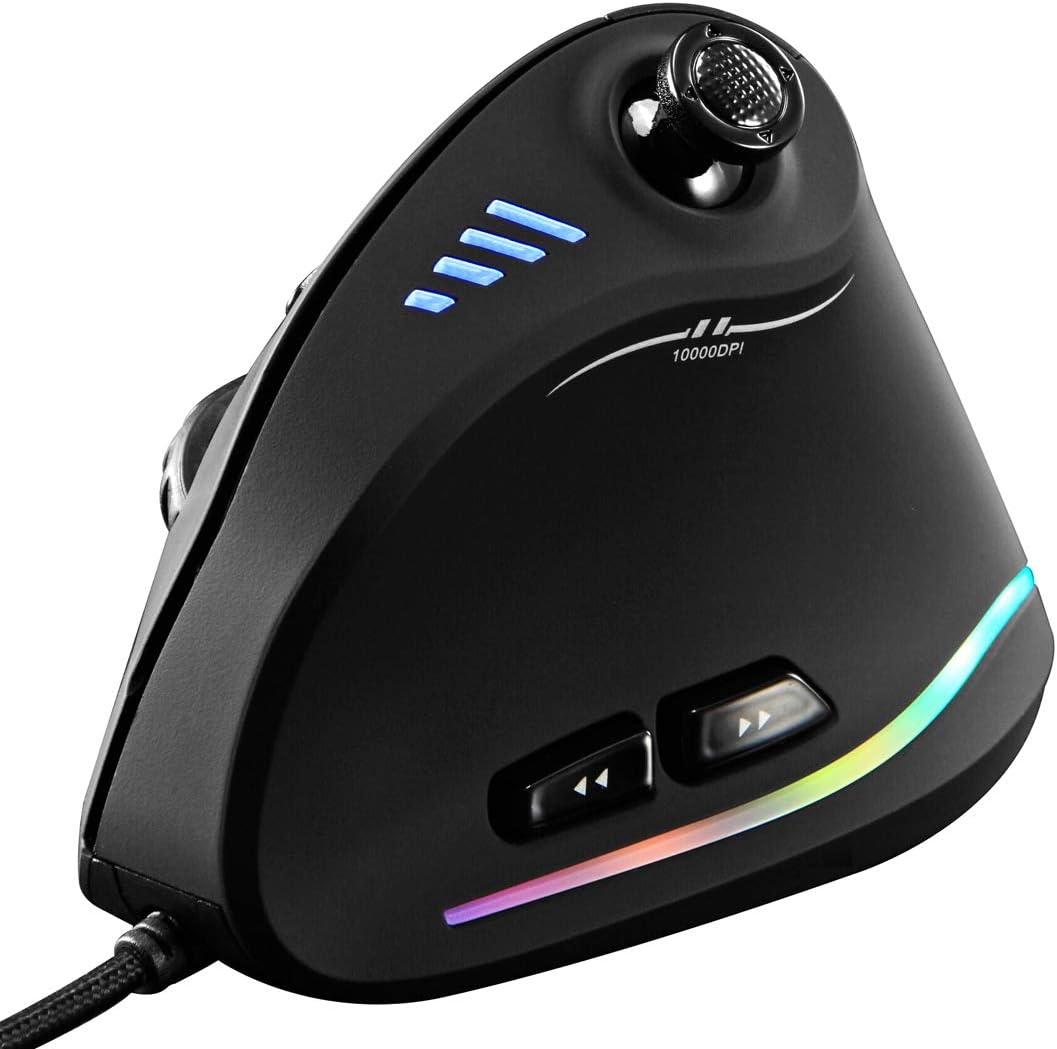
ZLOT Vertical Gaming Mouse,Wired RGB Ergonomic USB Joystick Programmable Laser Gaming Mice,6+1 Design,11 Buttons,1000 Hz Max Polling Rate,10000 Max DPI,Upgraded Version for Computer Gamers,Black
Click here to view priceAbout this item
- Ergonomic Vertical Design.Ergonomic Vertical Design.Unlike those traditional ones which strain wrist and arm over time, causing great pain. The vertical design provides better support for your forearm minimizing wrist pain that can come from twisting.
- Pixart PMW3325 IR sensor and 5-adjustable DPI level.Color-changing RGB marquee belt on both sides.
- Programmable and customizable.11 programmable buttons and On-board memory.
- Widely Compatible with Windows XP(x64)/Vista/7/8/10/Linux.Please peel off the transparent protective film on the bottom of the mouse before use.
- Warranty & Support: Follow the platform's return policy, we provide the full technical support after selling and any questions about the product, feel freely to contact us.
Product Description
Specification:Button number:6 buttons + 1 joystick = 11 keysTracking System: opticalUSB cable length: 1.8mWorking voltage/current: 5V/100mAButton life: 10 million timesRoller life: 1.2 million turnProduct dimensions: 110*72*76.5mmProduct weight: 170gResolution: 1500-2500-4000-7000-10000DPI(5 adjustable levels and Customizable sensitivity)Rate of return: 125-1000HzMarco function brief :◎When macros enter from the “Key N” option, the selected macros are activated on the left button. For example, if you set the Key 4 as ABCD, when you press Key 4, the left button means ABCD.◎Select another key to close macro, which means “Close Key N”. When you turn on N macro, the mouse light will stay on. The light will become normal setting color when you turn off N macro.◎If entered from the assigned macro, select which button as the assigned macro to press on which button. For example, if you set the Key 4 as ABCD, the function of Key 4 means 1234.◎The configuration file has 2 groups. You can select one button as the configuration file to switch to group 2 or directly drive the setting. The light of the group 2 configuration file is always on blue by default. You could set it as any other color.◎You can set up to 32 left clicks in the armoury, and the cursor can be adjusted with each click. Y+ moves the cursor upward, Y- moves downward, X- moves left and X+ moves right.System requirements:Windows XP(x64)/Vista/7/8/10/LinuxAn available USB portPackage Contents (attachment) :Mouse x1 Instructions x1 Foot mat x1 Driver disk x1 (Update software please visit the official website:switch to English language by clicking "English" on page)