
KLO Rechargeable Bluetooth 5.2/3.0/Type-C/USB-2.4G Mouse for MacBook/MacBook air/Pro/iPad, Wireless Mouse for Laptop/Notebook/pc/iPad/Chromebook (Rose Gold)
Product Information
About this item
- Upgrade version Rechargeable 4 Modes bluetooth mouse(Bluetooth 3.0/5.2+USB2.4G/Type C), Dual-port 2-in-1 Receiver USB2.4G/Type-C You can switch between the 4 connection modes, adds more fun to the boring office life.
- It is compatible with Mac OS Windows XP, Vista, 7, 8, 10and is suitable for desktop, notebook, PC, Mac Macbook Pro/Air/ipad/iMac and other devices.
- Built-in durable Lithium polymer rechargeable battery,You can use the USB cable to charge the mouse without replacing the battery,Just 2-3 hours charging, you can use it about 7-30 days, Standby time is very long, energy-saving features, automatic sleep mode and wake-up mode are installed to save energy,If you do not use the mouse for 5 minutes, it will go to sleeping mode.
- 4 mode bluetooth mouse is designed ultra-silent and reduce noise by up to 96% compared with others, Sleek, well-built and lightweight , Contoured shape to fit comfortably in the palm of your hands so you can stay productive longer.
- 3 DPI switches (1000, 1200, 1600) change the speed of the mouse freely,This bluetooth mouse can meet your demand of daily office working and personal preference.
Product Description
RECHARGEABLE DUAL MODE BLUETOOTH MOUSE(Bluetooth 3.0/5.2+Usb-2.4G/Type-C) It is compatible with Mac OS Windows XP, Vista, 7, 8, 10and is suitable for desktop, notebook, PC, Mac Macbook Pro/Air/ipad/iMac and other devices. How to use it Bluetooth Mode:No need to occupy PC interface, fast and stable connection, Turn on the device's Bluetooth function,Switch to "ON/OFF" button to left(Bluetooth mode),Search the product of Bluetooth and find “BT5.2/3.0 Mouse” to pair,It's ready to use. How to use it 2.4Ghz Mode: just take the USB/Type-C receiver from the bottom of the mouse, then insert the USB/Type-C receiver into the computer USB/Type-C port,Switch to "ON/OFF" button to right,Then you can use the mouse in 2.4GHz Mode.How to connect to iOS/iPad/Pro/Air/iPhone (ios 13/ios 14) via Bluetooth Mouse first slide the button at the bottom of the mouse to the bluetooth " " position ( bluetooth mode), open tabletSettings >Accessibility > Touch > AssistiveTouch > Click to open (An auxiliary dot will appear on the screen),Go back to Settings > Click on the bluetooth > Click to open > BT 5.2/3.0 MOUSE > connect and Pair.(PIN:0000) Note: The mouse cursor will move slowly or stop moving when the mouse is low battery,Please charge it in time. The blue light beside the scroll wheel will be on while charging, and then goes off when the mouse is fully charged,It takes about 2.5 hours to fully charge. Packing list: rechargeable dual-mode mouse *1USB charging line *1 USB2.4G/Type C Nano USB receiver *1(hidden in the slot at the bottom of the mouse) Instructions*1.
Similar Items
 ASUS C201 11.6 Inch Chromebook (Rockchip, 4 GB, 16GB SSD, Navy Blue)$489.00
 Apple 13.3-inch MacBook Air 1.8GHz 128GB SSD 8GB RAM MQD32LL/AView price
 mCover Case Compatible for 2019~2022 11.6" Dell Chromebook 3100/3110 2-in-1 Education Series(with 360 ° Hinge) Laptop ONLY (NOT Fitting Any Other Dell Models) - Blue$19.99
 Lenovo Keyboard Cover for Chromebook Flex 3 11.6" & C330, IdeaPad Flex 3 11.6" & Chromebook N Series - Gradual Pink$7.59
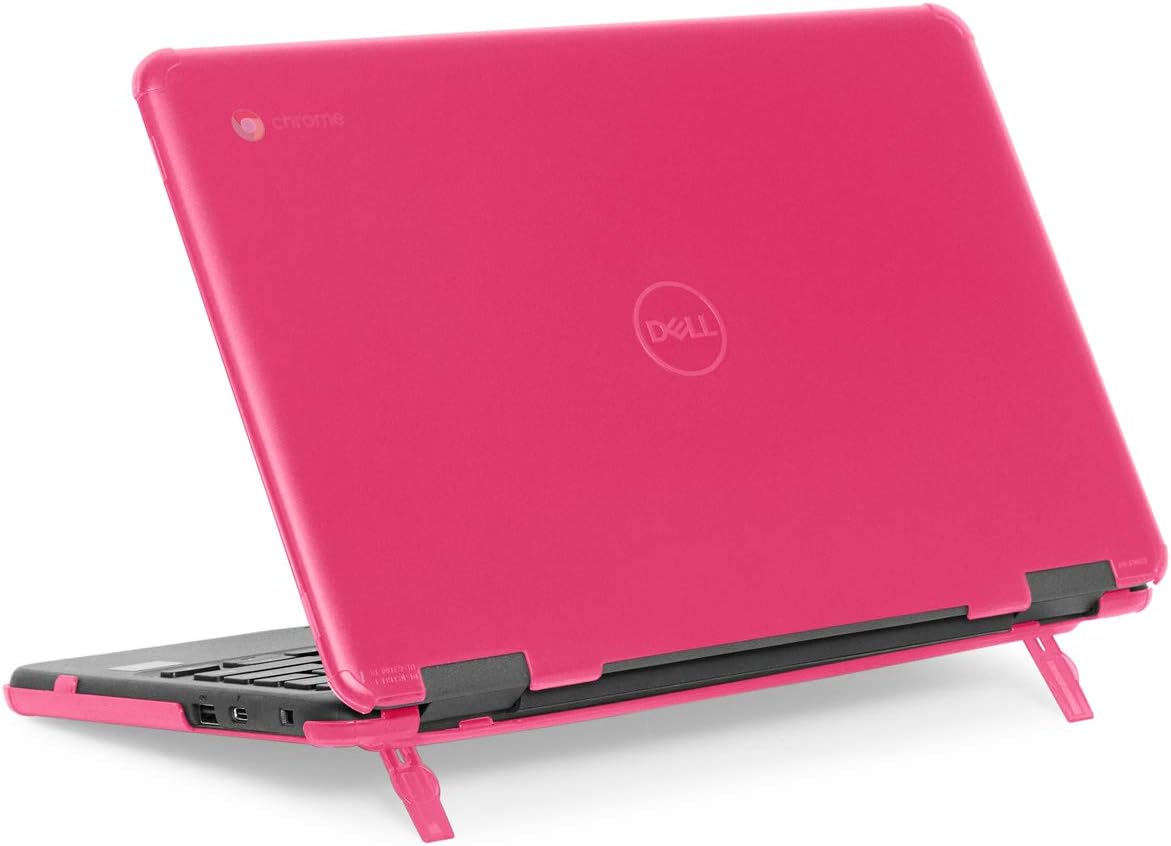 mCover Case Compatible for 2019~2022 11.6" Dell Chromebook 3100/3110 Education Clamshell (180 ° Hinge) Laptop ONLY (NOT Fitting Any Other Dell Models) - Pink$19.99
 RAINYEAR 14 Inch Laptop Sleeve Case Soft Lining Padded Cover, Gray$13.99
 CaseBuy Keyboard Cover for Lenovo Chromebook Flex 3 11", "Lenovo Chromebook C330 11.6", "Chromebook N20 N21 N22 N23 100e 300e 500e 11.6", "Lenovo Chromebook N42 N42-20 14", "Ombre Purple", "Silicone$6.95
 Smatree Hard EVA Protective Case for 14 inch HP Chromebook x360 14ct/14c$39.99