
2026 Underwater Phone Cases for Snorkeling, Waterproof Phone Case for Phone 17/16/15/14/13/12Pro Max for Galaxy S25/S24/S23/S22/S21,Scuba Underwater Photo Video Lake Blue
$32.55
Product Information
ASINB08DFWV3JN
CategoryElectronics
MerchantNewChief
About this item
- 🌊Newly 2026: our underwater phone case for snorkeling fits 4.7-6.9” phones, with the Vent holes design, greatly improving resist pressure and the waterproofness in deep water. Designed with 2.12*3.07 inch widened viewfinder, help to eliminate blind spots + anti-fog coating keeps visuals clear in water, which is a universal diving phone case
- 🌊50ft Deep Dive: professional diving phone case fully meets IP68 waterproof standard, depth up to [50ft/15m], features with the Vent holes to prevent air bubbles and internal pressure, providing leak-proof protection for scuba diving, snorkeling, surfing, and rafting
- 🌊Compatible With Android Phone Models : 4.7-6.9inches The upgraded design is compatible with various models of mobile phones, and can be used normally regardless of whether your phone buttons are on the left or right side ,such as for Galaxy S26 Ultra/ S26 Plus/ S26/S25 Ultra/ S25 Plus/ S25/S24 Ultra/ S24 Plus/ S24/ S23 Ultra/ S23 Plus/ S23/ S22 Ultra/ S22 Plus/ S22/ S21Ultra/ S21 Plus/ S21/ Note A series etc
- 🌊Compatible Phone Models: i-Phone 6/ 6 Plus/ 6s/ 6s Plus/ 7/ 7 Plus/ 8/ 8 Plus/, i-phone X/ Xs/ Xs Max/ XR, i-phone 12/ 12 Pro/ 12 Pro Max, i-phone 13/ 13 Pro/ 13Pro Max, i-phone 14/ 14 Pro/ 14 Pro Max,i-phone 15/ 15 Pro/ 15Pro Max. i-phone 16/ 16 Pro/ 16Pro Max /phoen17 /17Air/17 Pro /17 Pro Max etc.
- 🌊Working Installation Steps: at first, setting phone's volume buttons can take picture, i-phone waterproof case complete the photo/videos by touching the volume button, so just press the external button to snap shots instantly. Follow the underwater phone case's install guide: Activate camera → Align buttons → Secure buckles, include a lanyard help to carry and keep safe
- 🌊Note and Tips: Set phone screen to “Never Auto-Lock” (iPhone: Settings → Display & Brightness → Auto-Lock → Never), avoid the screen being off when diving. But android phone different, set the screen of the interface automatically close to never close. After install the phone and open the camera, the yellow button paddle should be aimed at the sound button of the mobile phone, and test whether the shutter button drives the mobile phone to take pictures, at the last fasten the all clasps
Similar Items
 TUBBZ: Horror Gremlins - Stripe Gremlin Mini Rubber Duck Collectible Toy 2"$8.99
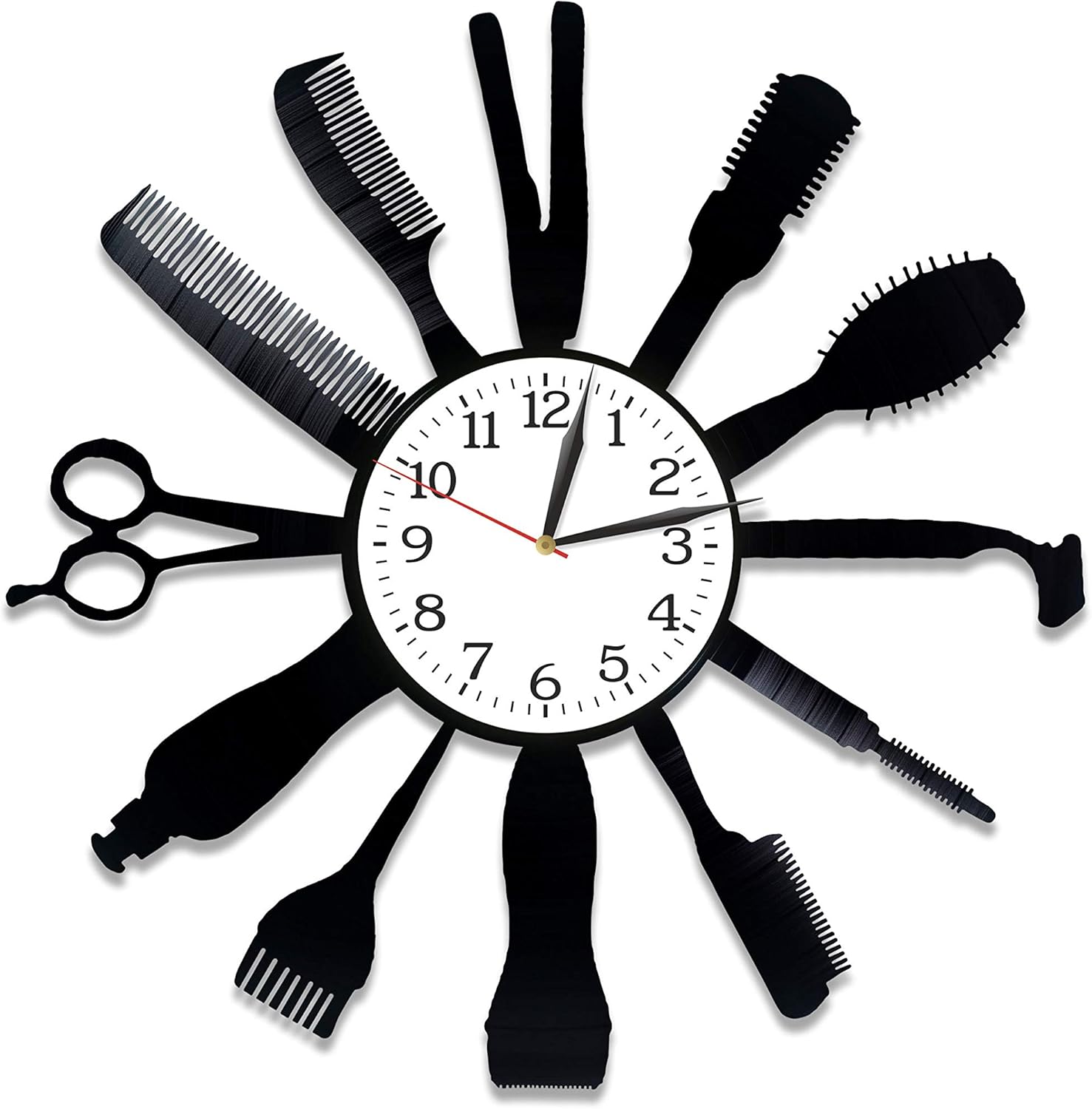 Profession Clock Hairdresser Room Art Lp Vinyl Retro Record Wall Clock Vintage Hairdresser Gift Birthday Gift for Fan Profession Art Xmas Gift Idea for Him Hairdresser Clock$35.00
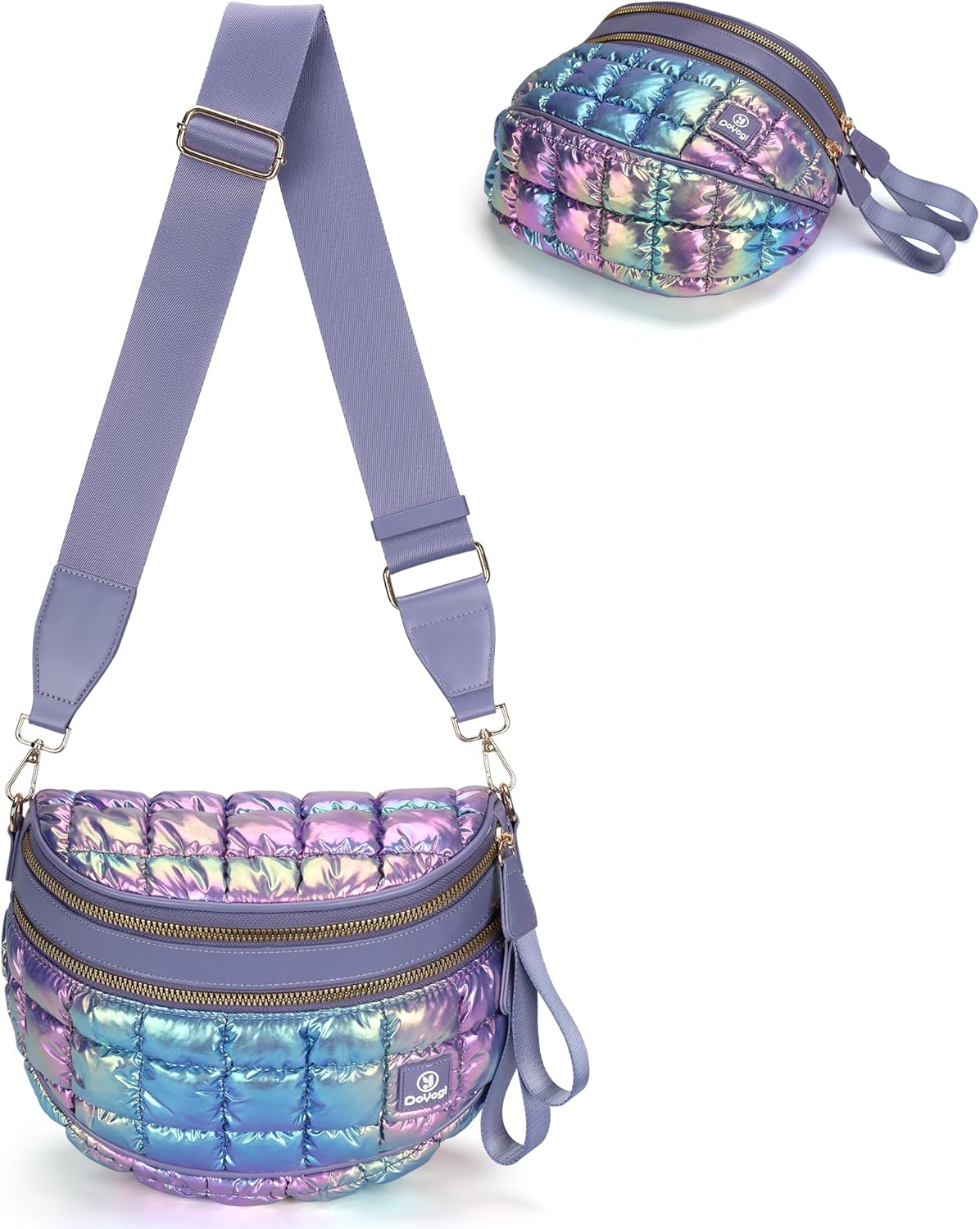 Women's Crossbody Bags, Waist Bags, Spacious Waist Bags, Belt Bags, Shoulder Bags$19.90
 Mexican Marigolds Wall Art Boho Floral Wall Decor Vintage Flower Canvas Prints Folk Botanical Pictures Rustic Cactus Poster Virgen De Guadalupe Painting for Living Room Bedroom 12x16x9 Inch Unframed$25.99
 DieseRC 3pcs Transmitter Keychain 1527 Learning Code 4 Buttons 433Mhz Wireless Remote Control, for Use with DieseRC Receiver$21.57
 for Samsung-Smart-TV-Remote-Replacement, Universal Remote for All Samsung LCD LED QLED Frame Crystal Smart TVs$8.49
 Doorbell Transformer 24V/500mA Adapter with 16.5ft/5m Charging Cable for Video Doorbell,Compatible with Ring/Blink Video Doorbell,Wyze,Google Nest,arlo,Zmodo Smart Greet,eufy Security DoorbellClick to view price
 LUJII Smart Hummingbird Feeder with Camera for Outdoor Hanging, Hand Blown Glass, Solar WiFi Feeder with Live View App, 6 Feeding Ports, Leak-Resistant Design, Ant Moat & Gift Box, 32 fl oz, YellowClick to view price
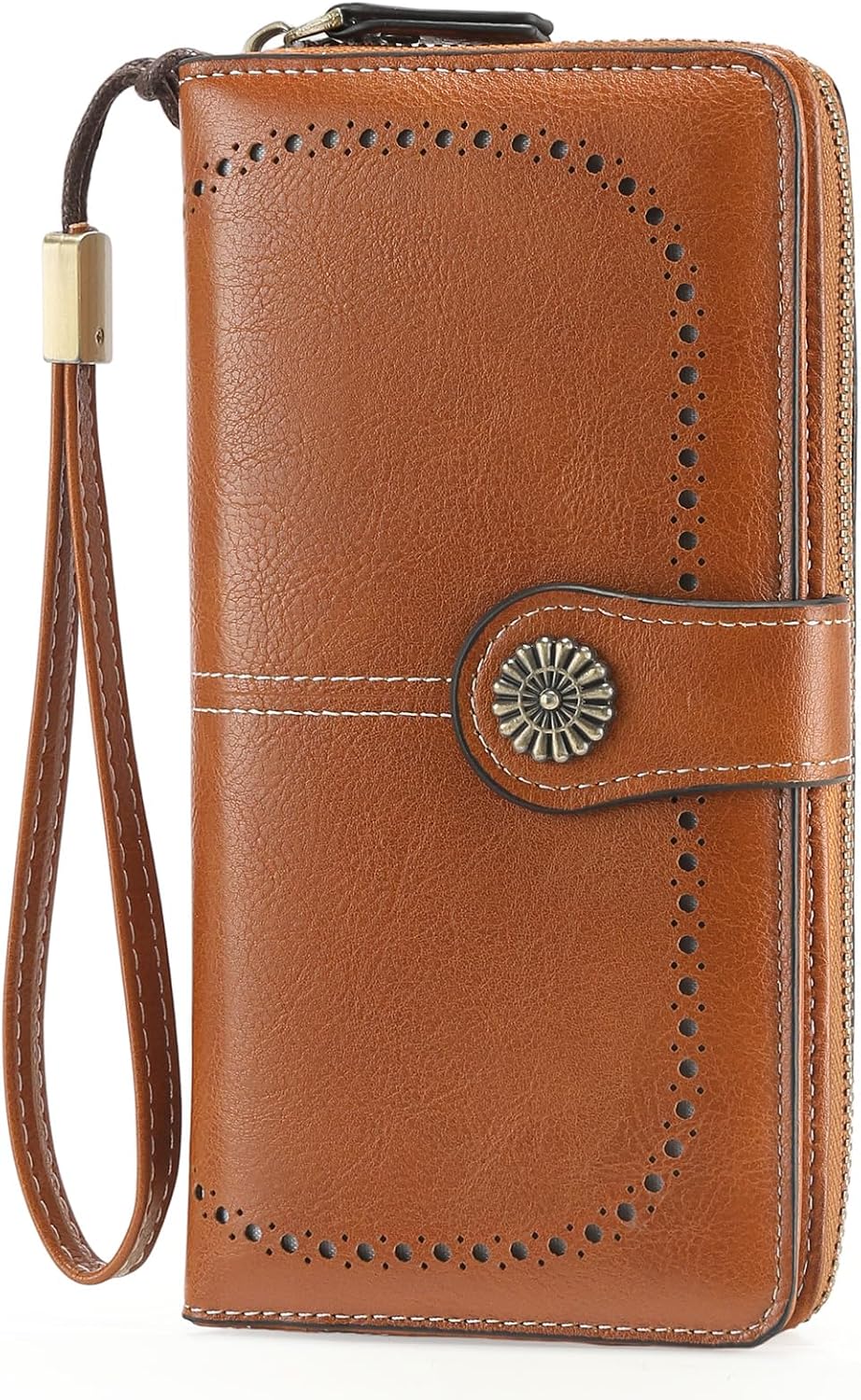 Wristlet Wallets for Women Leather Credit Card Holder Bifold Brown$12.59
 Antenna for TV Without Cable, Digital Antenna with Strong Magnetic Base$7.29