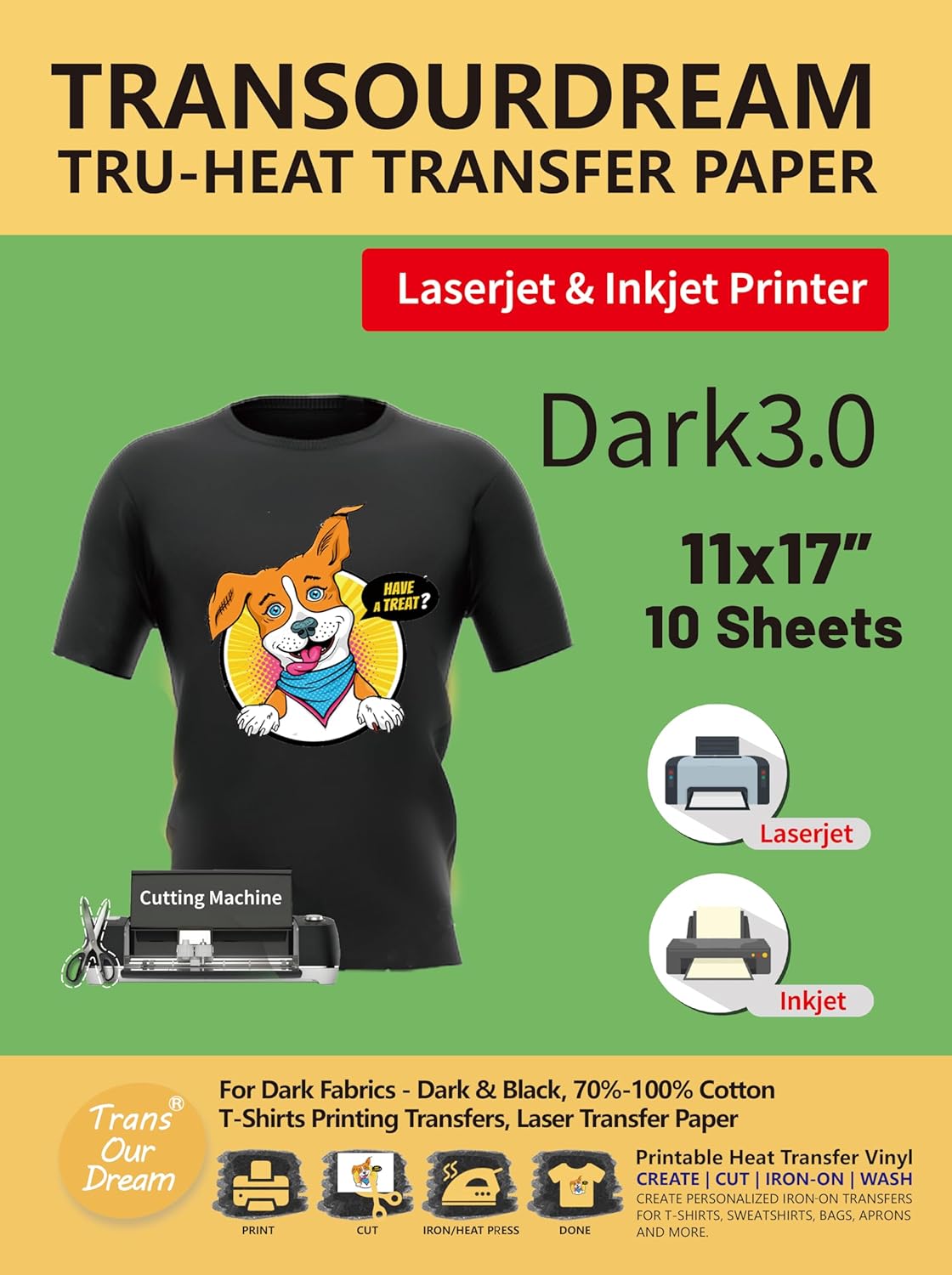
TransOurDream Dark 5.0 Heat Transfer Paper for Dark Fabrics, 25pcs 8.5x11"
Product Information
About this item
- 💕TRENDY EXPLORER: Dark 5.0 iron-on transfer paper vibrant, soft and durable. No peeling, No cracking and No fading after 30 washes. Give full heart to your creativity and imagination, use transfer paper to add some fun to your life with your friends. Just show yourself and start making meaningful handmade! Pack of 25 sheets Dark 5.0 transfer paper and 3 sheets reusable Teflon Paper.
- 💕REQUIREMENTS: Inkjet Printers (such as HP, Brother and other brands)
- Pigment Ink or Dye Ink
- Scissors or Cutting Machine
- Iron or Heat Press machine
- Teflon Paper (included in the pack).
- 💕APPLICATIONS: Transfer text, images, photos and pictures onto Black and Dark colored 100% cotton/poly cotton blend fabrics, such as T shirts, totes, canvas bags, aprons, masks, pillow cases, cushion covers, tablecloths, flags and banners. Make custom DIY gifts to your friends or family on Mother's Day, Father's Day, Birthday, Thanksgiving, Easter, Halloween, Christmas, Valentine's Day or Wedding Day.
- 💕EASY TO USE: [1] Print & Cut out the image. [2] Peel & Place the printed image facing UPWARD onto fabric and cover the image with Teflon Paper. [3] Transfer Image with Iron or Heat Press. [4] Remove the Teflon paper. Transfer has been done! Step-by-step instructions are on the back of cover paper in the pack. Video tutorial is in Videos Section of this page for your reference.
- 💕WHO ARE WE: We are a leading manufacturer with 20 years R&D, production and ODM experience (for many premium global brands) in heat transfer paper, waterslide decal paper and more. TransOurDream is one of our brands which is committed to offer high quality products for both home and professional users. Meanwhile we can help you build your own brand and print your logo on the backing of transfer paper. Any questions please don't hesitate to contact us.
Product Description
Storage Kindly follow the tips below to store the transferred image and unused transfer paper. Keep the image facing outside when fold the garment. Store the garment in a dry and cool place. Keep the unused transfer paper sealed and preserved. Washing Instructions Below are some tips for washing garment after transfer the image. It can help to keep the transferred image vivid and stay longer on your garment. Please read it before washing. Don't wash within 48 hours after transfer. Wash the garment before wearing. Turn the garment inside out when washing. Don't soak to wash. Don't use bleach or alkaline detergent. Full spin cycle, cold water washing. No delicate washing. No tumble dry. Remove garment promptly after washing, colors may bleed if left wet too long. Unfold image, hang to dry naturally. Iron - Transfer Steps Set Iron to High Temperature (like Cotton/Jeans Setting) and TURN OFF steam. Apply FIRM, EVEN and HEAVY pressure and iron each area of the image for 5 seconds. Circularly press and iron the image. Full Sheet, 3~5 minutes. 1/2 Sheet, 1.5-2 minutes. 1/4 Sheet, 40-60 seconds. Ensure that all areas of the image is ironed, especially the corners and edges. NOTES: Apply ENOUGH pressure on the transfer as more pressure will help transfer all of the print onto the fabric. INSUFFICIENT PRESSURE and IRONING TIME would achieve poor transfer result - the transferred image may peel off. Easy Press - Transfer Steps Heat press the whole image slowly from one side to the other side. Apply HEAVY pressure on each half of the image for 10 seconds, circularly iron the whole image 4 times. Full Sheet, 170℃ (338℉), 70-90 Seconds. 1/2 Sheet, 170℃ (338℉), 45-65 Seconds. 1/4 Sheet, 170℃ (338℉), 20-30 Seconds. Iron each corner for 15-20 seconds. If the corner peels off, cover teflon paper and heat press it for another 15-20 seconds. NOTES : The temperature and time may vary based on different kinds of easy press. Suggest you do a test before transfer onto t-shirts. Heat Press Machine - Transfer Steps Set Temperature to 170℃ (338°F). Set Time to 10 seconds. Apply MEDIUM pressure. Step 1: PRINT Print your design on the BLANK Side of transfer paper. Before Printing: Set Paper Type to Plain Paper or Photo Paper . Set Printing Quality to Photo or High Quality Photo . No MIRROR Printing . NOTES : Compatible with pigment ink, dye ink and ALL brands of Inkjet printers (HP, Cannon, Brothers and more). Step 2: CUT & PEEL Cut out your design with scissors or cutting machine, such as Cricut, Silhouette and more. Peel your design from the backing LOGO paper. NOTES : Transfer Paper is composed of two layers - the BLANK film and the backing LOGO paper. Step 3: PLACE REMOVE CREASES : Place your t-shirt on a SOLID surface (Don’t use ironing board as it’s too soft) and use your ironing tool to smooth out creases on shirt. Place your design facing UPWARD onto appropriate position of T-shirt. Cover it with Teflon Paper (included in the pack). NOTES : The teflon paper both sides can be used. No wrong side. Step 4: TRANSFER Please refer to the specific operations for your ironing tool accordingly in the above figure. IRON - Please see IRON - TRANSFER STEPS. EASY PRESS - Please see EASY PRESS - TRANSFER STEPS. HEAT PRESS MACHINE - Please see HEAT PRESS - TRANSFER STEPS. Step 5: REMOVE TEFLON PAPER After ironing done, peel off Teflon paper. Step 6: DONE Congratulations! Your DIY image transfer has been done. Enjoy! NOTES: Kindly read the Washing and Storage Instructions on this page to keep your image bright and vivid after washing. Inkjet Heat Transfer Paper Light 1.0 (Mirror Printing) Inkjet Heat Transfer Paper Light 2.0 (No Mirror Printing) LaserJet Waterslide Decal Paper 1.0 Inkjet Glitter Iron-on Transfer Paper Inkjet Glow-in-the-Dark Heat Transfer Paper Green Inkjet WaterSlide Decal Paper Clear 1.0 Add to Cart Add to Cart Buying Options Add to Cart Add to Cart Buying Options Customer Reviews 4.1 out of 5 stars 3,120 4.5 out of 5 stars 5,333 4.0 out of 5 stars 225 4.3 out of 5 stars 409 4.4 out of 5 stars 568 4.3 out of 5 stars 409 Price $9.99 $ 9 . 99 $14.97 $ 14 . 97 — no data $18.99 $ 18 . 99 $18.99 $ 18 . 99 — no data Package Quantity 20 Sheets 20 Sheets 22 Sheets 20 Sheets 12 Sheets 22 Sheets Applicable Printer Inkjet Printer Inkjet Printer LaserJet Printer Inkjet Printer Inkjet Printer Inkjet Printer Paper Size 8.5"×11" 8.5"×11" A4 Size 8.5"×11" 8.5"×11" A4 Size Application Materials White T-shirts, Pillow Cases, Aprons and all other iron-able fabrics White T-shirts, Pillow Cases, Aprons and all other iron-able fabrics Tumblers, Mugs, Cups, Nails, Candles Light or Dark T-Shirts, Pillow Cases, Aprons and all other iron-able fabrics Light or Dark T-Shirts, Pillow Cases, Aprons and all other iron-able fabrics Tumblers, Mugs, Cups, Nails, Candles Application Scenario Family Photo DIY, Valentine's Day, Father's Day, Mother's Day, Children's Day,Christmas, Halloween, Birthday Family Photo DIY, Valentine's Day, Father's Day, Mother's Day, Children's Day,Christmas, Halloween, Birthday DIY Couple Cups, Tumblers, Candles, Nail Arts Family Photo DIY, Valentine's Day, Father's Day, Mother's Day, Children's Day,Christmas, Halloween, Birthday Family Photo DIY, Valentine's Day, Father's Day, Mother's Day, Children's Day,Christmas, Halloween, Birthday DIY Couple Cups, Tumblers, Candles, Nail Arts Tool Using Home iron, Easy Press or Heat press machine Home iron , Easy Pressor Heat press machine Water Home iron , Easy Pressor Heat press machine Home iron , Easy Pressor Heat press machine Water