
Seniors Guide to 2022 Kindle Fire 7 12th Generation (Large Print Edition): The Complete Manual with pictorial illustration of the new 2022 12th ... Fire 7 e-Reader with tips and hidden features
Product Information
Product Description
The Kindle Fire 7 tablet (12th generation) is the latest of Amazon devices and it comes with a 30 percent faster quad-core CPU for more responsive movie playing and interaction, as well as 2GB of RAM. Furthermore, it has a battery life of up to 10 hours or 40 percent. The 2022 model uses a USB-C port as opposed to a small USB port in previous models.The new Amazon Fire 7 tablet can be purchased in three different colors. Additionally, the Amazon Fire tablet runs on Android and it allows users to browse the web, read books, watch movies, and so much more. The tablet's CPU is a 2GHz quad-core unit. It also comes with a USB-C connector, a MicroSD card slot, and a 2-megapixel back and front camera for shooting images, selfies, and video recording.In this guide, you will learn everything about the Kindle Fire 7 (12th generation) including, setting up your lock screen, finding your lost tablet, backing up your Kindle Fire, factory resetting your tablet, changing screen brightness, troubleshooting issues, solutions and so much more.Here are some of the things you stand to learn from this guide:Setting up a Lock Screen PINTurning Off Lock Screen NotificationsChange the Background on Fire TabletHow to Find your Lost Fire TabletBackup Your Kindle FireHow to Use Gmail on Fire TabletTurn On or Off Google Contacts and Calendar SyncHow to Make an Alexa CallPairing Your Bluetooth Speakers with Fire TabletUnpair Bluetooth DevicePersonalize Reading with Blue ShadeCapture a Screenshot on Fire TabletLocate Screenshots Taken on Fire TabletShare ScreenshotsChange Alexa’s Wake WordInstalling the Google Play Store on Fire TabletInstall Apps on your Fire TabletRemove Ads on your Fire TabletHow to Lend a Kindle BookHow to Return a Loaned Kindle BookDownload a Borrowed Kindle BookFamily LibraryShare Content with Family LibraryShare Individual Content with Family LibrarySync the Kindle App across Your DevicesRemove Books from Kindle AppHow to Buy BooksFind Which Kindle Books Have Been ReadSet Up Calling in Amazon KidsHow to Cancel Kindle UnlimitedTroubleshootingFreezingTablet Not ChargingAudio ProblemsPrime Video ProblemsWi-Fi ProblemsStuck on Logo Screen******And Lots More************Click the BUY NOW button to get started.
Similar Items
 MoKo Case for 6" Kindle Basic 11th Generation (2024/2022), Midnight Greenkr 199.99
 Fintie Detachable Case for Kindle Paperwhite 12th Gen 2024/Kindle Colorsoftkr 247.35
 Kindle Scribe Case 2024/2022 PU-läderfodral med Auto Sleep/Wake & Pennhållare för 10,2 Tums E-läsare (Svart)kr 220.59
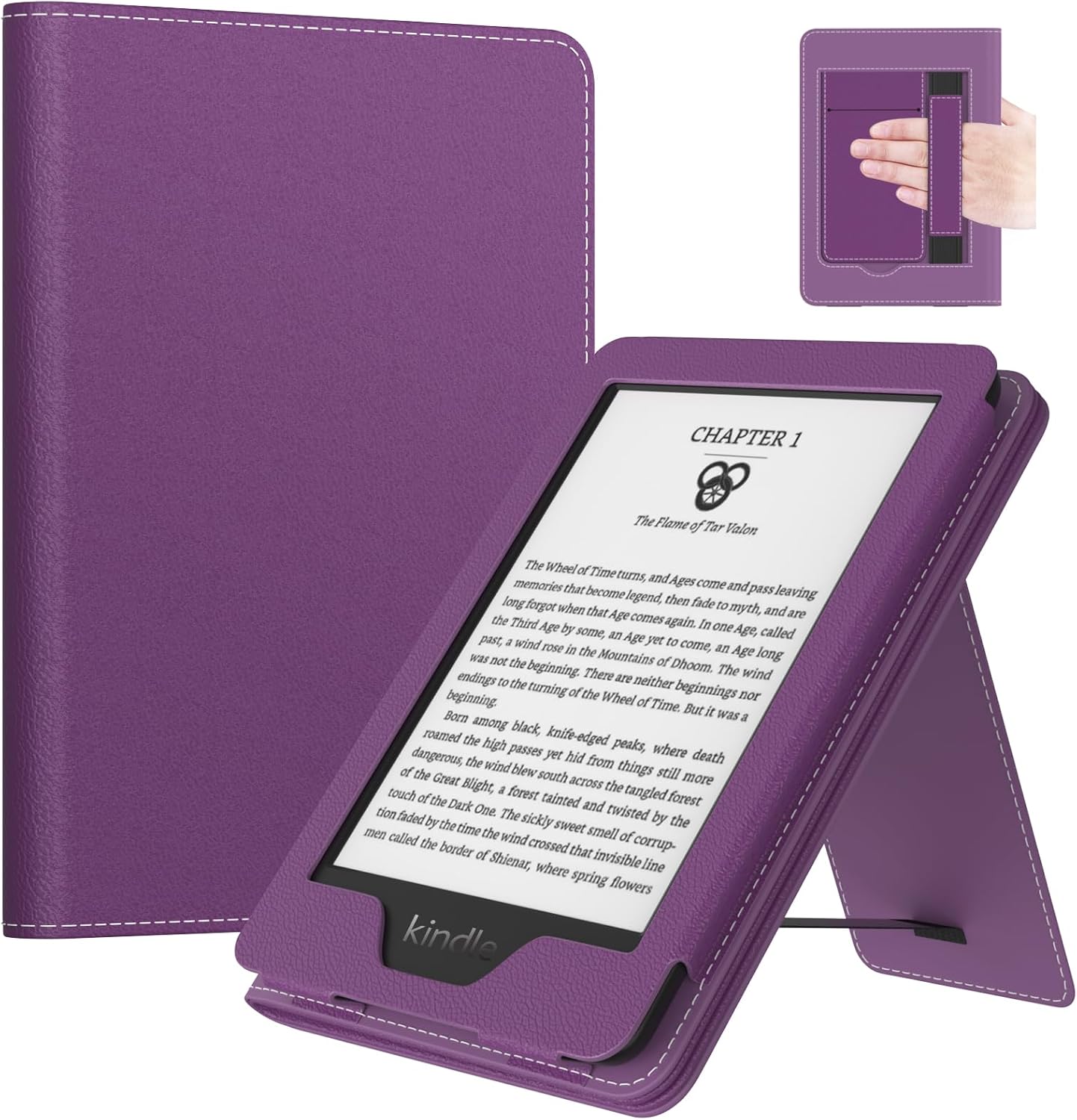 MoKo Case for 6" E-Reader(11th Generation,2024/2022), Lychee Deep Purplekr 239.99
 MoKo Case for 6" Kindle (11th Gen-2024/2022) with Hand Strap, Glitter/Pinkkr 389.05
 MoKo Case for 6" Kindle (11th Generation-2024/2022), Apricot Blossomkr 139.99
 DMLuna Case for 6" All-New Kindle (11th Generation, 2024/2022 Release), Lightweight Premium PU Leather Cover with Auto Sleep Wake Function for Kindle 2024/2022 11th Gen eReader, Navy Bluekr 211.09
 MoKo Case for 6" E-Reader (11th Generation-2024/2022), Dark Green Leopard$19.99
 HOLACAkr 201.85
 MoKo Case for All-new 7" Kindle Paperwhite 2024 12th Gen&Kindle Colorsoft Signature Edition 2024,Ultra Clear Soft Flexible Glitter TPU Back Cover Light Shell with Auto Wake/Sleep, Magnolia | Clear Kindle Case for Kindle Colorsoft 2024/2025, Flexible Clear Soft TPU Back Cover, Light Shell with Auto Wake/Sleepkr 199.99