
PCIe 3.0 Riser Cable 100mm – 90 Degree Right Angle PCI-E x16 GPU Extension Cable, High Speed Flexible Graphics Card Extender for Vertical Mount Gaming PC Case
$16.99
Product Information
ASINB0BNBVK9CW
CategoryComputers & Accessories
AvailabilityIn Stock
Merchantlilila-ree (US)
About this item
- 🔹 FULL-SPEED PCIE 3.0 X16 PERFORMANCE – This riser cable delivers full PCIe 3.0 x16 bandwidth (up to 8Gbps per lane) to your graphics card. Backward compatible with PCIe 2.0 and PCIe 1.0. No performance sacrifice – your GPU runs at full speed.
- 🔹 90° RIGHT ANGLE CONNECTOR – SPACE-SAVING DESIGN – Features a 90-degree right angle connector optimized for clean cable management in compact PC cases, SFF builds, and vertical GPU mounting setups. The angled design reduces strain on the PCIe slot and allows for flexible routing in tight spaces.
- 🔹 FLEXIBLE & DURABLE CONSTRUCTION – Advanced flexible TPE cable sleeves offer maximum flexibility and durability for easy cable management. EMI-shielded design reduces electromagnetic interference and provides excellent transmission efficiency with minimal signal attenuation. Gold-plated contacts and high-quality solder points ensure the best conductivity and long-lasting reliability.
- 🔹 PLUG-AND-PLAY – EASY INSTALLATION – Simply connect the riser cable to your motherboard‘s PCIe x16 slot and plug your graphics card into the other end. No drivers or software required. The 100mm (3.94 inches) length provides the perfect balance – enough reach for vertical mounting without excess cable clutter.
- 🔹 WIDE COMPATIBILITY – Compatible with all PCIe 3.0 x16 graphics cards and motherboards. Works with major GPU brands including NVIDIA GeForce RTX/GTX series and AMD Radeon RX series. Supports PCIe 3.0/2.0/1.0 applications. Ideal for gamers, PC builders, and mining rigs.
- 🔹 ⚠️ IMPORTANT – PCIE 4.0/5.0 COMPATIBILITY NOTE – This cable is PCIe 3.0 and does not support PCIe 4.0/5.0 mode of operation. If you need to use it with a PCIe 4.0 or 5.0 device, please set your BIOS to PCIe Gen3 mode before connecting the extension cable. For full PCIe 4.0 or 5.0 support, purchase the corresponding GEN4 or GEN5 riser cable.
Similar Items
 Linsoul Tripowin Zonie IEM Cable, 16 Core Silver Plated Earphone Upgraded Cords, 1.25m SPC in Ear Monitor Cable for KZ ZS10 PRO 2 AS10 PRO Tangzu Wan’er SIMGOT EM6L(Recessed 2pin, 4.4mm)(Moss)$19.99
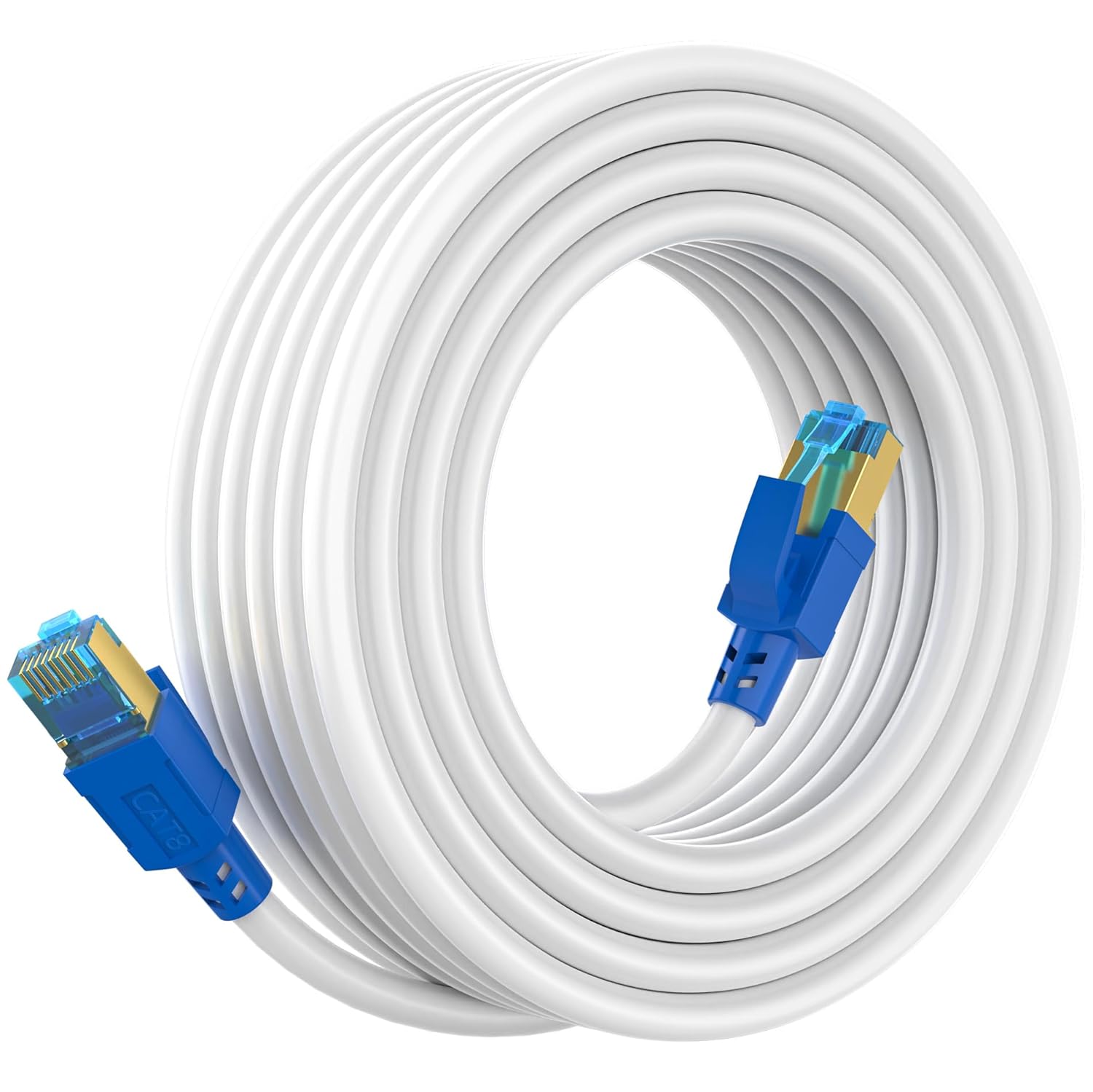 AOPOCKAN TECH Cat 8 Ethernet Cable 35 ft, Shielded RJ45 Network LAN Cable$35.99
 Linsoul ZiiGaat x Hangout. Audio: Odyssey 2 in Ear Monitor, 1DD + 3BA Hybrid IEM, HiFi Wired Earbuds Tripowin Zonie IEM Cable, 2m Long Earbud CordView price
 Linsoul Tripowin Zonie IEM Cable, 2m Long Earbud Cord, 16 Core Silver Plated Earphone Cable(2Pin) + LC02 in Ear Monitor CaseView price
 Linsoul Tripowin Zonie IEM Cable (2pin 0.78mm, 3.5mm)(Moss) + LC02 in Ear Monitor CaseView price
 total wireless TCL 50 XE 5G Locked Prepaid Smartphone, 128GB, Blue - Includes $40 Unlimited Talk, Text, & Data 30-Day Plan Upon Activation$109.99
 Tangxi MMCX Replacement Headphone Cable, TPE Headphone Extension Cable with 3.5mm Plug for se215 se425 se535 se846 ue900(Black Without mic)$12.76
 GEARit 50 ft Outdoor Extension Cord 16/3 Gauge SJTW 16 AWG, 3-Prong Light Duty Power Cable with 360° Rotating Plug, Lighted End, 13A 125V 1625W, Waterproof Cord for Lawn & Garden, Black$36.69