Product Code: B0CGCJXSLX
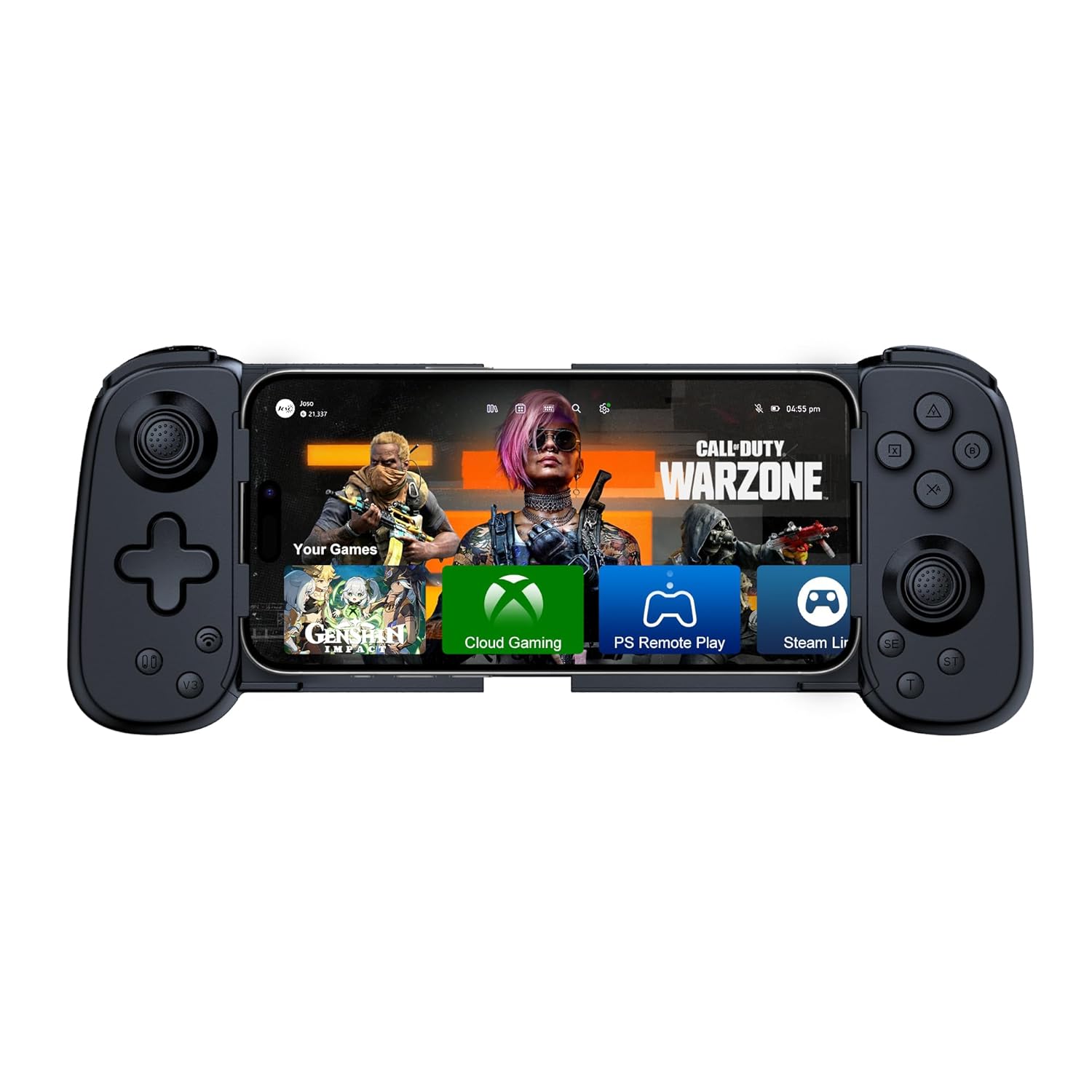
Joso Mobile Gaming Controller for iPhone & Android - Wireless Gamepad with Hall Joysticks, Turbo, Ergonomic Grip, Case Friendly for Gamers Present, Black
$29.99
Product Information
Seller
Joso Direct Tech
About this item
- Multi-Functional Controller for Gaming: This versatile mobile gaming controller is designed for universal compatibility; Compatible with iPhone (all models), Android and Switch 1; The telescopic controller adjustable telescopic arm (5 in - 7 in) securely holds most smartphones from iPhone 12 to 17 and Android devices like the Galaxy S21-S25 series—no need to remove phone cases
- Play Most Controller-Supported & Cloud Games: This iPhone game controller offers seamless play popular titles like Fortnite, COD, and Genshin Impact; Stream experiences from major cloud services—including Xb*x Game Pass, Xbo* & PS Remote Play, Steam Link, and GeForce NOW—all from the palm of your hand; For native games, just bluetooth connect and play; Some titles may require enabling "Controller Mode" in the in-game settings for the best experience
- Turbo Function & Dual Vibration Motors: The game controller with a dedicated Turbo key, activate rapid-fire with the dedicated TURBO button to execute rapid moves with one press – Ideal for competitive gaming where split-second combos matter; Dual vibration motors with adjustable intensity (T button + Right Stick ↑/↓), with 6-axis gyro and Turbo button add immersive feedback and fast-fire action
- Ergonomic Grip Design: The handle is ergonomically shaped, the textured grip provides a secure for anti-slip and enhanced grip, effectively reducing fatigue during long gaming sessions; Whether for personal use or as a gift, it delivers a more comfortable and healthier gaming experience
- Easy Setup & Troubleshooting Tips: Get started quickly: Power on the controller via hold 'Bluetooth' key for 5 sec (for different modes), pair the controller via Bluetooth, and you're ready to play; Most connection issues can be resolved by refreshing the Bluetooth visibility: simply remove the controller from your device's Bluetooth list, power cycle the controller, and reconnect; For persistent issues, a quick reset using the 'RESET' pinhole often resolves them


