
Bawanfa Memory Stick Pro Duo Adapter, 5-in-1 Reader SD/TF/CF/MS/XD Aluminum
$19.99
Product Information
ASINB0CXDLLDXX
CategoryElectronics
AvailabilityIn Stock
MerchantPubioh-US
About this item
- 【𝐇𝐨𝐰 𝐭𝐨 𝐬𝐚𝐯𝐞 𝐝𝐚𝐭𝐚 𝐟𝐫𝐨𝐦 𝐦𝐞𝐦𝐨𝐫𝐲 𝐜𝐚𝐫𝐝 𝐭𝐨 𝐢𝐏𝐡𝐨𝐧𝐞?】1. Insert the memory card into the card reader. 2. Then insert the reader into the iPhone. 3. Find the "Files" APP, Click"Untitled". 4. Selsct the photo or video you want to import into your iPhhone. 5. Select "Save Items" to complete the ooperation
- 【𝟑-𝐢𝐧-𝟏 𝐈𝐧𝐭𝐞𝐫𝐟𝐚𝐜𝐞 𝐋𝐢𝐠𝐡𝐭𝐧𝐢𝐧𝐠/𝐔𝐒𝐁-𝐂/𝐔𝐒𝐁-𝐀】 Plug this card reader into any device via Lightning, USB-C, or USB-A. Works with iPhone 15/16/17, iPhone 14-11, iPad, Android phones, Mac, laptop, and PC. No need to carry multiple card readers for different devices. Plug and play
- 【𝟓-𝐢𝐧-𝟏 𝐂𝐚𝐫𝐝 𝐒𝐥𝐨𝐭】 This Memory Stick Pro Duo adapter reads SD, microSD, Memory Stick, CF (CompactFlash Type I), and xD-Picture cards — including SDHC/SDXC, microSDHC/SDXC, and Memory Stick PRO/Duo/HG. One reader handles all your camera and phone memory cards. No need to switch readers. 𝐍𝐨𝐭𝐞: 𝐑𝐞𝐚𝐝𝐬 𝐨𝐧𝐞 𝐜𝐚𝐫𝐝 𝐚𝐭 𝐚 𝐭𝐢𝐦𝐞
- 【𝐔𝐧𝐢𝐯𝐞𝐫𝐬𝐚𝐥 𝐂𝐨𝐦𝐩𝐚𝐭𝐢𝐛𝐢𝐥𝐢𝐭𝐲】 This universal sd card reader for iPhone (Lightning/USB-C), Android/MacBook/Surface (USB-C), and PC (USB-A). Compatible with iOS, Android, Windows, and macOS. Note: Android devices require FAT32-formatted cards (see below)
- 【𝟒𝟖𝟎𝐌𝐛𝐩𝐬 𝐇𝐢𝐠𝐡-𝐒𝐩𝐞𝐞𝐝 𝐓𝐫𝐚𝐧𝐬𝐟𝐞𝐫】 This Memory Stick Pro Duo reader transfer photos and videos from your camera card to your phone or laptop at speeds up to 60MB/s. High-resolution photos transfer in seconds; a 4GB video takes about 1 - 2 minute. No more waiting — spend less time transferring, more time creating
- 【𝐓𝐫𝐮𝐞 𝐏𝐥𝐮𝐠-𝐚𝐧𝐝-𝐏𝐥𝐚𝐲】 Insert your card, connect to any device, and start transferring in seconds. No drivers or apps required
- 𝐍𝐨𝐭𝐞: For Android OTG, insert the memory card first, then connect the reader to your phone. Reconnect if you swap cards. iPhones work without this step
Similar Items
 for Lenovo Tab M9 Case 2023 / Nook 9" 2024 Release 9.0 inch Tablet (TB-310FU) Kickstand Heavyduty Armor Defender Cover (Blue)$8.99
 Samsung Galaxy Tab S10+ Book Cover Keyboard Slim AI Key - AI Key for Galaxy Tab S10+ | S10+ 5G | S9+ | S9+ 5G | S9 FE+ | S9 FE+ 5G, Slim and Lightweight Design, US Version, BlackView price
 I25 Ultra Unlocked Cell Phone, 12+512GB Unlocked Phone 7000mAh Long Battery Life Smartphone,Built in Pen,6.8" HD Screen,5G/Dual SIM/Fingerprint Unlock/Face ID (Orange)$159.99
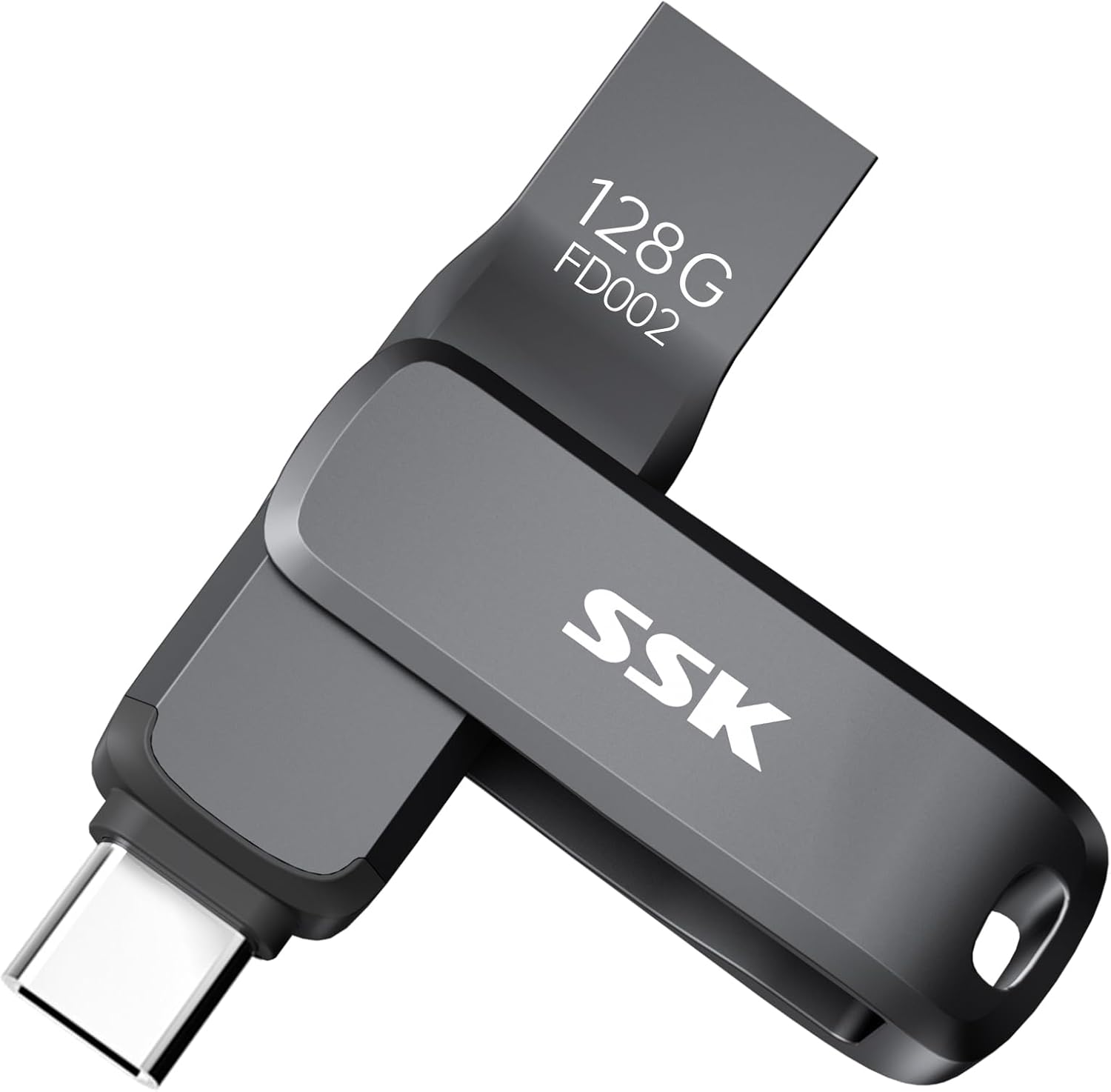 SSK USB 3.2 Flash Drive 128GB up to 240MB/s Dual USB A+C Memory Thumb Stick$29.99
 Fintie Slim Case for Onn 8.1" Core Tablet (2026 Model) - Black$12.99
 MOSDART 16GB USB C & USB A 2.0 Dual Flash Drive, 5-Pack, Multicolored$32.99
 Outdoor Permanent LED Roof Lights, 50FT RGB Smart Lights$31.99
 TW SHINE Smart Color Changing Christmas Lights Outdoor, 328FT 1000 LED RGB Halloween String Lights with Remote & App Control & Timer Waterproof for Indoor Holiday Xmas Tree Wedding Decorations$85.49