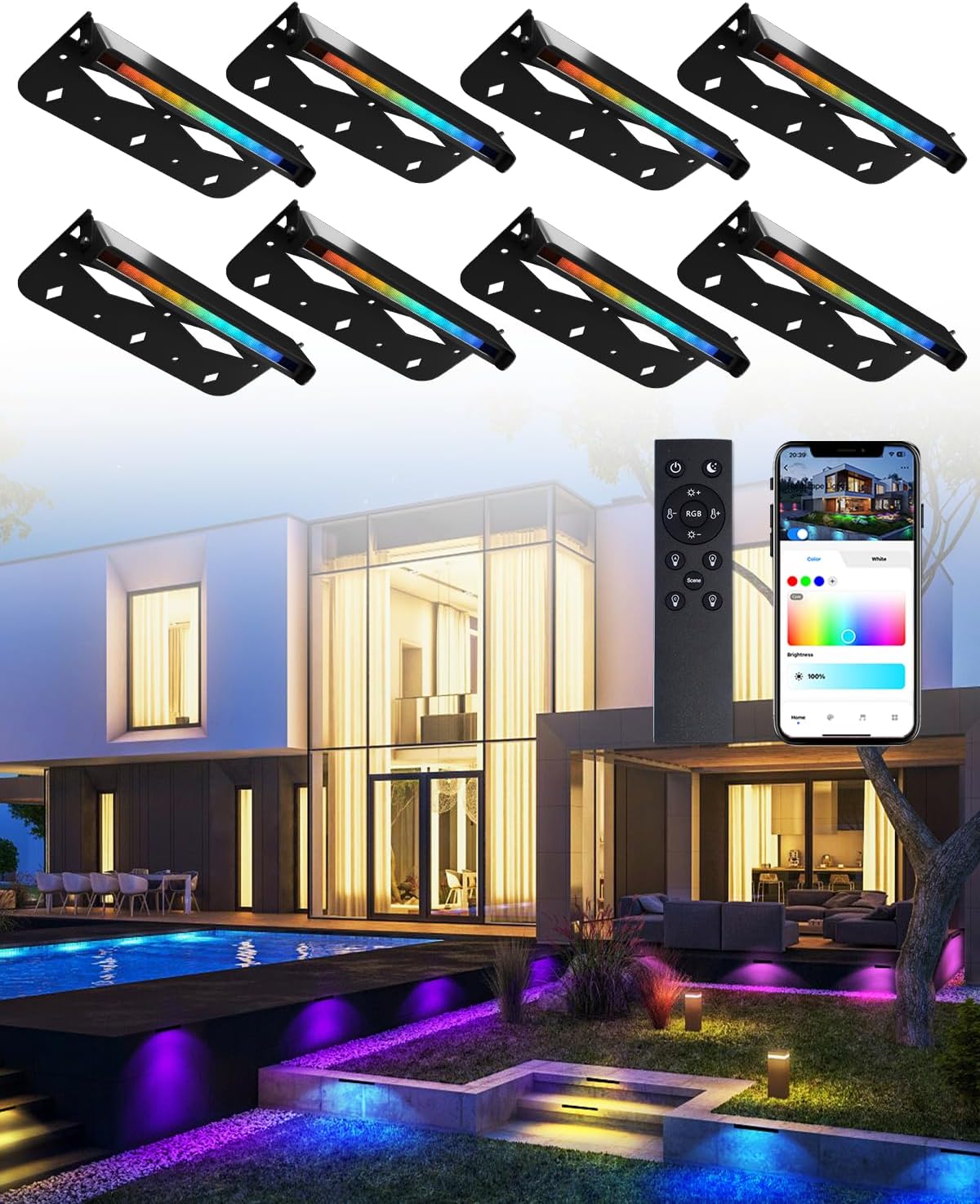
Teekuv 7 Inch RGBCW LED Hardscape Lighting, 5W, APP/Remote Control, 8 Pack
$149.99
Product Information
ASINB0CZNXJTL2
CategoryElectronics
About this item
- Multiple Control Methods: Smart LED retaining wall light can be used with APP and remote control. The low voltage landscape light has 16 million colors and 8 scenes modes. You can adjust the color, brightness stepless adjustment and 2700K-6500K color temperature to suit your needs for different scenes
- Efficient Lighting: Teekuv RGB hardscape lights are able to provide 300 lumen output with 5 watts (equivalent 30W halogen light) of energy, The 45⁰ beam angle eliminates glare, while the CRI of 90 displays the true color of objects
- Group Control & Sync to Music & Schedule: You can control the landscape lights individually or set them in groups to control multiple lights at the same time. The paver light has an intelligent music mode, and the color of the light will change with the rhythm of the music and the frequency of the sound. The retaining wall light can be set to turn on/off or to turn on the preset mode at a specific time through APP
- Easy to Install: The landscape wall lights is powered by 12V AC/DC voltage and requires a low-voltage transformer (not included) for installation. Each of hardscape lighting comes with a 10-foot wire for easy installation and use, allowing you to enjoy the multifunctional step light easily
- IP65 Waterproof and Dust-proof: The working temperature range of this deck light is -4℉-122℉. The IP65 waterproof design can withstand rainy, hot and snowy weather, greatly improving the stability of outdoor lighting and long-term use
- How to Pair Remote: Pair the hardscape lights with the remote control before using them. Please try to press the group button "A/B/C/D" (One of them is ok) for 5s within 3-10s after the lamp is powered on. After the light flashes,the pairing is successful.If it is not work, please power it off and try itagain
- How to Link APP: Use the remote control to make lights into breathing/flashing mode, keep long pressing "Brightness +"and Group "A/B/C/D" (the group you previously used to do pairing) until them flashing slowly. Convenient for quick connection between mobile app and lights. Then turn on Bluetooth and use the APP to add the step light device
Similar Items
 Permanent Outdoor Lights 200FT 120LEDs, RGBWC+IC Smart LED Strip with 50+ Scene Modes, IP68 Waterproof, App & Remote Control for Christmas, Holiday, Roof, and Pool Party Decor$119.99
 Permanent Outdoor Lights 100FT 60LEDs, RGBWC+IC Smart LED Strip with 50+ Scene Modes, IP68 Waterproof, App & Remote Control for Christmas, Holiday, Roof, and Pool Party Decor$79.99
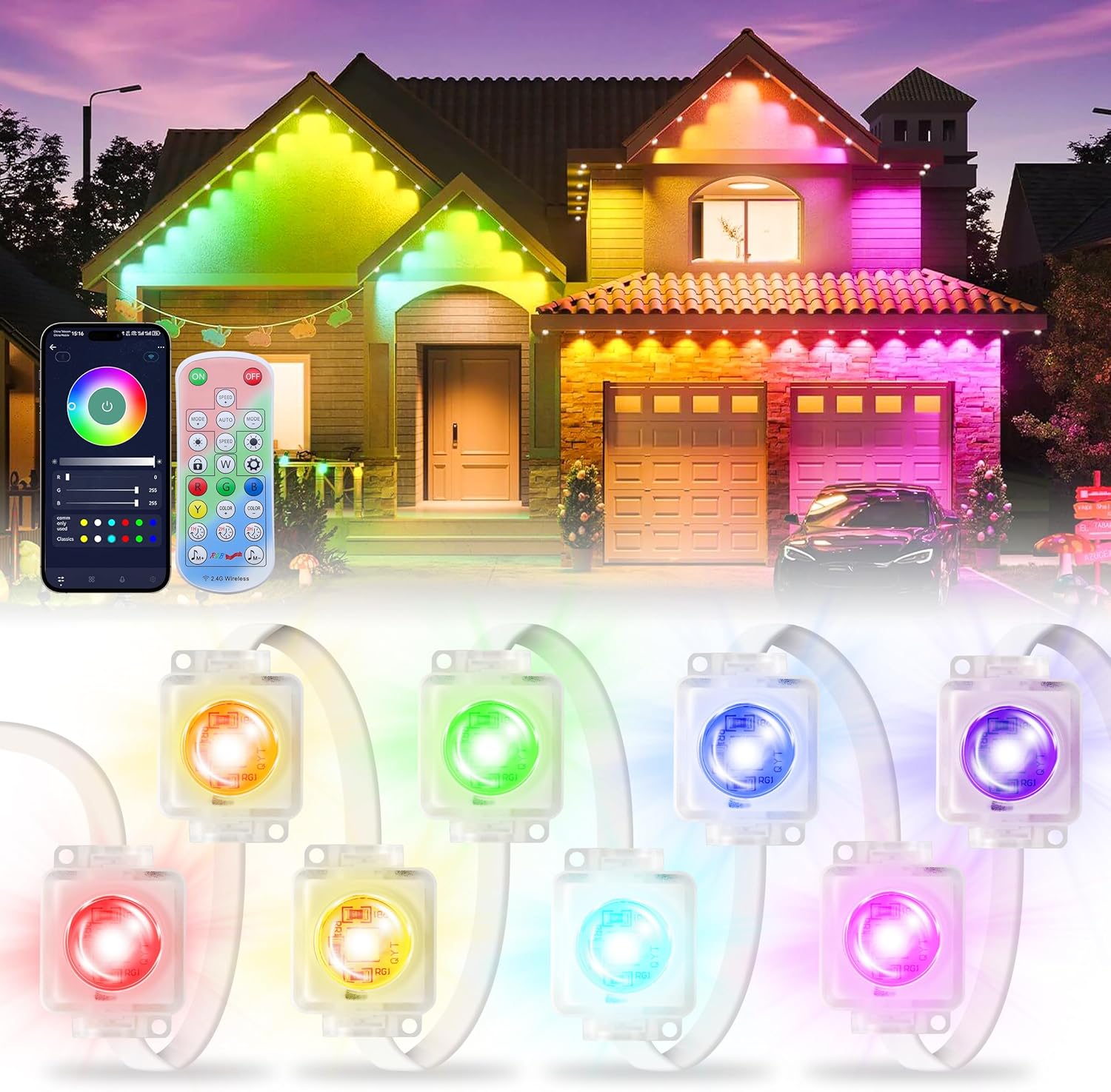 Permanent Outdoor Lights for House, 120FT with 72 LED Smart RGB Christmas Outdoor Lights with App/Remote Control, Waterproof IP67 Eaves Light DIY Scene Mode for Holiday Garden Decor$69.99
 Wolfs Folding Cell Phone Stand, Portable Phone Holder | Anti-Slip Smartphone Stand for Desk, Adjustable Angle and Height, Lightweight Desktop Mount for Home, Smartphone Holder black$13.70
 Single Black Outdoor Speaker Cover for Sonos Play:1 / One/One SL – 600D Waterproof Dust & UV Protection – Fits Wall-Mounted Speakers – by SoundCover$14.95
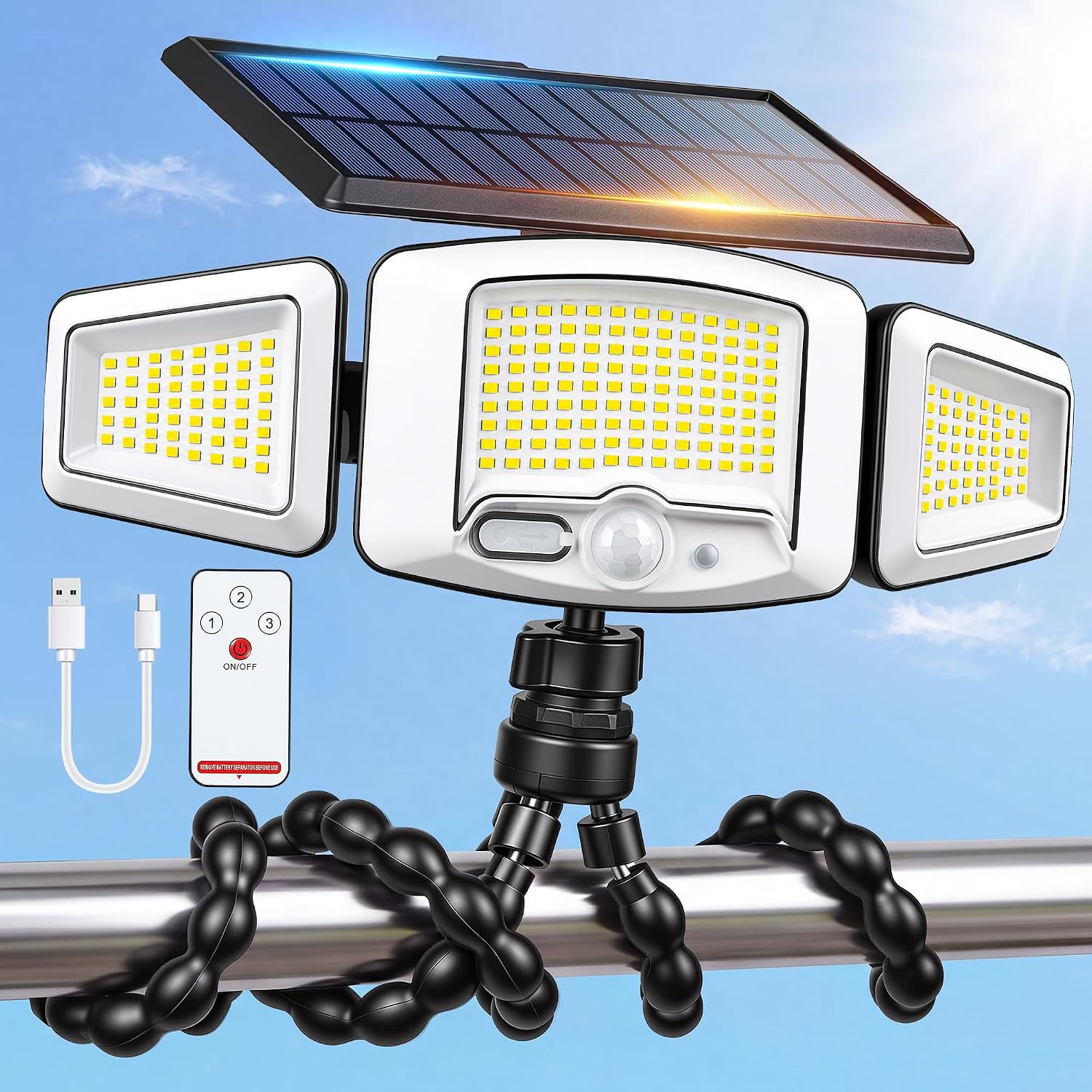 Solar Motion Sensor Flood Lights ,231LED,Octopus Tripod,Remote Control$23.98
 Polar Bear Ice Folding Cell Phone Stand, Portable Phone Holder$13.70
 Shark Mouth Folding Cell Phone Stand, Portable Phone Holder$13.70
 Flowers And Butterfly Folding Cell Phone Stand, Portable Phone Holder | Anti-Slip Smartphone Stand for Desk, Adjustable Angle and Height, Lightweight Desktop Mount for Home, Smartphone Holder black$13.70
 kwmobile Indoor 65" TV Cover – Television Dust Cover Screen Protector – TV Screen Dust Protection – Synthetic Fabric Beige$26.19