Product Information
Seller
PeachFairy
About this item
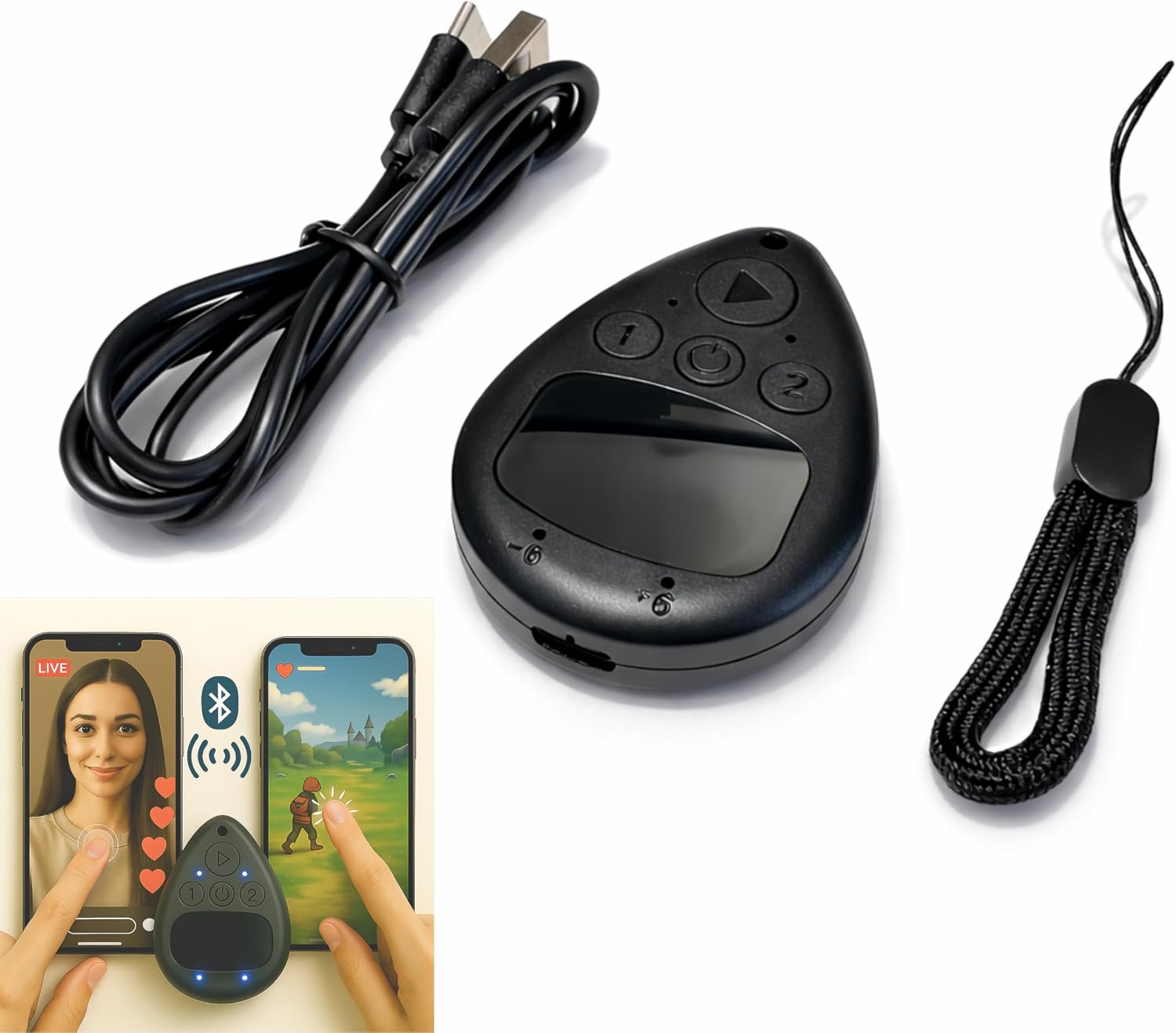
- Put the tap exactly where you want it: slide a finger across the touchpad to walk the on-screen cursor to your target, park it, and press start. Nothing clamps over the glass, so the screen stays fully visible and the target can be moved any time
- Two phones, one controller: pair Phone A as S1 and Phone B as S2, then press S1 or S2 to hand control back and forth. Indicator lights show which connection is live, and a mixed iPhone and Android pair is fine
- Two speeds for two jobs: Turbo runs up to 6 taps per second for rapid single-point input, while Slow places one tap every six seconds when a screen only needs to stay awake. One large button starts and stops without diving back into settings
- Read this before your first tap on iPhone or iPad: iOS only shows the pointer when AssistiveTouch is on, under Settings, Accessibility, Touch, AssistiveTouch. If it pairs but nothing taps, switch AssistiveTouch off and on, then pair again
- Cordless and clear about limits: the built-in battery runs up to 24 hours per charge and refills over USB-C, and a quick start card is included. It performs single-point taps and clicks only, not swipes or scrolling, and app support varies