Product Code: B0FPKKW9XY
Replacement Voice Remote for All Fireseries TV Remote, Firestick Smart TV Cube(1st/2nd/3rd Gen)/Stick 4K Max/4K(1st/2nd Gen), Stick(2nd/3rd Gen), Stick Lite, Hisense, TCL, Pioneer Smart TVs
$9.99
Product Information
Availability
In Stock
Seller
TGHCP
About this item
- Compatible with: Smart TVs Cube (1st / 2nd / 3rd Gen), Smart TVs Stick 4K Max (1st / 2nd Gen), Smart TVs Stick 4K (1st / 2nd Gen), Smart TVs Stick (2nd / 3rd Gen), Smart TVs Stick Lite, TV Stick HD, Smart TVs (3rd Gen), Great fit for Omni Mini-LED Series, Omni Series, 4-Series, Insignia, Toshiba, Pioneer Smart TV
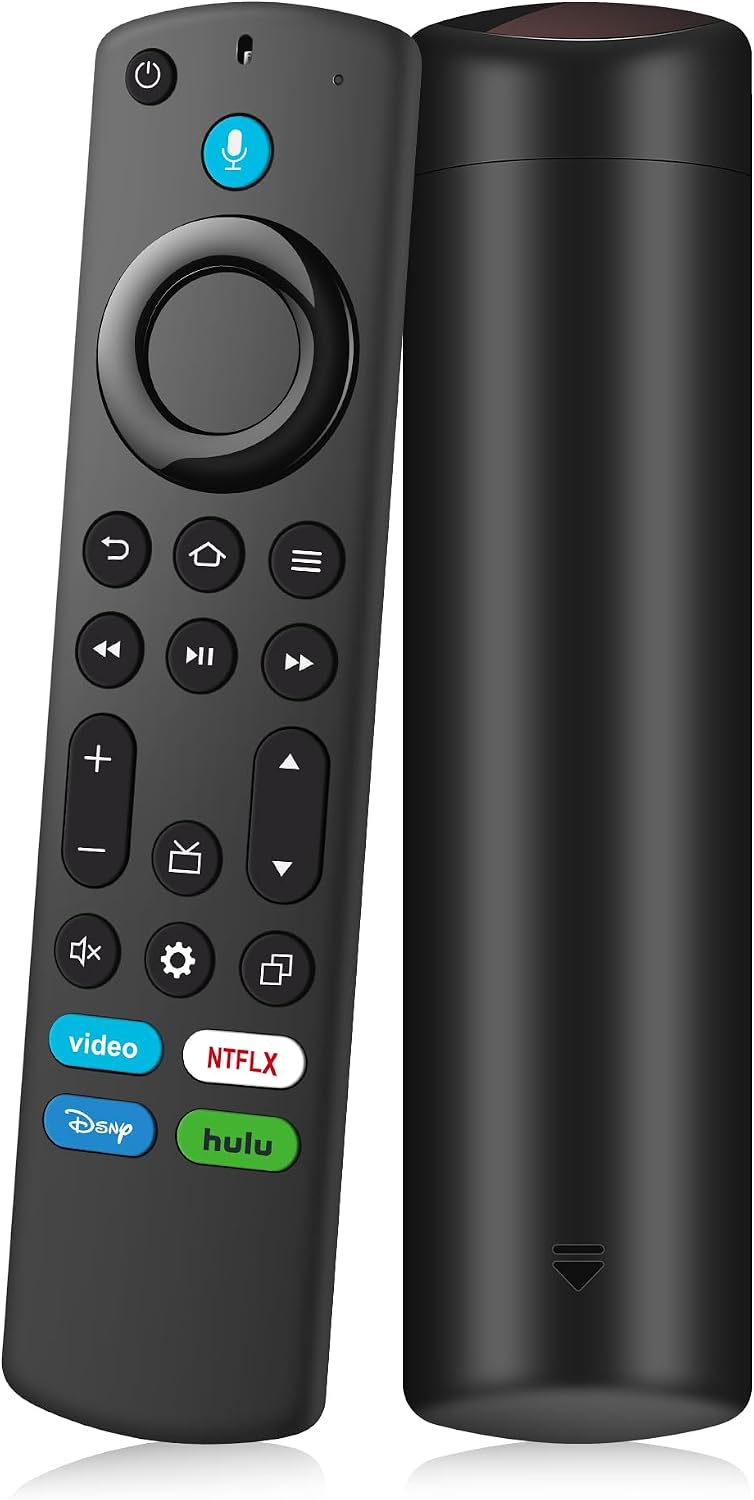
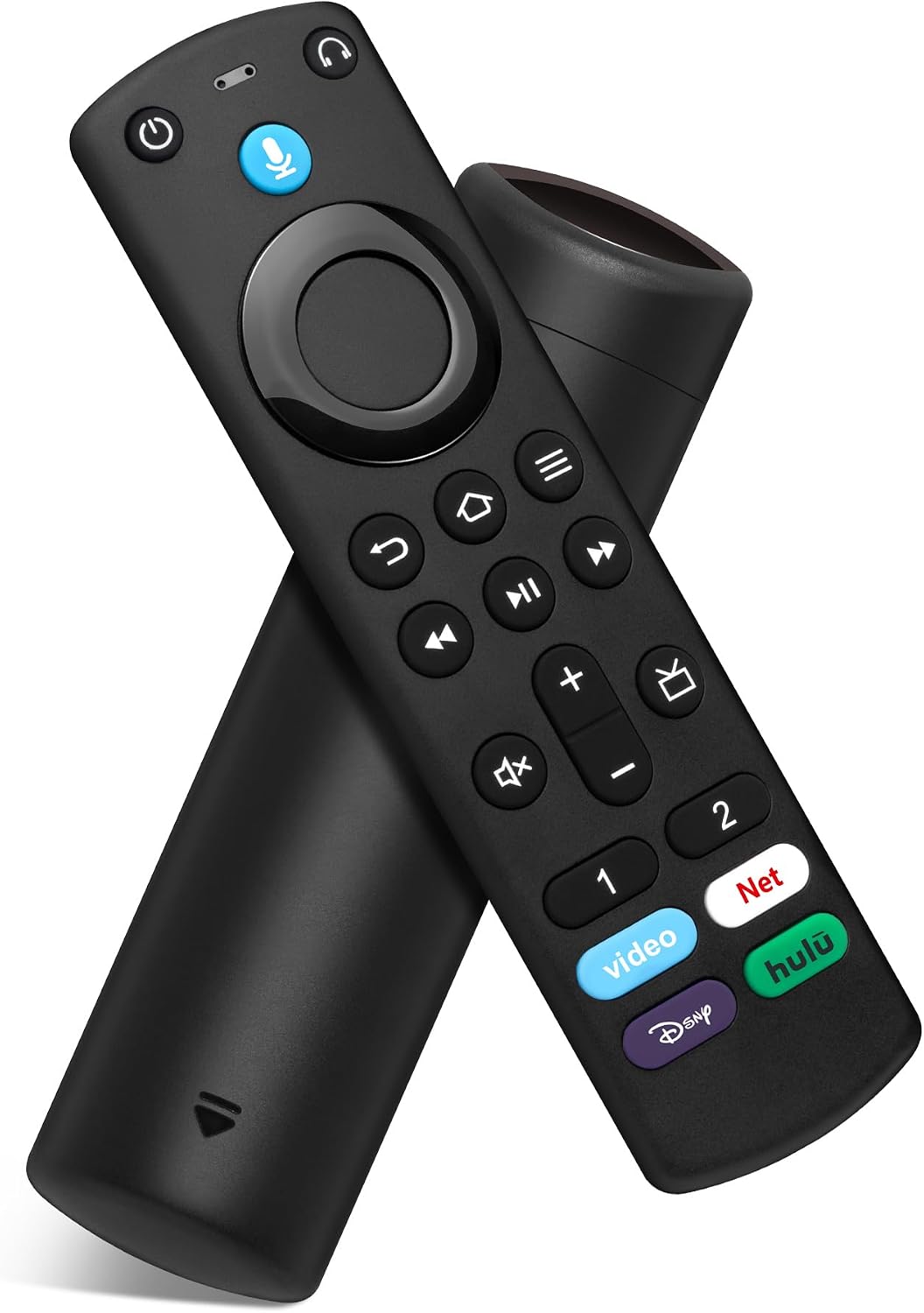
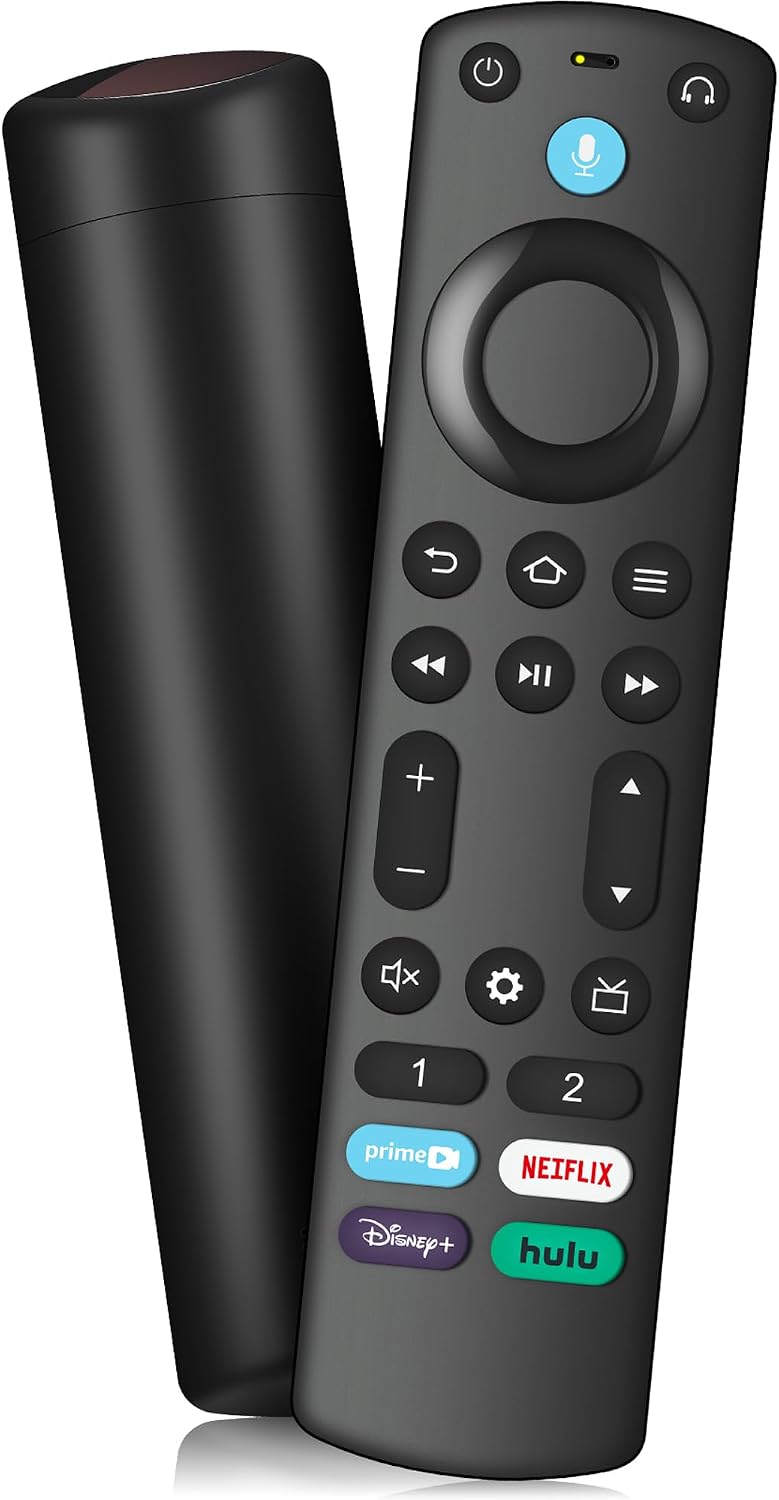
- Customizable Buttons: With 4 shortcut buttons and 2 customizable buttons, Just press and hold [1] or [2] to program customizable buttons, you can create your own shortcuts to favorite channels, apps, or any commands, and a new shortcut to the on-screen BT menu that lets you pair your wireless headphones fast
- Please Note: This remote control can not compatible with Smart TVs (1st and 2nd Gen), Smart TVs Stick (1st Gen), or Smart TVs Edition smart TVs, if your product doesn't work, please send your message to us, we must give you the best solution in the end
- With Voice Function: You can ask it to find your favorite content, Quickly jump to your favorite scenes with standard navigation and playback controls, Preset 4 app button shortcuts, Quick access to your favorite content
- How to Pair:First you need to remove stick from TV and power from stick. Then reattach power and stick back in TV. Then Press the Home button about 10-15 seconds until the LED indicator starts to rapidly flash amber for 10 seconds, then your remote will automatically pair with your device