Product Code: B0FR9HT5F5
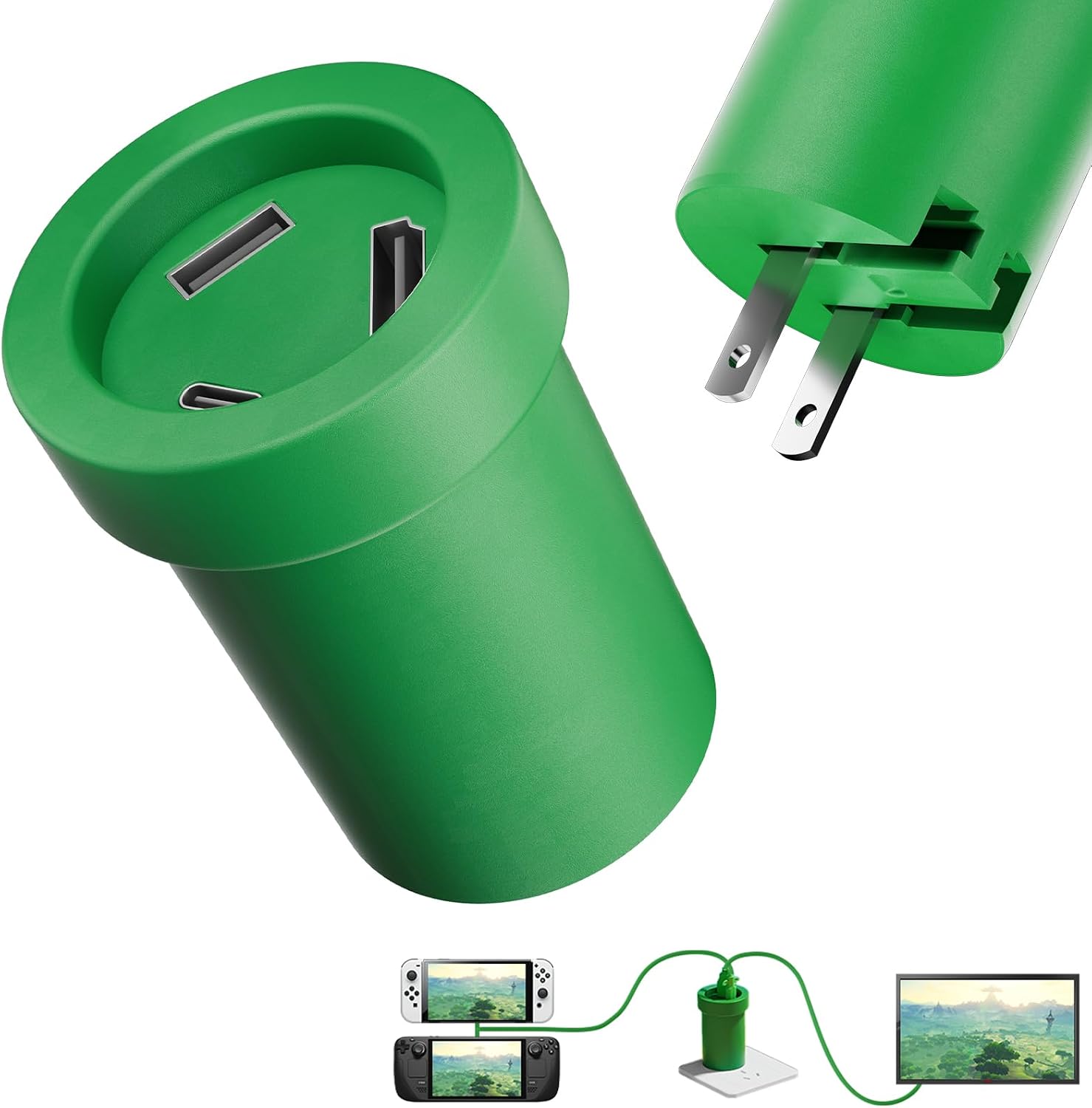
Switch Docking Station for TV Dock Station for Nintendo Switch Accessories Adapter Compatible Steam Deck/Nintendo Oled/Rog Ally/Macbook/Ipad Accessories Support 4K/60HZ TV Mode HDMI USB 3.0 Port
$9.99
Product Information
Availability
In Stock
Seller
VGBus
About this item
- 🔥🔥🔥【Wide Compatibility】-- The switch 1/2 dock Supports high-spec video output, delivering up to 4K@60Hz and 1080p@120Hz for Switch devices in certain scenarios for clear visuals. Compatible not only with Switch t 2, but also with smartphones, iPads, laptops, Steam Deck, ROG Ally, and more. Can replace multiple types of original docks and cables, meeting multi-device screen-casting needs.
- 🔥🔥🔥【Flexible and Portable】-- This switch dock station Compact and lightweight, easy to carry—fits effortlessly into a jacket pocket, backpack, or handbag without taking up much space. Ideal for travel, visiting friends, family gatherings, and other on-the-go scenarios. Functions are on par with the official dock, making it an ideal alternative for the Nintendo Switch 1/ips:2 official dock.
- 🔥🔥🔥【Cost-Effective】-- No need to rely on the original charger; third-party chargers work perfectly. High cable compatibility allows the use of the Switch 1/2 original cable or any additional USB-C charging cable, eliminating the need for extra power accessories and reducing overall usage costs.
- 🔥🔥🔥【Plug & Play】-- Switch 1 and Switch 2 travel dock/switch 2 portable dock No drivers or firmware needed. Just connect HDMI and USB-C power to start screen-casting instantly. Some models support TV/display mode switching while charging, keeping Switch 2 naturally cooled for long, smooth gaming sessions.
- 🔥🔥🔥【Easy Setup】-- 1️⃣ Use a 15V 2.6A PD wall charger. 2️⃣ Connect the HDMI cable to the adapter. 3️⃣ Switch your device to the corresponding HDMI input. 4️⃣ Wake up Switch 2 and connect the adapter’s USB-C output. 5️⃣ Wait a few seconds—your screen lights up automatically.
- 🔥🔥🔥【BE ATTENTION】--The Switch Dock is compatible with Nintendo Switch 1/2. If you need to adapt it for Nintendo Switch 2, please download the upgrade file as indicated in the fifth image. The dock will only work with Switch 2 after upgrading. You may also contact customer service to request the upgrade file.