
PS2 to HDMI Adapter HD-Link Cable Support ON/Off Switch, Converter PS3 Video Signal to HDMI Signal with True Ypbpr HD Signal Output (100% Improve Video Quality for PS2 and PS3)
Product Information
About this item
- ※Convert and upscale the analog Ypbpr signals to digital HDMI signals for modern HDTVs/monitors/projectors, which makes the HD link cable compatible with classic Fat PS2, Slim PS2 and PS3
- ※No need to install drivers, portable, flexible, plug and play. Provide advanced signal processing with great precision, colors, resolutions and details.
- ※Supported Resolutions: 480i, 480p and 576i (for all HDTV and Monitors)
- ※PS2 HDMI Adapter Come With True Ypbpr HD Signal Output (100% Improve Video Quality).
- ※NOTE: Compatible with PlayStation 2/3 only. Any questions, please contact customer service directly.
Product Description
PS2 to HDMI This converter is a must have if you want to keep using your older devices with your new smart modern HD TV/ HDMI monitor. It can Provide You a Fantastic Home Theater Experience. Features: Support HDMI 480i/576i/480p output. No need to install drivers, portable and flexible, plug and play. Provide advanced signal processing with great precision, colors, resolutions and details. restore original game screen. Support NTSC3.58, NTSC4.43 standard TV formats input. The PS2 to HDMI converter utilises YPBPR Component outputs, To ensure you get the best picture quality possible. PS3 to HDMI Connection: If the PS3 HDMI port is not available, you can use this converter to connect It is necessary to set the output mode of PS3. Press and hold the power button to the “di” sound. How to set PS2 Y Pb Pr \ Y Cb Cr signal output 【Display device with HDMI & CVBS interface】 With PS2 to CVBS cable---refer setting guideline 1 Without PS2 to CVBS cable---refer setting guideline 2 【 Display device only with HDMI interface】 With PS2 to CVBS cable and display device with CVBS interface---refer setting procedure 1 Without CVBS interface device---refer setting procedure 2 Setting guideline 1 Connect PS2 to display device using PS2 to CVBS cable---set Y Pb Pr \ Y Cb Cr output in the game page---System Configuration → Component Video Out → Y CB/Pb Cr/Pr Setting guideline 2 Blind operation using PS2 controller---Boot PS2 and waiting for 20 seconds to use controller---push↓button---push ○button---push 3 time↓button--- push○button---push←button---push→button---push○button ***○ is Enter button How to Connect After Setting Connect PS2 to our adapter, and plug USB cable to offer power Connect HDMI cable to our adapter and display device Adjust display deviceinput signal to "HDMI" Package Contents 1 x PlayStation to HDMI Converter 【Customer Service】 If you encounter any problems after placing an order, you can contact us, and we will solve it for you as soon as possible. 【Note】No sound or blue screen appears, please check if the connection is successful.
Similar Items
 3 Inch Desk Power Grommet 65W USB C Fast Charging for Home&Office Black$35.99
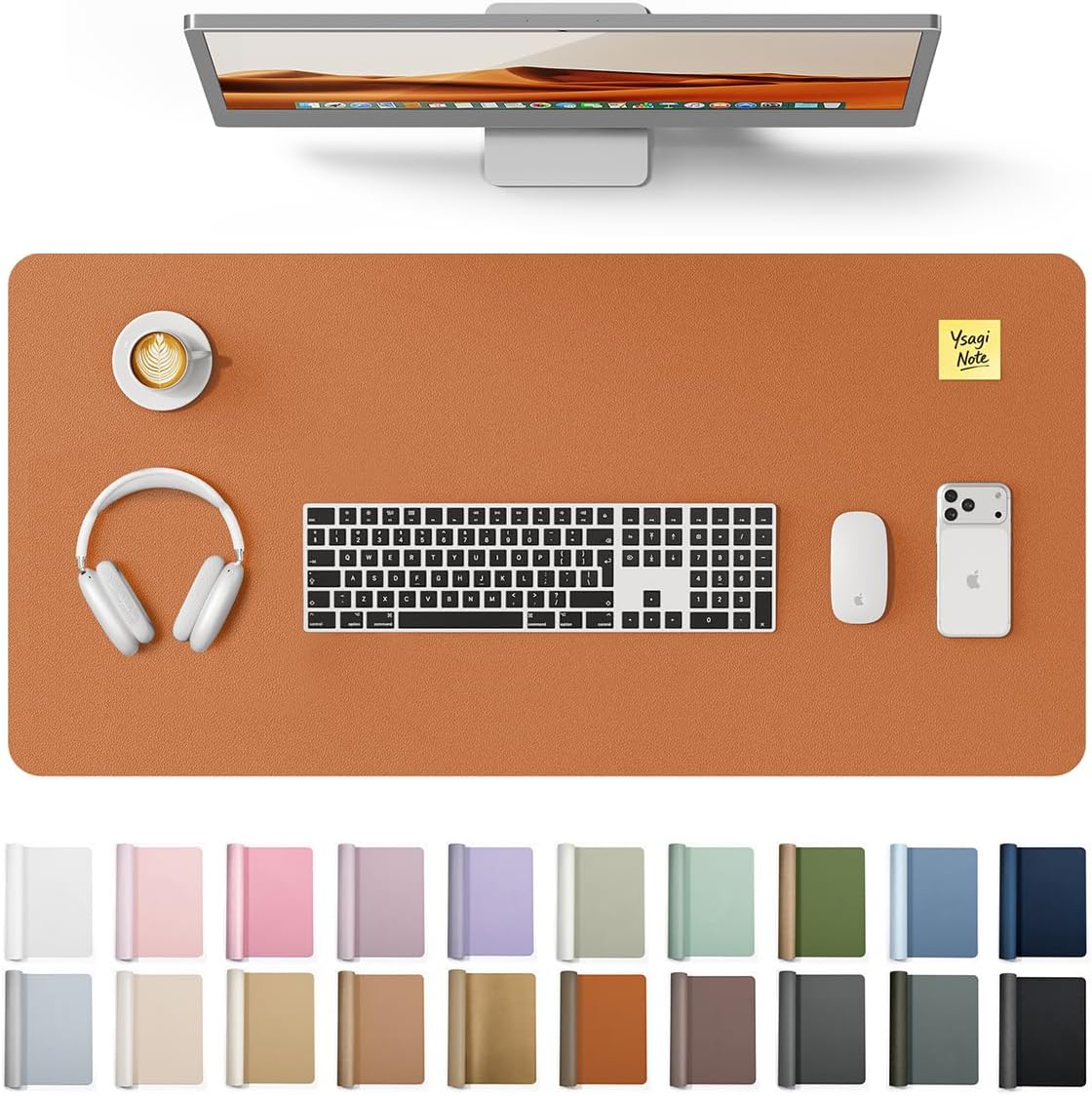 YSAGi Desk Protector&Blotter, Non-Slip Waterproof Leather Mouse Pad$12.59
 Nelko Label Maker Machine with Tape, PM220 Bluetooth Label Printer, Blue$27.99
 ORICO Mobile CPU Stand for Under Desk, Swivel Wheels, Locking Wheels, CPB2$26.99
 Flash Furniture Glass Computer Desk with Pull-Out Keyboard Tray, Black$140.26
 [3 Pack - 10ft USB Type C to USB C 60W PD Fast Charging 10 feet Braided Cables Compatible with iPhone 15, MacBook Pro, iPad mini 6, Air 4, Galaxy S23, Note, Pixel, Pixel, Moto Edge$9.95
 Phomemo D30 Label Maker Machine with case and 1 roll Label Tape, Portable Bluetooth Label Printer, Small Smart Phone Handheld Sticker Mini Labeler Multiple Templates Font Icon Easy to UseClick to view price
 Fujifilm Instax Mini Link 3 Smartphone Printer (Sage Green Bundle)$175.00
 (3 Pack - 10ft USB Type C to USB A Cables - QC Fast Charging 10 feet Braided Cords Compatible with iPhone 15, MacBook Pro, iPad mini 6, Air 4, Galaxy S23, Note, Pixel, Moto Edge Android$9.99
 cudinham Mini Sticker Printer, X6 Print Pod with 3 Rolls Thermal Paper$29.99