Product Information
Availability
In Stock
Seller
jiahongyu
About this item
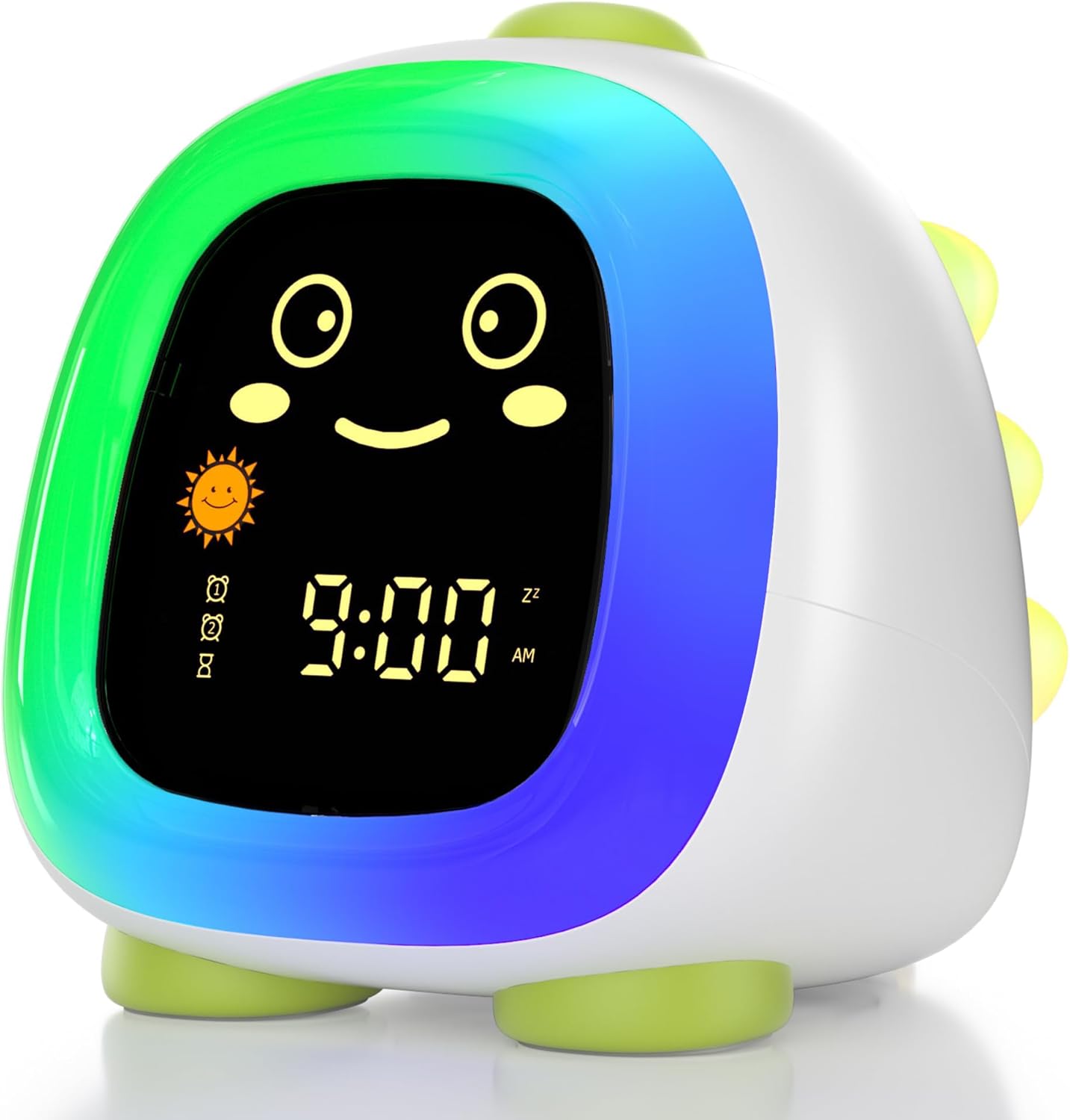
- 【Sleep Trainer & Ok to Wake Clock】 - Teach kids healthy sleep habits with color and facial cues that make routines easy to understand. Yellow light + sun icon + smiling face means wake-up time, while blue light + moon icon + sleepy face signals bedtime. A green light + winking face appears 30 minutes before wake-up or bedtime to help children prepare. Lights automatically turn off after 30 minutes to avoid light dependence
- 【Customizable Night Light with Dimmer】 - Features 9 colorful night light options and adjustable brightness from 5% to 100%. Keep it bright for daytime activities or dim it for a soft, comforting nighttime glow that won’t disturb sleep. Perfect for bedrooms, nurseries, and toddler rooms
- 【Easy-to-Use Design for Parents & Kids】 - Unlike complicated kids clocks with hard-to-find rear buttons, all controls are conveniently placed on top for quick access. Simple button layout and user-friendly setup make programming alarms and sleep schedules fast and stress-free
- 【Dual Alarms & Snooze Function】 - Includes 2 alarm settings so you can create separate schedules for weekdays and weekends or daily routines. Simply tap the clock during the alarm to activate 10-minute snooze mode. Tap again mid-alarm for additional snooze time, helping kids wake up more comfortably
- 【Sound Machine & Bluetooth Speaker】 - Includes 9 soothing sleep sounds and 5 wake-up alarm tones to help children fall asleep peacefully and wake up gently. Built-in Bluetooth speaker lets you connect your phone to play music, stories, or white noise anytime
- 【Set Clock Time--View latest User Manual at "Product guides and documents" section】 step1: Hold the Menu button for 3 seconds →step2: press Menu until only the time displays →step3: use “+ - ”to adjust numbers and “< >” to switch hour/minute →step4: settings save automatically
- 【Set Alarm 1 Time】step1: Hold Alarm 1 button for 3 seconds →step2: set hour →step3: press Alamr 1 button, set minute →step4: press Music button to select alarm sound →step5: use “+ -” to adjust alarm volume →step6: settings save automatically
- 【Set Wake-Up Time】step1: hold Menu for 3 seconds →step2: press Menu 3 times until the sun icon + smile face + yellow light appear → step3: use “+ -” to adjust numbers and “< > ”to switch hour/minute→step4: long press Light button to adjust wake-up light brightness→ shep5: settings save automatically
- 【30mins auto-off】Night light and sleepaid sound will auto-off after 30 mins of inactivity