Product Code: B0G1B58SW7
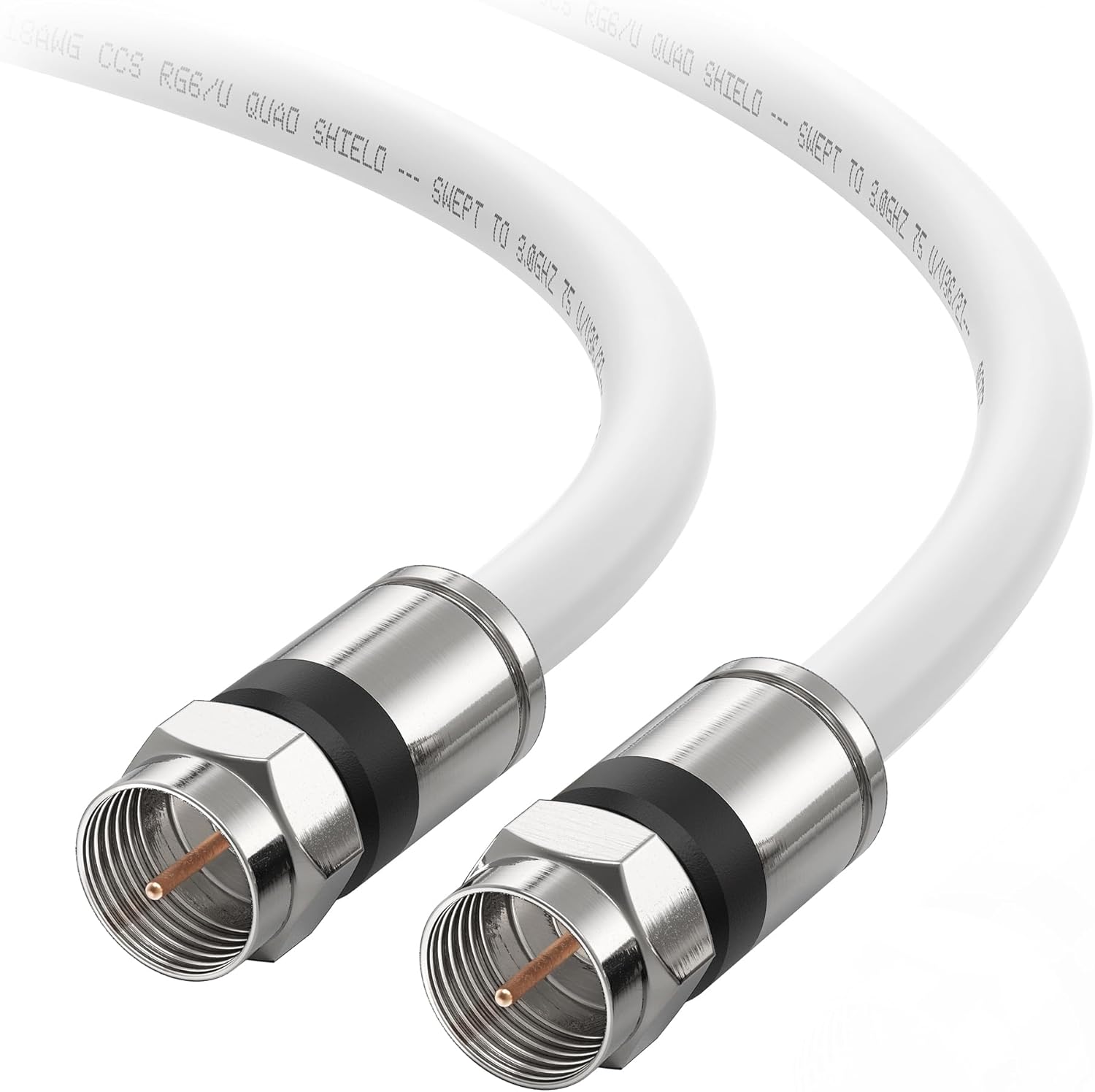
FPV Digital System Coaxial Cable 60/65/100/130/150/200/300mm Compatible with DJI O4 Air Unit PRO Lite, for RC FPV Freestyle Racing Drone DIY Parts (30cm-for O4 Lite/Pro)
$15.99
Product Information
Availability
In Stock
Seller
Ve-LumiveveRC
About this item
- Compatibility-Replace the coaxial cable connecting O4 Air Unit VTX to the high-definition camera. 1. Straight connectors an be compatible with both O4 Lite 2. Straight and curved connectors can be compatible with both O4 Lite and O4 Pro. When installing the O4 Lite, use the straight connector for the camera and the curved connector for the video transmitter. When installing the O4 Pro, use the curved connector for the camera and the straight connector for the video transmitter.
- Multiple Length Options- Available in 660/80/120/130/150/200mm sizes, offering flexibility for various drone frame builds and component layouts.
- Quick Modular Assembly- Features a modular design that enables fast installation and removal, making camera and air unit maintenance more efficient.
- Lightweight and Flexible Design- Constructed from ultra-thin coaxial material to reduce overall drone weight while maintaining signal stability and structural strength.
- TPU Reinforced Durability- Exposed sections are wrapped with TPU protection, improving resistance to bending, friction, and everyday flight wear for longer service life.
- HOW TO USE 1.All 3 positions must be pressed firmly and flat; otherwise, there may be no display. 2.The same applies to the video transmitter: all 3 positions must be pressed firmly and flat; otherwise, there may be no display. 3: After installation, power it on for testing. Once there’s a display, fix it with UV glue. Hot melt glue can also be used if UV glue isn’t available (apply to both ends). Note: Only apply glue after confirming the display works. 4.Do not remove the adapter board when detaching the coaxial cable.