Lazy Lights Off Finger Robot Remote Control Switches, Rechargeable Wireless Light Button & Lazy Button Pusher - The Ultimate Smart Home Accessory
Product Information
About this item
- **Effortless Control:** Experience the convenience of our **remote button pusher** that allows you to operate light switches without getting up, making it the perfect addition to your smart home.
- . **Advanced Technology:** The **automatic light switch flipper** uses innovative technology to flip switches with ease, turning your standard lights into smart lights with a simple push of a button.
- **Versatile Functionality:** Designed as a **switch bot button pusher**, this device can operate any standard switch, giving you flexibility for all your lighting needs at home or in the office.
- **Rechargeable & Wireless:** Our **fingerbot smart switch pusher** is rechargeable and wireless, ensuring you have a clutter-free solution that saves energy while enhancing your everyday convenience.
- **Ultimate Laziness-Saving Tool:** This **light-switching finger robot** embodies the essence of convenience, allowing you to control your lighting effortlessly and efficiently—truly the **ultimate laziness-saving light switch** for any household!
Product Description
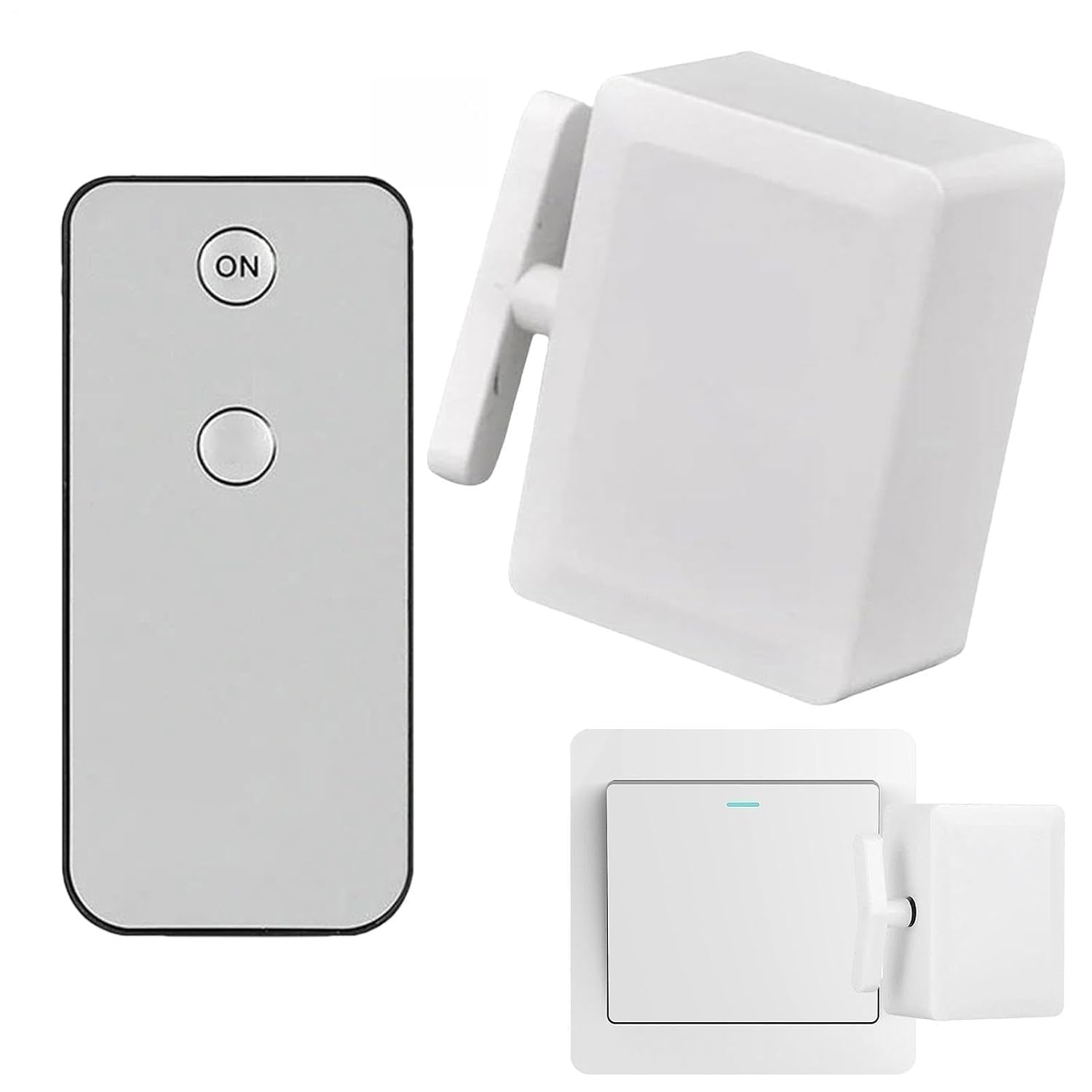
Experience easy control with our Remote Light Button Wireless! Rotate left or right to activate the sensitive sensor & achieve the desired lighting effect. Widely used & zero wiring required. After being fully charged, use it to button lights /off from afar without hassle or fuss. Product attributes Shell material: ABS Working mode: remote control Working frequency: 38KHZ Control distance: within 10 meters (unobstructed) Using temperature: -10°C-45°? Working powers: built-in 3.7V battery Charging method: USB charging Product size: about 6.3x4x2.7cm/2.48x1.57x1.06 inches (main body size) Installation method: traceless glue Instructions for connecting the remote control and the host: 1. Connection method of the receiver host and the remote control: Press and hold the receiver host button for 2-4 seconds, the indicator light flashes once, release the button, and immediately press the remote control once, the receiver indicator light flashes once, indicating that the connection is successful 2. Press and hold the receiver host button, and release it after the indicator light flashes, indicating that all states are deleted [clear code]. List: 1x Remote Light Button Wireless 1x remote control