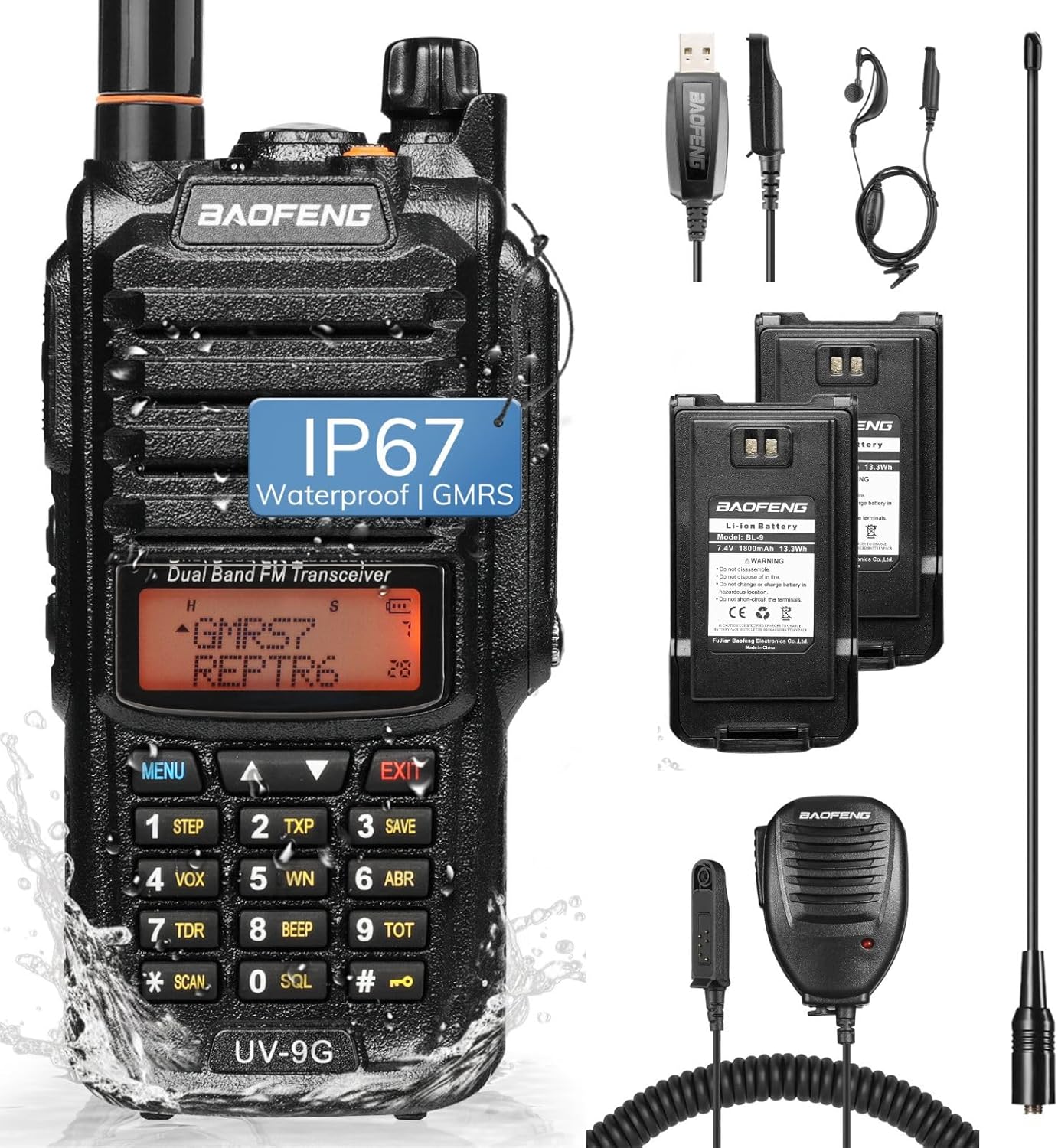
Product Code: B0GL7Z5JV2
BAOFENG 5RH PRO GPS APRS 10W Ham Radio Handheld | UV-5R Mini New Version
$65.99
Product Information
Seller
TIDRADIO Direct
About this item
- 【Radio SUPPORT】The Baofeng UV-5RH walkie talkies is designed for professional users and is not recommended for beginners. It 𝐝𝐨𝐞𝐬 𝐍𝐎𝐓 𝐬𝐮𝐩𝐩𝐨𝐫𝐭 𝐂𝐇𝐈𝐑𝐏 𝐨𝐫 𝐁𝐥𝐮𝐞𝐭𝐨𝐨𝐭𝐡 𝐩𝐫𝐨𝐠𝐫𝐚𝐦𝐦𝐞𝐫. Free official CPS software is required for advanced programming (𝐬𝐨𝐟𝐭𝐰𝐚𝐫𝐞 𝐢𝐬 𝐧𝐨𝐭 𝐜𝐨𝐦𝐩𝐚𝐭𝐢𝐛𝐥𝐞 𝐰𝐢𝐭𝐡 𝐌𝐚𝐜). For guides and support, 𝐠𝐨 𝐭𝐨 '𝐎𝐫𝐝𝐞𝐫𝐬' > '𝐆𝐞𝐭 𝐡𝐞𝐥𝐩' > 𝐬𝐞𝐥𝐞𝐜𝐭 𝐭𝐡𝐞 𝐨𝐫𝐝𝐞𝐫 > 𝐜𝐥𝐢𝐜𝐤 '𝐨𝐭𝐡𝐞𝐫' > 𝐦𝐞𝐬𝐬𝐚𝐠𝐞 '𝐬𝐞𝐥𝐥𝐞𝐫' 𝐨𝐫 𝐞𝐦𝐚𝐢𝐥 '𝐰𝐡𝐬 𝐚𝐭 𝐭𝐢𝐝𝐫𝐚𝐝𝐢𝐨 𝐝𝐨𝐭 𝐜𝐨𝐦'.
- 【10W High-Power Output Ham Radio】The UV-5RH 2-way radio maximizes communication range and repeater access, powered by a long-lasting 2500mAh USB-C rechargeable battery — ideal for survival gear, emergency response, hunting, and camping.
- Advanced GPS with APRS & NOAA】Navigate with confidence using the built-in GPS on the Baofeng UV-5RH for real-time location sharing and tracking. Integrated NOAA weather alerts provide critical updates for safety in outdoor, hunting gear, survival and emergency scenarios.
- 【Extensive Channel & Zone Management】This handheld ham radio organizes 640 customizable channels across 10 independent zones. It is perfect for separating work, recreation, or team communications without interference.
- 【Multi-Band Flexibility】This long-range walkie-talkie is capable of receiving across UHF, VHF, NOAA, GMRS, AM, and FM bands, offering exceptional versatility for various listening interests.
- 【User-Centric Hardware Upgrades】This portable FRS two-way radio features a modern USB-C charging port for universal compatibility. Choose from three antenna options (standard, short 805, or long 771) to optimize for clarity, portability, or specialized reception.
- 【Frequency Copy Function】Easily clone settings from other compatible Baofeng models (e.g., AR-5RM, BF-F8HP Pro, DM32, UV32, UV-5R mini) without a computer.
- 【Quick-Start Shortcuts】Side keys 1 and 2 can be customized via radio or CPS. ① VFO/MR: Short press: Switch between frequency or channel mode. Long press: Switch channel display mode. ② A/B: Long press: Switch between dual-band and dual-watch modes. ③ Long press 8: Switch TX power. ④ Long press 0: Enter weather channel. Press Return to set Weather Alert Warning. ⑤ Press # when entering text to switch input method. Long press # while scanning to start/stop scanning. ⑥ Long press side key 1: Toggle GPS on/off. ⑦ EXIT (Return): Short press: Go back. Long press: Enter GPS info page.
- ⑧ Long press side key 2: Turn on fall-down alarm. The alarm will sound if the radio is not lifted. It can be set to alert specific contacts. ⑨ When APRS is open: The radio sends info at set intervals and makes a "bee" sound. ⑩ Long press 8 + Power on: View version info. Press Side key 2 + PTT + Power on, enter "PW059500", and confirm to unlock a new frequency band. ⑪ In FM mode, press #: Search and auto-save FM stations.