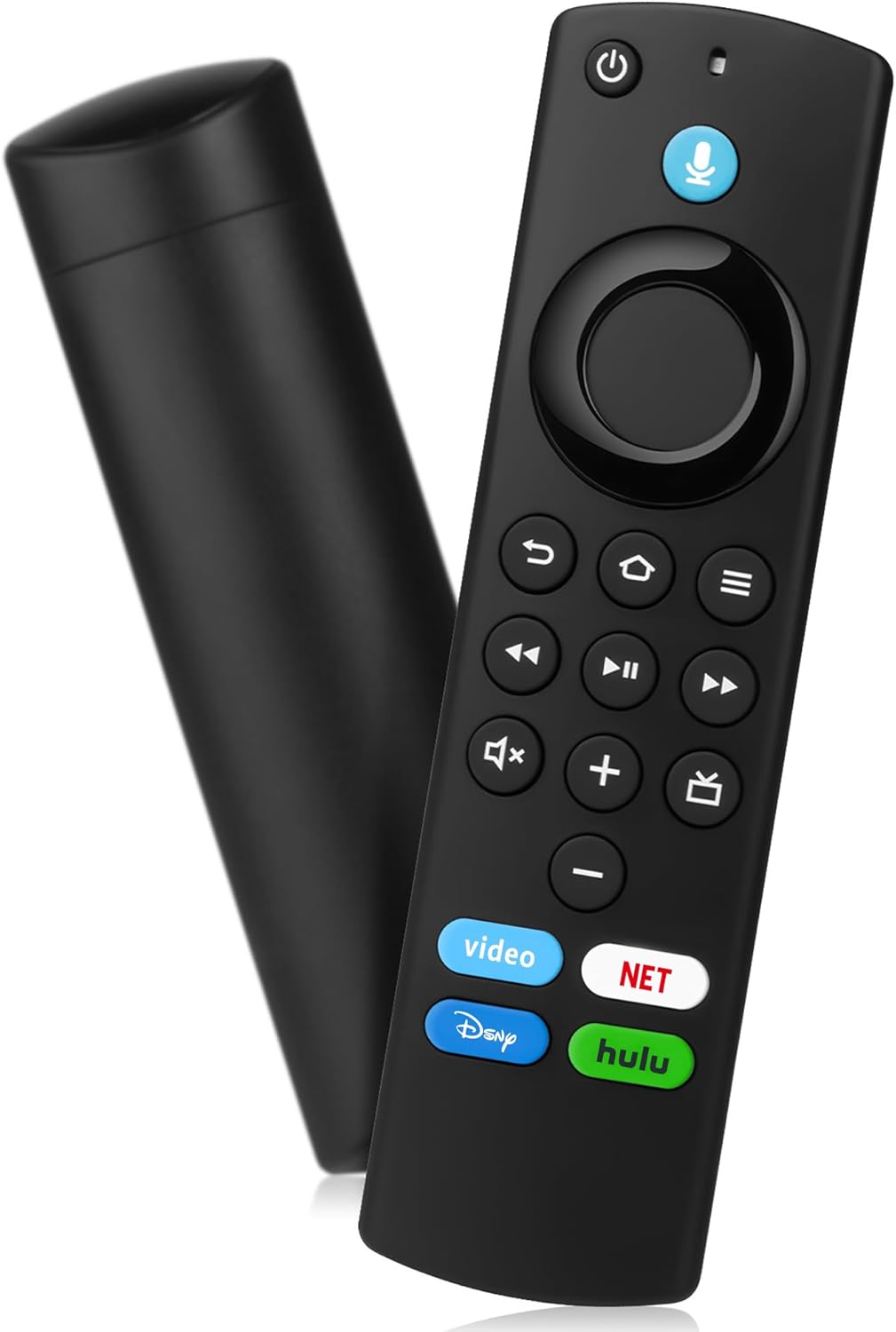
Replacement Remote Control for Fire Smart TV Stick(2nd/3rd Gen/4K/Lite/4K Max,),for TV Cube,for Pioneer,Hisense 3rd Gen Smart TV,Not for Samsung/Roku TV
Product Information
About this item
- 【COMPATIBLE WITH】:This Smart TVs Stick Remote fit for Smart TVs Stick Lite,fit for Smart TVs Stick 1st/2nd Gen 4K,fit for Smart TVs Stick 1st Gen 4K Max),fit for Smart TVs Stick (2nd/3rd Gen),fit for Smart TVs Cube (1st/2nd/3rd Gen),and fit for Smart TVs (3rd Gen),Please make sure your device model fit our remote before place an order
- 【 VOICE FUNCTION 】:Press and hold the voice command button on the remote control. Speak clearly into the microphone (" Turn on the TV "or" Search for action movies "). It's that simple and convenient
- 【HOW TO PAIR】: Before pairing, ensure your device is powered on and connected to the television: Go to Settings > Controllers and Bluetooth Devices > TV Remote on your device. Select “Add New Remote”, then press and hold the Home button on the remote for 10 seconds. The Smart Remote LED will flash, indicating it has entered pairing mode. Tap Connect. When the LED turns off, pairing is successful
- 【 PLEASE NOTE】: If the remote isn’t responding, replace or recharge the batteries. Ensure your device’s software is updated (Settings > My TV > About > Check for Updates). This remote control requires 2 AAA batteries (batteries are not included)
- 【 CUSTOMER SERVICE】:If you encounter any problems or have any questions about your device, our professional support team will be there to assist you. We guarantee to provide timely solutions to ensure the best performance and improvement
Product Description
Replacement Voice Remote How to pair your TV stick?If this is a replacement remote and you don't have the original remote that came with your TV device:1. Restart the TV equipment. When the main screen of TV appears, the remote control can be used. If not, please move to step 2.2. Press and hold the Home button on the new remote control for at least 10 seconds, until the LED starts to flash quickly, and then send the loosening. At this time, enter the pairing mode, indicating that your remote control has been successfully paired.If you do have the remote that came with your TV device, you'll need both remotes for setup:1. On your new remote, press and hold the Home button for 10 seconds. The indicator LED will slowly fash amber for 10 seconds, then flash faster when your remote is ready to connect.Compatible with TV Models :for Smart TV Stick 4Kfor Smart TV Stick Litefor Smart TV Stick 4K Maxfor Smart TV Stick (2nd Gen)for Smart TV Stick (3rd Gen)for Smart TV Cube (1st Gen)for Smart TV Cube (2nd Gen)for Smart TV (3rd Gen, Pendant Design)for Smart TV Stick 4K BundleCompatible with Remote Models : for Smart TV Stick Lite for Smart TV (2nd Gen)for Smart TV (1st Gen)for TV Edition smart TVs


