Product Code: B0GSFV3JZ3
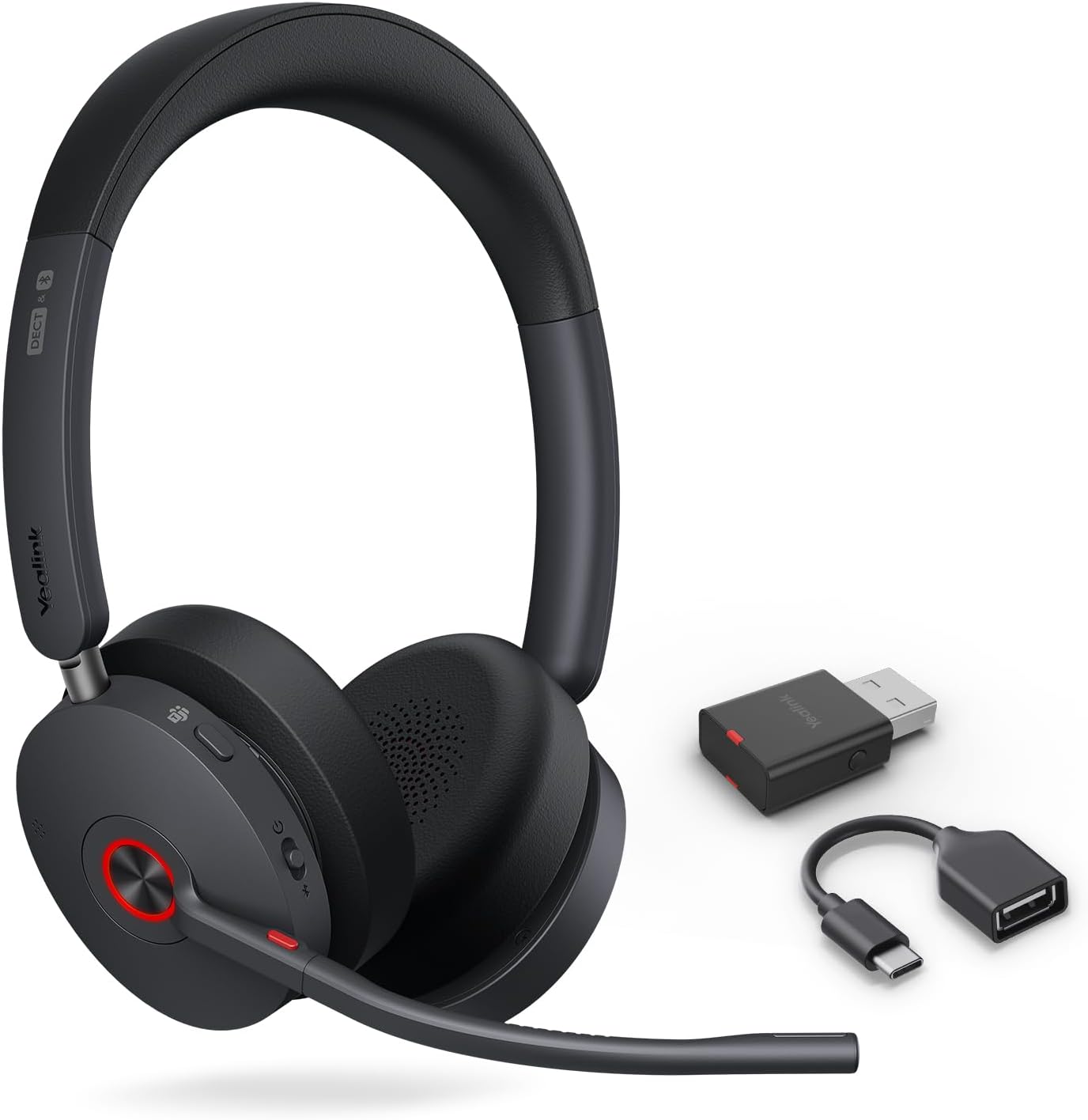
Yealink BH71 Lite Bluetooth Headset & USB Bluetooth Adapter,Wireless Earpiece with 4 Noise Cancelling Microphone,10H Talk Time,Adjustable Ear Hook
$59.40
Product Information
Availability
In Stock
Seller
Yealink Direct Store
About this item
- 1. For the BH71 Lite earphones, slide and press and hold the power button for 3 seconds to enter Bluetooth pairing mode.
- 2. Connect the newly purchased BT51 to your PC.
- 3. Open [Yealink USB Connect] and select the BT51 card.
- 4. Go to [Pair Management] and refresh the list of available pairing devices.
- 5. Find the earphones you want to pair and click Pair.
Product Description
A set of Yealink BH71 Lite Bluetooth headset and BT51 USB Bluetooth Adapter. The USB dongle makes the headset compatible with the computer and the connection more stable.