Product Code: B0GSZ9K59S
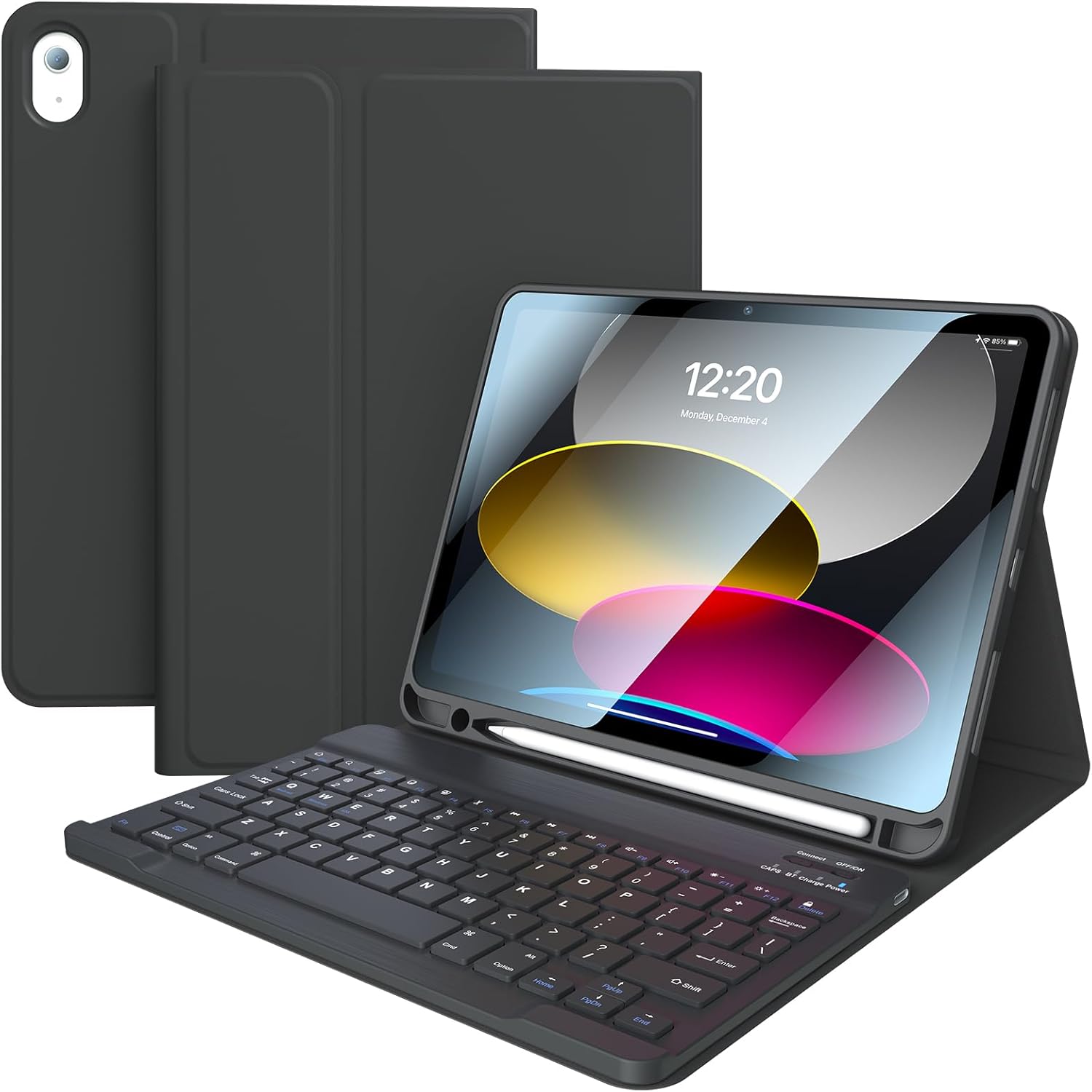
Backlit Touchpad Keyboard Case for Samsung Galaxy Tab 11inch A11 Plus & A9 Plus, Wireless Bluetooth Keyboard, Smart Trackpad for Galaxy A9 +/A11+ Tablet Case with Keyboard and Pencil Holder,BK
$25.75
Product Information
Availability
In Stock
Seller
Kanduma
About this item
- Wide Compatibility: Keyboard case with touchpad is designed for Samsung Galaxy Tab A9 Plus 11 Inch 2023 Model (SM-X210/X215/X216/X218) and Tab A11 Plus 11 Inch 2025 Model (SM-X310/X315/X236). ***Please Click your tablet "Settings-System-About Tablet Model--SM-XXXX") confirm model number before ordering. Not fit for other size or model number!
- Rechargeable and Detachable Keyboard: This iPad case with keyboard built-in large capacity battery, more energy saving and lower consumption, ensure you can use at least 100 hours. It can be fully charged in 3-4 hours with Type-C charging cable, don't need to replace battery. keyboard is magnetic so it can be easily repositioned or removed from the case. Equipped with useful shortcut keys and compatible with IOS, Windows, and Android systems, provide you with ultimate convenience.
- Shortcut Keys and Multiple Viewing Angles: This Case Keyboard with multi-function keys, such as play/pause, backward and forward, volume up and down, brightness, etc, which is convenient to use. comes with power-saving mode, long periods of non-use will enter the hibernation state. The keyboard case for has three adjustable angles, which can be easily adjusted to a comfortable angle for a pleasant using experience.
- Thin Case and Convenient Pencil Holder: For Samsung keyboard case designed with pencil holder and pen slot on top, the cutout in the back makes it easy to take the stylus out for use. Well designed BT keyboard is very responsive. There are no delays when you are typing. Made of good quality PU. Soft, smooth and it gives a luxurious feeling. The interior case is made of high-quality flexible TPU, honeycomb grid pattern design is better for 100% heat release. NOTE: Stylus is not included.
- Connect Keyboard to the Tablet: 1. Keyboard: Power "ON" keyboard and open Bluetooth in tablet settings, long press the "FN+C"button (indicator will keep twinkle)on the keyboard, search for "Bluetooth Keyboard" on tablet's Bluetooth interface,then click "Connect".