Product Information
About this item
- Compatible Model: Only For Fossibot F102 LCD Display. [Warm tip: Please be sure to correctly identify your model before purchase. The wrong model will damage your phone]
- Application: It applies to unresponsive screens, display failures, pixel distortion, cracked LCD, color deviation, aging or damaged screens. This TFT version does not support fingerprint function. More cost-effective than OLED for basic daily use to restore your phone simply. As it is non-original TFT (not OLED), slight resolution differences may occur; please confirm before ordering
- About Installation: NO detailed installation instructions included. It is strongly recommended that go to Youtube and look for "How to replace the Pixel 4A LCD screen" to see the appropriate installation guide video
- Quality Assurance: All our products are strictly QC tested before shipment, 100% intact. Please don't touch the IC part
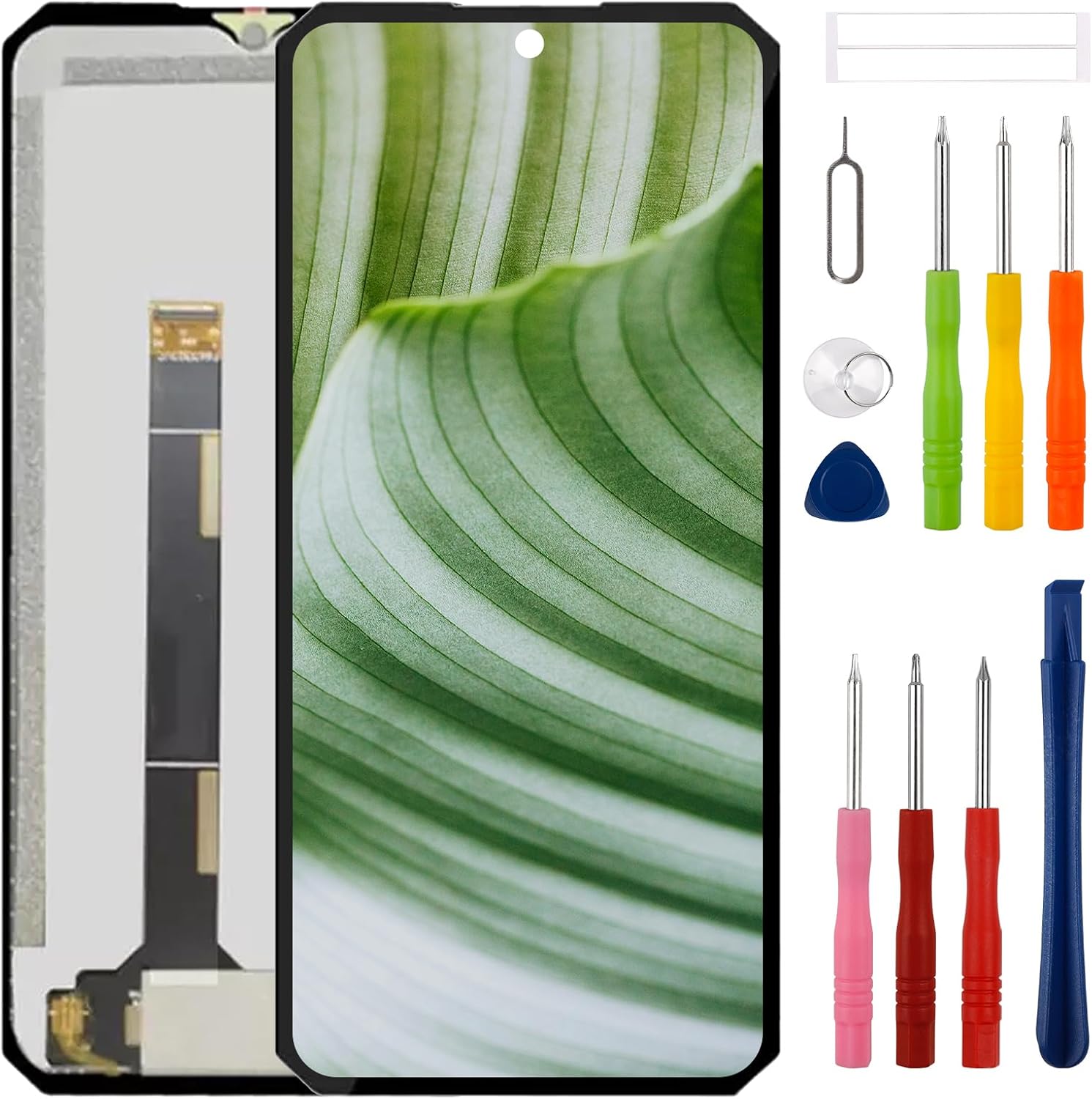
- Package List: 1* LCD display replacement, 1* special tools. Due to the fact that we update product tools based on customer needs sometimes, there may be issues with some images of listing not being updated in a timely manner. The color of the screwdriver is random, please refer to the actual received one, it will not affect its use
- Screen Specifications: Features a 6.58 inch IPS LCD display with Corning Gorilla Glass protection, providing durability and clear visual quality for your Fossibot F102 device
- Installation Safety Tips: Must disconnect the battery cable or power off the phone before installation to protect your device from damage during the replacement process
Product Description
Product Name: For Fossibot F102 Screen ReplacementColor: BlackCompatibility: Size: 6.58 inchMaterial: IPS LCDGlas: Corning Gorilla GlasVerpackung: 1* Black LCD Display Touch Screen Replacement1*special removal toolsTips for intallation1.Watch a YouTube instruction video before installation. 2.Must be disconnected the battery cable or powered off the phone before installation. This will protect your phone from damage if the improper operation done.3.Use the correct screwdriver to open the screws. Mark the screws and keep in mind it's original location. These screws have different size and length, if put into the wrong place, the screen may be damaged.4.Do not pull the flex cable. Be careful during installation, otherwise will cause the black screen, blurred screen or no display.How to protect your screen 1. Put your phone together with keys, coins or other metalworks because these things can scratch your cellphone's display. 2. Keep your phone away from magnetic materials because the magnetic materials can become dead if you keep them together for a long time. Protect your cell phone with a screen protector. Contact us If you have any questions or problems using our products, please send us a message, we will answer you within of 24 hours. Thank you for your patience.


