
chenyang 2.4G Receiver for Conversion Wired Keyboard and Mouse to Wireless for Computer(Note: This is a standalone Receiver and Requires an Adapter to use.)
Product Information
About this item
- 1) Note: This is a standalone receiver and requires our adapter for use. It only supports mice and standard keyboards; it does not support special or multi-function keyboards or other USB devices.
- 2) This product does not have an internal battery and requires a 5V power supply. Please provide your own power cable (standard TVPE-C cable is sufficient).
- 3) You can convert wired keyboards and mice to 2.4G wireless connections. The 2.4G wireless mode supports switching between 8 devices, but a 2.4G receiver must be purchased separately (only one receiver is included in the package; a maximum of 8 receivers are supported).
- 4) You can use keyboard shortcuts to switch between 8 computers. The shortcuts are Ctrl+Alt+Shift+1...8 (and so on). After pressing the shortcut, the switch will be completed immediately, taking approximately 1-3 seconds.
- 5) The software driver is shown in the image. The software can only connect to our transmitter and cannot connect to other receivers or third-party transmitters. The Wi-Fi address in the software cannot be changed.
Product Description
1) Note: This is a standalone receiver and requires our adapter for use. It only supports mice and standard keyboards; it does not support special or multi-function keyboards or other USB devices. 2) This product does not have an internal battery and requires a 5V power supply. Please provide your own power cable (standard TVPE-C cable is sufficient). 3) You can convert wired keyboards and mice to 2.4G wireless connections. The 2.4G wireless mode supports switching between 8 devices, but a 2.4G receiver must be purchased separately (only one receiver is included in the package; a maximum of 8 receivers are supported). 4) You can use keyboard shortcuts to switch between 8 computers. The shortcuts are Ctrl+Alt+Shift+1...8 (and so on). After pressing the shortcut, the switch will be completed immediately, taking approximately 1-3 seconds. 5) The software driver is shown in the image. The software can only connect to our transmitter and cannot connect to other receivers or third-party transmitters. The Wi-Fi address in the software cannot be changed.
Similar Items
 Reverse Polarity Converter Cable 5.5 X 2.1 for Keyboard Guitar Effect Pedal$6.49
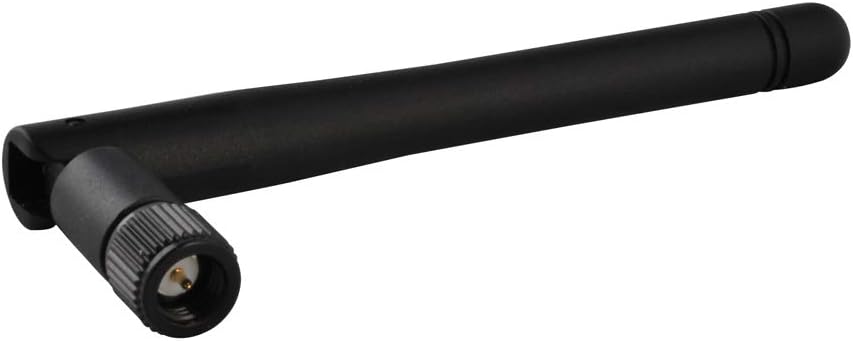 2.4g 3dbi Omni Wifi Antenna RP-Sma male (hole)Interface for Wireless Router$5.19
 LINKUP - AVA 50cm PSU Cable Extension Sleeved Custom Mod GPU PC Braided$26.96
 Global AC/DC Adapter for PG309BLK Street Party III Docking Station Power Supply Cord Cable PS Charger Mains PSU$13.87
![[UL Listed] OMNIHIL 8 Feet Long AC/DC Adapter Compatible with CenturyLink C4000LZ DSL Modem Router](https://m.media-amazon.com/images/I/71wimWKOmXL._AC_SL1500_.jpg) [UL Listed] OMNIHIL 8 Feet Long AC/DC Adapter Compatible with CenturyLink C4000LZ DSL Modem Router$13.96
[UL Listed] OMNIHIL 8 Feet Long AC/DC Adapter Compatible with CenturyLink C4000LZ DSL Modem Router$13.96 Depusheng Professional Audio Mixer Digital FX 256-Bit DSP USB Bluetooth MP3 Computer DJ Mixer 5 Channel input Interface with 48V Phantom Power for PC recording Live Streaming, Podcasting, Karaok$34.95
![[UL Listed] OMNIHIL 8 Feet Long AC/DC Adapter Compatible with ACEPC AK1 / AK2 Mini PC](https://m.media-amazon.com/images/I/71w5FgR8SNL._AC_SL1500_.jpg) [UL Listed] OMNIHIL 8 Feet Long AC/DC Adapter Compatible with ACEPC AK1 / AK2 Mini PC$18.96
[UL Listed] OMNIHIL 8 Feet Long AC/DC Adapter Compatible with ACEPC AK1 / AK2 Mini PC$18.96 Dexpt 45W Adapter Charger Fit for HP 17-by 17-cn 17-cp 17-bs 17-ca Laptop$15.99
 Green White and Gold Party Decorations, 16-Pc Lanterns & Honeycomb Balls$16.88
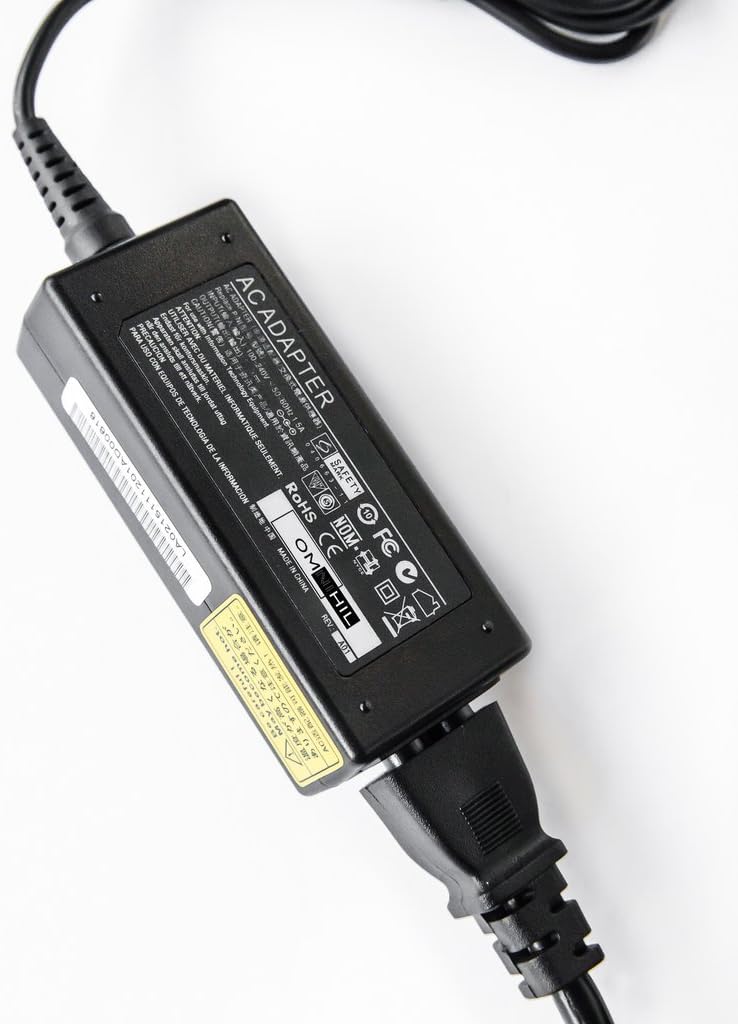 Omnihil AC/DC Adapter/Adaptor Compatible with NETGEAR Nighthawk X6 AC 3200 Model R8000 Tri-Band Gigabit Wi-Fi Router$22.96