Product Information
About this item
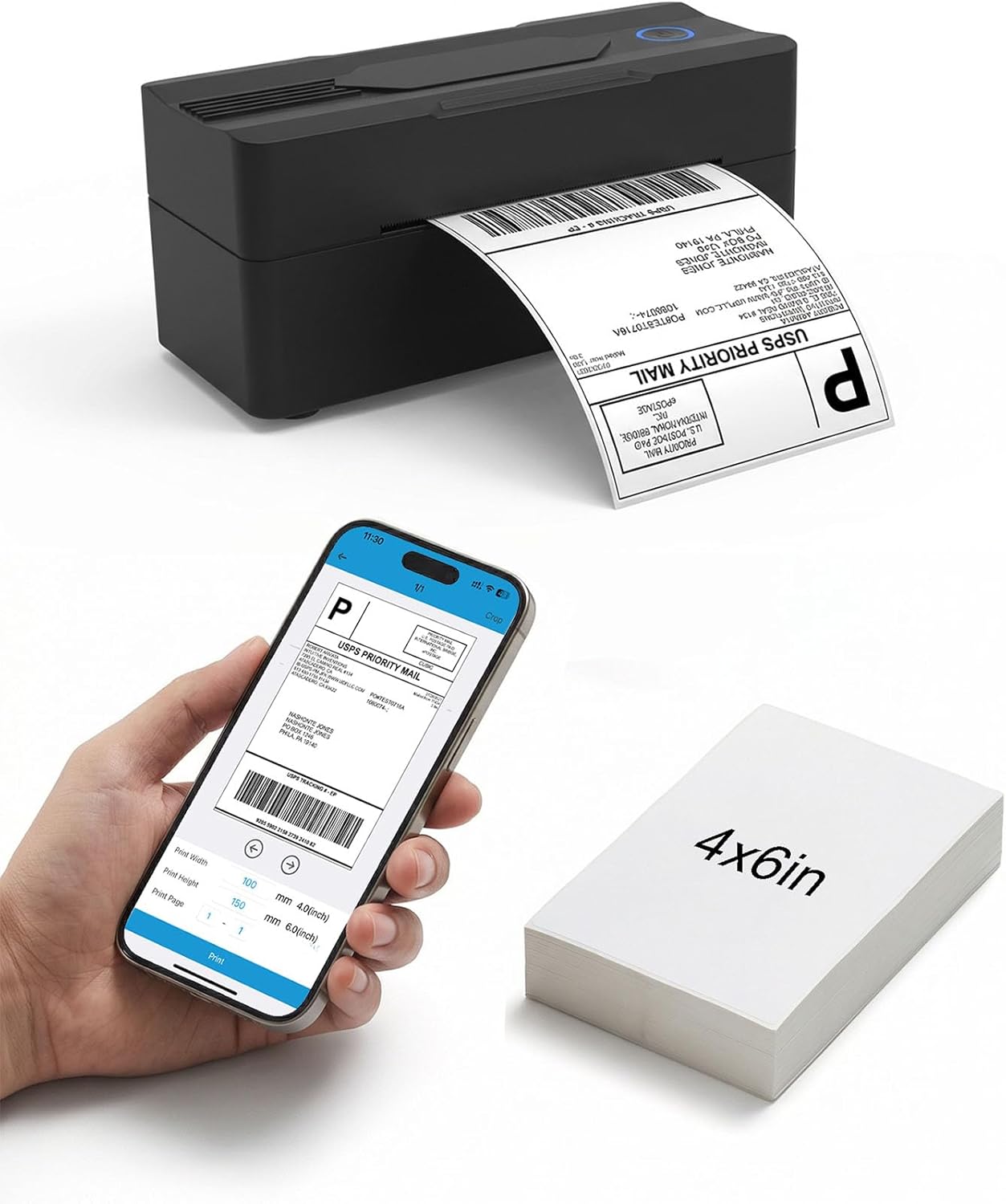
- Print via Bluetooth: The bluetooth shipping label printer supports wireless printing via bluetooth connection. For IOS and Android - need to download the Bluetooth Printing App (Android App: Printed Label, iOS App: Zlabel). Note: Bluetooth only works for Android and iOS, Wi-Fi is not supported
- Print via USB Cable: The shipping label printer for Windows and Mac OS systems via USB cable. For PC printing needs to download the driver. (Note: All devices cannot be directly connected to Bluetooth and need to be used through the driver)
- Premium Thermal Printing: Experience clear and professional label printing with our high-quality thermal printer. With 203 DPI resolution for shipping labels, inventory management and more. Say goodbye to ink and toner, saving you money and eliminating the hassle of replacing cartridges
- Fast & Efficient Printing: Increase productivity with our fast and efficient thermal label printer. With a print speed of up to 160mm/s and support for thermal labels of 35-104mm((1.37-4.1inch)), it is suitable for various labeling tasks. Save time and do more with our fast printing capabilities
- Multi Platform Label Printing: Mvgges thermal label printer is compatible with all major sales platforms, including USPS, UPS, Etsy, eBay, Shopify, PayPal, etc. (Note: please save and download as PDF format first). Very suitable for your small online business to send packages and print labels
- What's in the Box: Package includes everything you need to get started: 1 x 4x6 label printer, 1 x power adapter, 1x Type-C Cable, 1 x user manual and 30 x test labels. Enjoy easy setup and seamless printing with this all-inclusive kit
- Ink-Free Thermal Technology: Utilizes advanced thermal printing technology that eliminates the need for ink cartridges or toner, reducing ongoing operational costs and maintenance requirements while delivering consistent high-quality prints
Product Description
1.Phone and Tablet Start Print:Step 1: Scan QR code download the App (Android App: Printed Label, iOS App: Zlabel).Step 2: Turn on the blutooth label printer and your phone's or tablet's Bluetooth.Step 3: Click the App to search for the bluetooth signal, connect it via Bluetooth in the App, and select the paper size and file type to start printing.2.Laptop/PC Starts Printing :Step 1: Turn on the thermal label printer and connect it to the computer using a USB cable.Step 2: Go to "This PC",open the Disk ,double click"Download driver and view User Manual"web page to download the driver and watch the installation tutorial videos,Select your print model to download 9270 driver.Step 3: Please check your laptop/PC's operating system (OS) download and install the correct 9270 driver from the website . Select and open your shipping label and print.3.Package includes:1xThermal printer1xUser Manual1xPower Adapter1x Type-C Cable30x Test labels4.More Cost Effective: The upgraded thermal printing technology allows the 4x6 thermal label printer no need for ink or toner, making your work more cost-effective. 203DPI high-definition printing, easy to scan and read. Automatic adjustment of label position functionto prevent paper waste