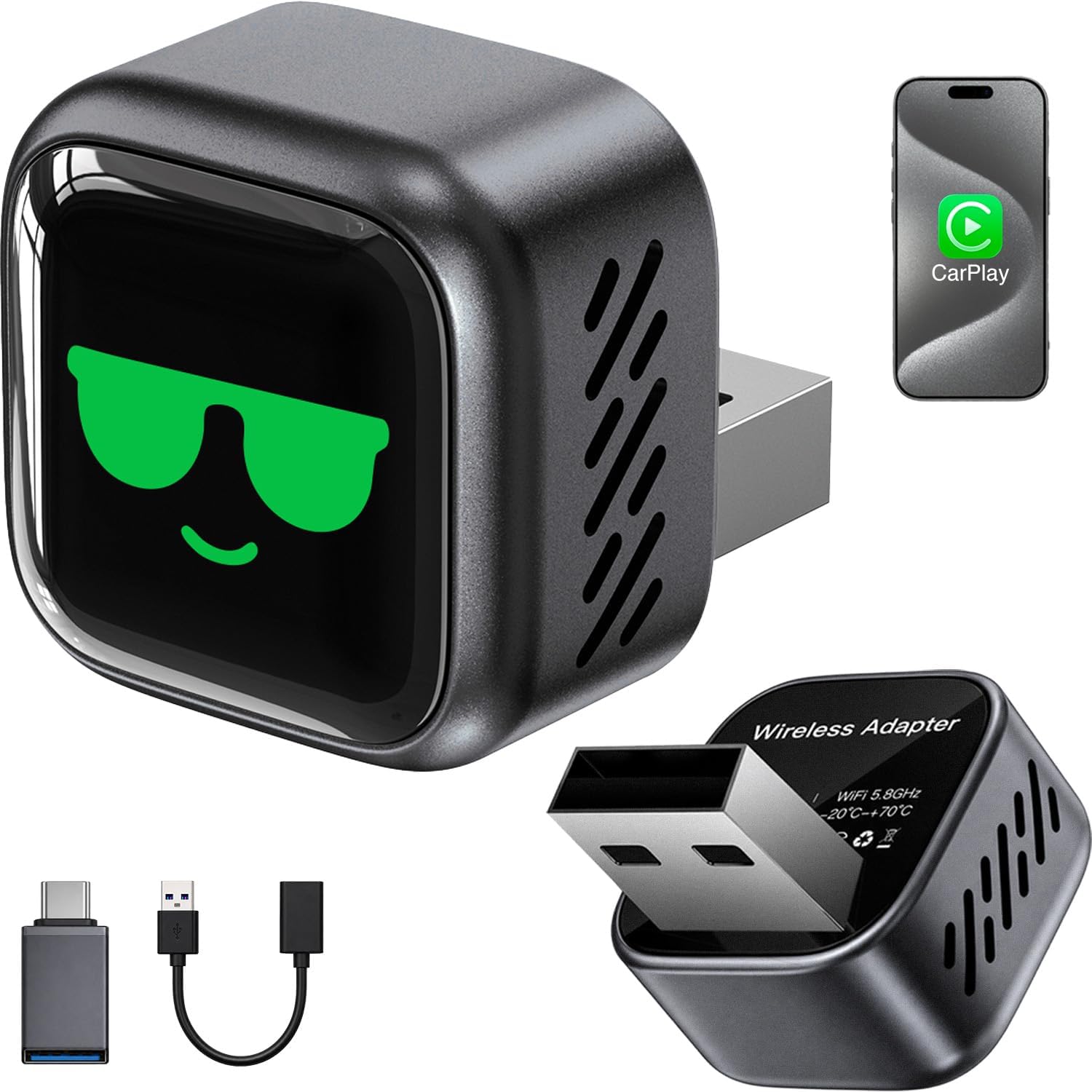
Product Information
About this item
- This USB A to C Cable Compatible for: iPhone 17 All series;iPhone 16 All series; iPhone 17E (released in 2026); iPhone 16E (released in 2025); iPhone 15 All series
- With USB Connector to your USB Cport for syncing and charging
- 3 meter in length (10ft), Pink USB A to USB C Cable
- Worry-free 1-year warranty, Friendly customer service
- *Note: If you experience issues with CarPlay function, please try to reverse the USB C plug to try again. Feel free to contact us if any further problem. We will always be here to help
Product Description
This is a cable specially designed for Car CarPlay Compatible for: iPhone 17; √ iPhone 17Air; √ iPhone 17 Pro; √ iPhone 17 Pro Max; √ iPhone 17E (2026); √ iPhone 16 ; √ iPhone 16 Plus; √ iPhone 16 Pro; √ iPhone 16 Pro Max; √ iPhone 16E 2025 (SE 4); √ iPhone 15; √ iPhone 15 Plus; √ iPhone 15 Pro; √ iPhone 15 Pro Max; √ Compatible for: IPad Pro 2023/ 2022/ 2021/ 2020/ 2018; √ IPad Air 5th Gen/ 4th Gen; √ IPad 10th Gen; √ IPad 11th Gen; √ IPad Mini 6th Gen; √ AirPods pro 2 (2nd Generation)√ AirPods pro 3 (3rd Generation) 2025 Version√ AirPods 4; √ AirPods Max 2 (New 2024 Version-USB C Port)√ 3 meter in length (10ft), Pink USB A to USB C Cable With USB Connector to your USB Cport for syncing and charging. Set up CarPlay 1. Start your car, then make sure that Siri is on. 2. Connect your iPhone to your car: · If your car supports CarPlay with a USB cable, plug your iPhone into the USB port in your car. The USB port might be labeled with a CarPlay icon or a smartphone icon. Be sure to use an USB C to USB cable. · If your car supports CarPlay both wirelessly and with a USB cable, plug your iPhone into the USB port in your car. An alert on your iPhone will offer to connect you wirelessly on your next drives. *Note: If you experience issues with CarPlay function, please try to reverse the USB C plug to try again. Feel free to contact us if any further problem. We will always be here to help.