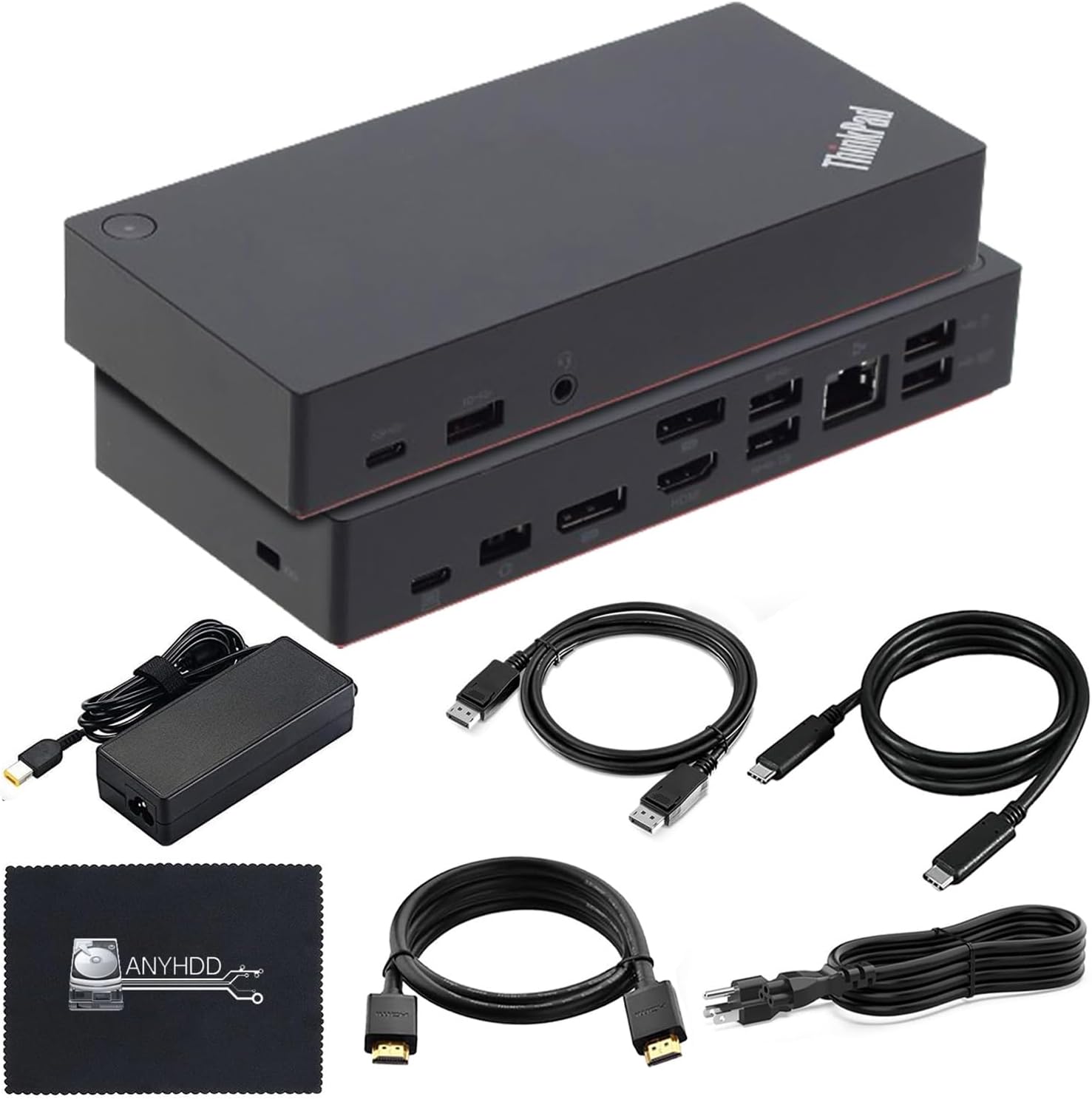
Product Code: B0H6KB7V5W
WD19DCS USB-C Performance Docking Station Dual Monitor 240w 3 Year-Warranty
$279.00
Product Information
Availability
In Stock
Seller
TechTray
About this item
- [BUILT FOR PRECISION - CHECK YOUR MODEL] - Designed for Precision mobile workstations that use a dual USB-C (two-connector) link for full 210W power and multi-display - for example the Precision 7000 series. Works single-cable on other supported systems at up to 130W. This is NOT a universal dock. Confirm your exact model against the supported list before ordering, or message us
- [WHAT’S INCLUDED] - Includes the WD19DCS 240W Dock with a full 3-year TechTray warranty, plus a premium four-cable connectivity kit. You’ll receive a VESA-certified 8K DisplayPort 1.4 cable, 4K 60Hz HDMI 2.0b cable with HDR, USB-C to USB-C Thunderbolt 4-compatible cable supporting up to 40Gbps data transfer, and a Cat8 Ethernet cable. All cables are 2m/6.5ft long, ideal for monitor arms, standing desks, and flexible workstation setups.
- [HIGH-RESOLUTION DISPLAY SUPPORT] - Connect one compatible display at up to 5K 60Hz or two displays at up to 4K 60Hz. Display quantity and resolution depend on the laptop, GPU, HBR rate, DSC support and connection configuration.
- [POWER: 240W ADAPTER, UP TO 210W TO A PRECISION] - The 240W rating is the wall adapter. The dock delivers up to 210W to supported Precision workstations over dual cables, up to 130W to other supported systems, and up to 90W to USB-C laptops. gaming laptops should keep their original charger for heavy workloads.
- [MONITORS & 12 PORTS - YOUR LAPTOP DECIDES] - Video via 2x DisplayPort 1.4, 1x HDMI 2.0 and 1x USB-C, plus Gigabit Ethernet, 3x USB-A and front/rear USB-C data. Dual, triple, or quad 4K needs an HBR3 laptop with DSC; quad is limited to Precision 7000 with a supported NVIDIA GPU. HDMI and the rear USB-C output run one at a time. Mac laptops get one external display.
- [CONNECT IT IN THE RIGHT ORDER] - Power your laptop on first, then attach both USB-C cables, connecting them while the laptop is off can trigger Over Voltage Protection and stop charging. Then update the dock firmware and drivers (this also clears HDMI glitching). If charging stops: unplug all, wait 10 seconds, reconnect one cable, and restart.
- [MODULAR DESIGN] - The replaceable USB-C cable module supports easier servicing and future connectivity upgrades without replacing the entire dock. Its compact 8.07 × 3.54 × 1.14-inch design helps maintain an organized workspace