Product Code: B0HGMHDW6G
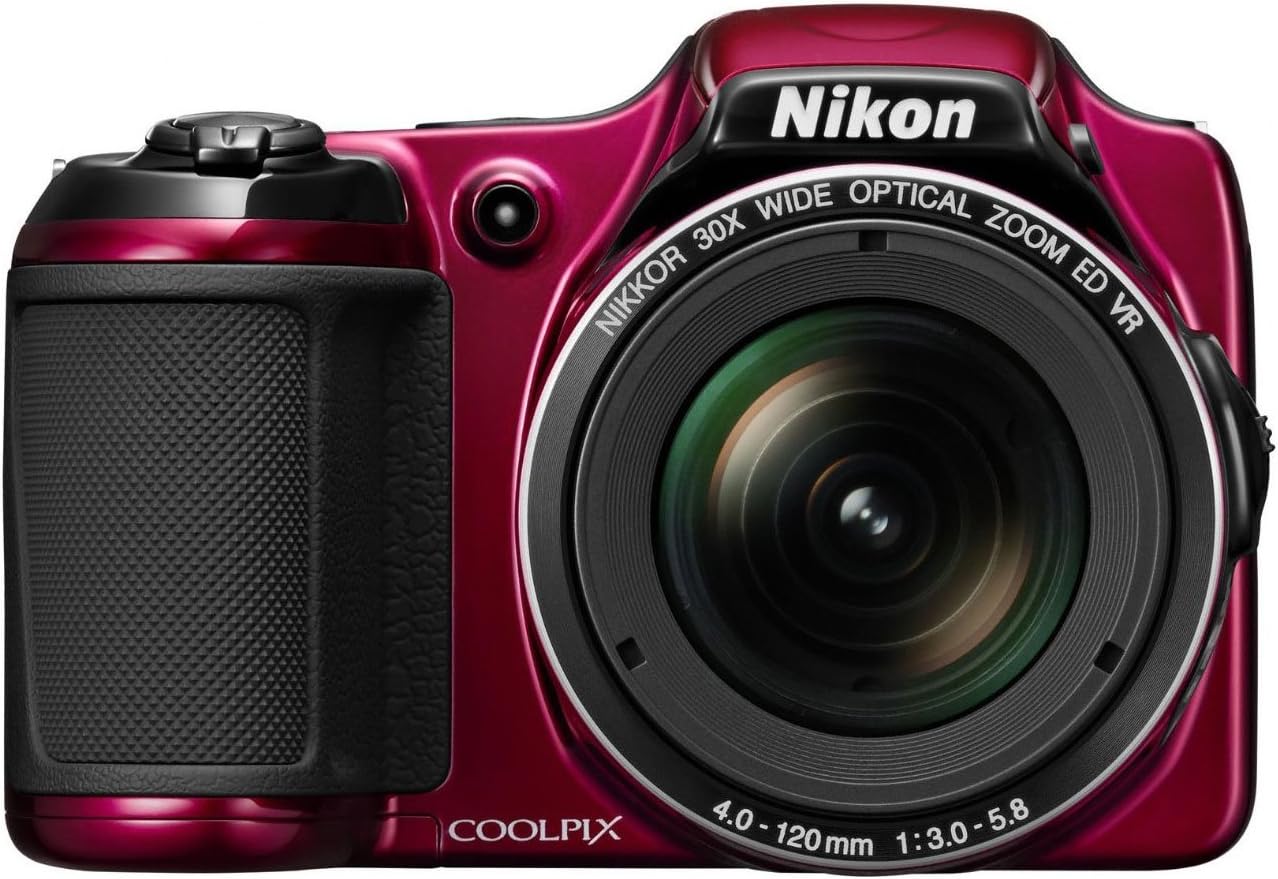
IPG FlexiGlass Made for Nikon Coolpix S7000 Camera (2 Units) Display 9H Flexible Fiberglass Screen Protector Smooth Glass Film, Shockproof Ultra Responsive High Clarity Anti Scratch Smudge & Shock Proof for s7000.Flexi
$16.95
Product Information
Seller
iMotiw
About this item
- This IPG FlexiGlass screen protector is specifically designed for your device, providing a precise fit and reliable protection while preserving the original screen clarity and touch sensitivity.
- IPG FlexiGlass 9H Hardness Screen Protector for your specific device. Unlike tempered glass, IPG FlexiGlass is designed to develop only fine hairline cracks when damaged, helping prevent the screen protector from shattering into sharp pieces. Its flexible fiberglass structure helps provide reliable protection while maintaining a smooth, responsive touch experience.
- IPG FlexiGlass requires dry application. The application steps are included in the packaging. Its unique fiberglass structure provides a smooth glass-like touch, ultra-responsive performance, and high clarity, allowing you to enjoy a clear and natural viewing experience
- Free lifetime replacement warranty for the life of your IPG FlexiGlass Screen Protector for Nikon Coolpix S7000 Camera. IPG FlexiGlass is virtually invisible, helping protect your display from unwanted scratches while repelling dust and reducing the signs of everyday wear and tear. Anti Scratch Smudge & Shock Proof Nano Technology Guard
- IPG FlexiGlass APPLICATION INSTRUCTIONS!!! (-1-) Clean your screen with the IPG cleaning wipe and make sure there is no dust or fingerprints left on the screen. (-2-) Place your IPG FlexiGlass screen protector onto the device screen with the side labeled Step #1 facing the screen. (-3-) Use the 2 Guide Stickers included in the package to properly align the protector on your device. (-4-) Make sure the screen protector is correctly aligned. (-5-) Use 1 Handle Sticker to lift the protector away from the screen. (Like opening a book page.)
- (-6-) Use the Dust-Remover Sticker to remove any remaining dust from the screen. (-7-) Peel off the side labeled Step #1. (-8-) Use the Handle Sticker to fold the protector back onto the screen. Gently press the screen protector with your fingers or the IPG card and push any air bubbles toward the edges of the screen. (-9-) Finally, peel off the top protective film labeled Step #2 IPG WE PROTECT WHAT WE LOVE