
DaVinci Resolve 21 for YouTube Creators: Master Video Editing, Color Grading, Audio, Effects, Shorts, and Faster Content Creation (DaVinci Resolve 21 Creator Guides)
Product Information
Product Description
DaVinci Resolve 21 for YouTube CreatorsMaster Video Editing, Color Grading, Audio, Effects, Shorts, and Faster Content CreationCreating a great YouTube video starts long before you click Export.You need to know how to organize your footage, build a clean edit, improve pacing, work with B-roll, make your colors consistent, clean up your audio, add effective graphics, and prepare your finished video for publication. When your workflow is disorganized, even a simple video can take far longer than it should.DaVinci Resolve 21 for YouTube Creators is a practical, creator-focused guide designed to help you turn raw footage into polished YouTube content while building a more efficient editing workflow.Inside, you'll learn how to:Set up DaVinci Resolve 21 for YouTube projectsOrganize footage, audio, graphics, and other media efficientlyBuild clean and engaging edits on the Edit pageImprove pacing, remove unnecessary footage, and work more efficientlyUse B-roll, titles, captions, and on-screen graphics effectivelyCorrect exposure, white balance, contrast, saturation, and other color problemsExplore professional color-grading techniques using the Color pageClean up dialogue and balance music and sound effects with FairlightUse transitions, motion effects, Fusion graphics, and green-screen techniquesCreate vertical videos and repurpose long-form content for YouTube ShortsBuild reusable templates and repeatable creator workflowsPrepare and export finished videos for YouTubeDevelop a more organized production system from recording through final deliveryRather than treating DaVinci Resolve as a collection of complicated tools, this guide focuses on how the tools fit together in a real content-creation workflow.You'll see how a project can move from raw footage to organized media, rough cut, polished edit, color correction, audio finishing, graphics, review, export, and repurposed Shorts.You'll also learn practical ways to reduce repetitive work, avoid common editing mistakes, and create a workflow that can grow with your channel.Whether you're editing talking-head videos, tutorials, reviews, educational content, vlogs, interviews, screen recordings, or Shorts, the goal is simple: help you spend less time fighting your editing software and more time creating useful content.If you're ready to build a more practical and repeatable YouTube editing workflow with DaVinci Resolve 21, this guide gives you a clear place to start. GET YOURS TODAY
Similar Items
 TOPOINT Sleep Mask Headphones Bluetooth Wireless 5.4, Breathable Cotton Eye Mask for Sleeping Side Sleepers Travel Music Headsets with Microphone Handsfree Men Women$32.99
 Microphone Case for JBL Partybox Wireless Microphone Mic Dust Cover Storage Pouch Travel Carrying Case Bag Karaoke Vocal Mic Protective Cover$12.99
 JETech 360° Privacy Screen Protector for iPhone 17 Pro Max, 2-Pack | 4-Way Privacy Protection, Anti-Spy Tempered Glass, Easy Installation Tool$14.99
 co2CREA Case for Xvive U3 U3C Microphone System Transmitter and Receiver$19.99
 MOTONG PC Full Coverage Protective Watch Case Cover Tempered Glass Screen Protector Compatible with Garmin Fenix 8 43mm (Black+orange)$8.99
 SHABBOSLITE® LED Table Lamp White$64.99
 AI Smart Glasses for Men Women Real-Time Translation Open-Ear Audio | 160+ Languages Photochromic Lenses AI Assistant Touch Control Bluetooth Glasses with Hands-Free Calls Travel Trade Business$29.99
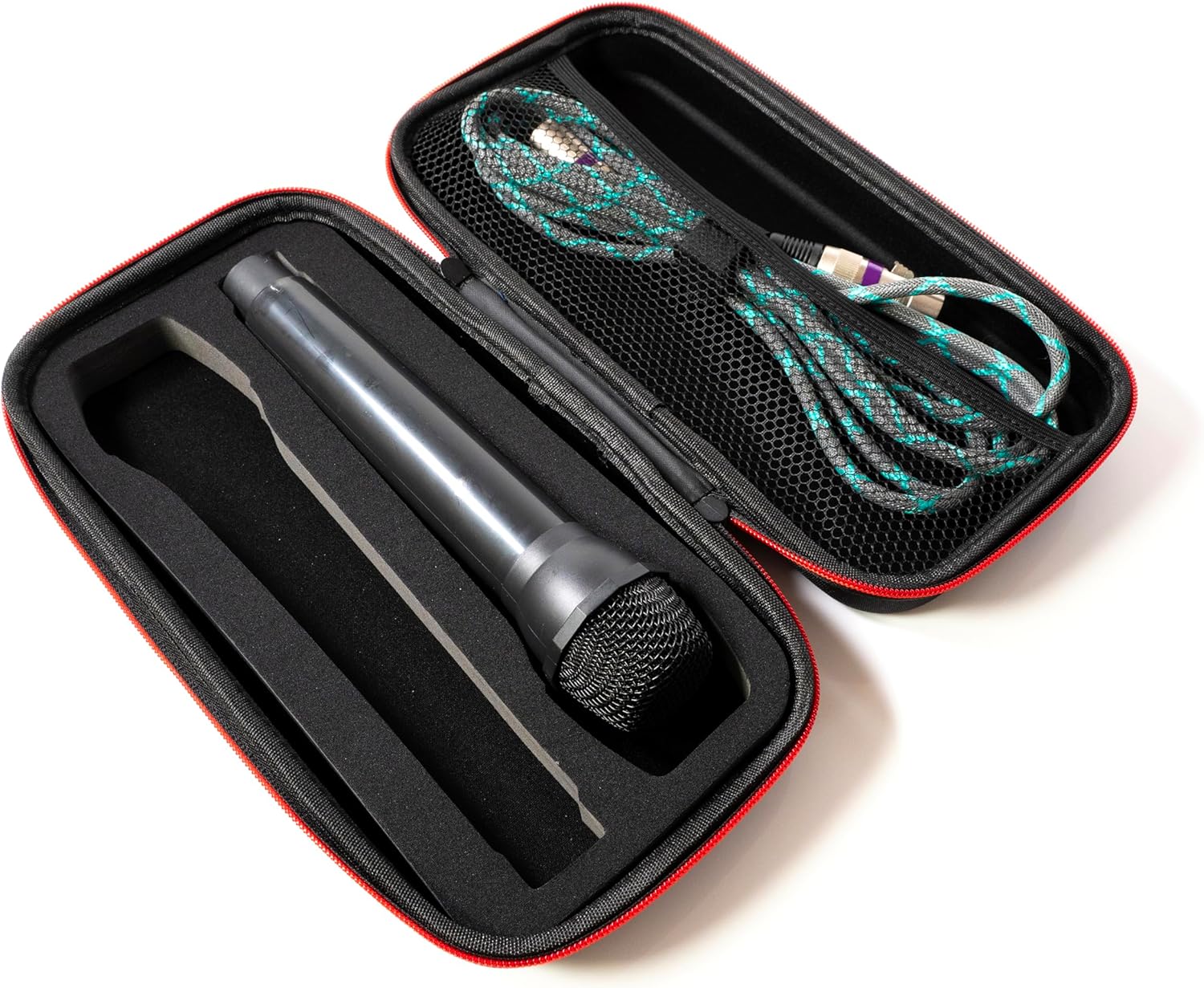 Fabricko Dual Wireless Microphone Travel Case, Hard EVA case, Protective, Shockproof, Waterproof for outdoor$12.99
 Hard Carrying Case Compatible with Shure SM7dB/MV7 SM7B Vocal Dynamic Microphone for Hard EVA Material for Easy Travel Fits Shure SM7B/MV7/ SM7dB(Case Only)$28.99
 COROS Nomad GPS Outdoor Watch, 22-Day Battery Life, Fishing - Brown$349.00