](https://m.media-amazon.com/images/I/41hw-O8uGvL._SL1500_.jpg)
Microsoft Xbox One Kinect Sensor Bar [Xbox One](Renewed)
Product Information
About this item
- Requires power adapter for Xbox One S and X models (sold separately)
- Put down the controller and play Xbox One games using just your body, voice, and gestures. Command your TV and even make Skype calls in HD.
- Play games where you are the controller, Be recognized and signed-in automatically
- Be recognized and signed-in automatically you can also call friends and family with Skype in HD
- Broadcast gameplay live with picture-in-picture
Product Description
You are the controller You don't have to have your hands full when you're gaming. With Kinect for Xbox One, you can control games using your just body, voice, and gestures. Forget the remote. Kinect lets you command your TV or even make Skype calls in HD. Be recognized and signed-in automatically, and use your voice to find your favorite entertainment, snap apps, switch instantly, and start recording game clips. You can even broadcast your gameplay live with picture-in-picture. Troubleshooting steps: To verify that your sensor is turned on: 1. Scroll left from the Home screen to open the guide. 2. Select Settings. 3. Select All Settings 4. Select Kinect & devices.. 5. Select Kinect. 6. Verify that Kinect on is selected. If the Kinect has been enabled in the Xbox One Menu, follow these steps to reset the Kinect sensor’s connection: 1. Power off the Xbox One console by pressing the Xbox button on the front of the console for 10 seconds, until it shuts down completely. 2. Unplug the console’s power cable. 3. Unplug the Kinect sensor from the console. 4. Plug the console power cable back in. 5. Press the Xbox button on your console to power up. 6. Scroll left from the Home screen to open the guide. 7. Select Settings. 8. Select All Settings. 9. Select Kinect & devices. 10.Select Kinect. Plug the Kinect sensor into the back of the console and wait 5 seconds for the console to recognize it.
Similar Items
 Case for Onn 4K Pro Remote,TOKERSE Cover Compatible with Onn Google TV 4K Plus/Pro Streaming Device Remote Control Anti Slip Shockproof Silicone Protective Sleeve with Lanyard Glow in The Dark - Green$7.99
 HDMI Sync Box with TV Backlight, 16.4Ft.Cuttable LED Strip Light$75.00
 Silicone Case for Chromecast with Google TV 2020 Voice Remote Protective Cover for 2020 Chromecast Voice Remote (Light Gray)$8.99
 HP Essential 17t Business Laptop, 17.3" HD+ Touchscreen Display, Intel Core i7-1355U (> R5 7430U) High-Performance Tier Processor, 64GB RAM, 2TB SSD, HDMI, Fingerprint Reader, Wi-Fi 6, Windows 11 HomeView price
 New Replacement Remote Control Compatible with Mediasonic HomeWorx ATSC Digital TV Converter Box HW130STB$9.89
 DELL 13th Generation Business Inspiron 15 3530 Laptop, 15.6" FHD Touchscreen, Intel Core i7-1355U, 32GB RAM, 1TB SSD, Webcam, HDMI, Wi-Fi 6, Windows 11 Pro, BlackView price
 HP 15.6" Business Laptop, 16GB RAM 128GB SSD, Quad-Cores Intel Processor, Windows 11, PLUSERA Earphones & 8-in-1 Hub Included, Moonlight Blue (Renewed)View price
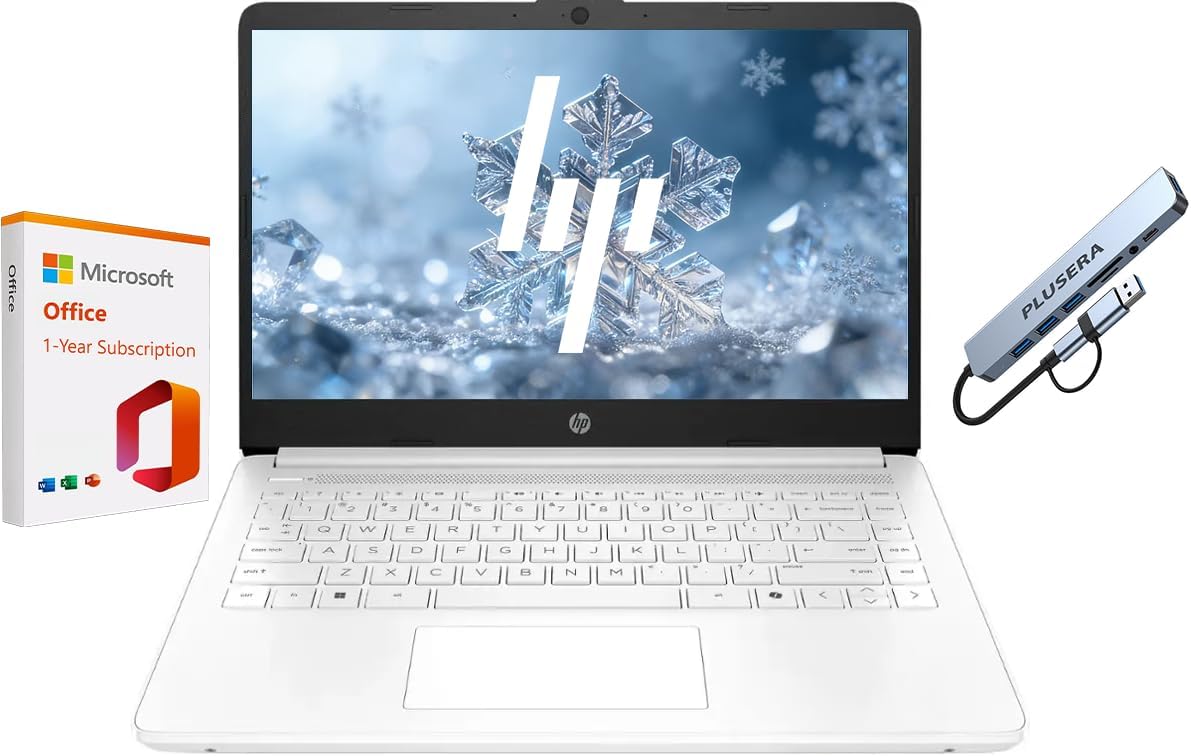 HP 14" Business Laptop with 1-Year Office 365, Windows 11 Laptop 8GB RAM 576GB Storage (64GB SSD+512GB SD Card), Dual-Core Intel Processor, PLUSERA 8-in-1 Hub Included, Snowflake WhiteView price