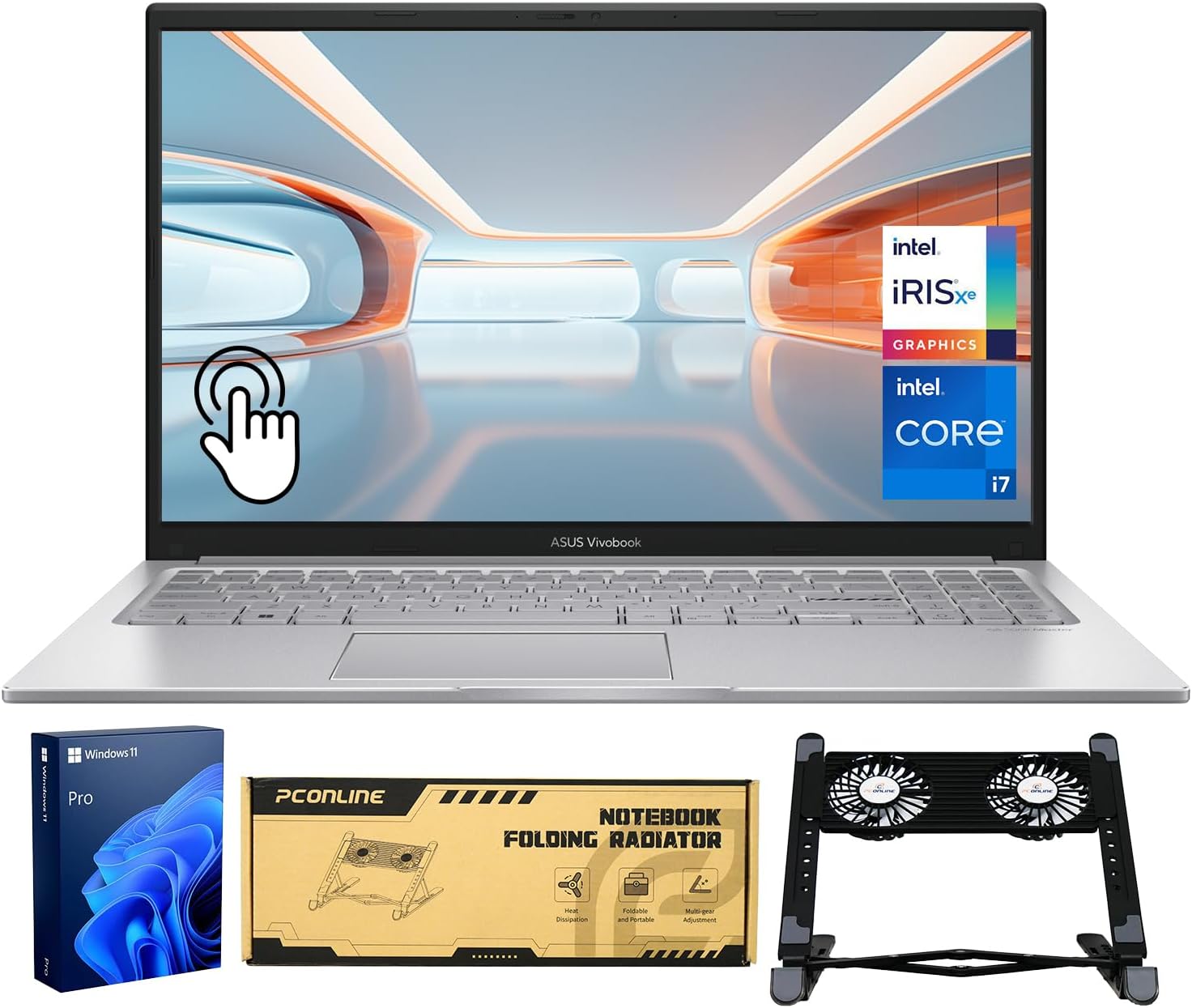
ASUS Vivobook 14 Inch Business Laptop, Intel 10-Core 5 120U(Beat i7-1335U, Up to 5GHz), 16GB RAM 256GB SSD, Laptop for College Students Study-Home with FHD IPS Display, Privacy Webcam, Wi-Fi 6, Win 11
Product Information
About this item
- 【10-Core Intel Power for All-Day Productivity】Handle schoolwork, business tasks, and light video editing seamlessly. With the Intel Core 5 120U processor (10-core, up to 5.0GHz), this ASUS Vivobook 14 laptop delivers smooth multitasking for productivity and casual gaming every day.
- 【Sharp 14" FHD IPS Screen】iew notes, presentations, and shows in sharp detail on 1920x1080 FHD screen. With built-in Copilot AI in windows 11 system, unlock new creative potentials—from generating ideas to refining content. This ASUS Vivobook 14 laptop provides the vast canvas and intelligent assistance perfect for studies, business tasks, and creative projects.
- 【16GB RAM & 256GB SSD for Enhanced Performance】This powerful combination in this ASUS Vivobook 14 ensures quick boot times and ample space for all your projects, documents, and educational materials.
- 【Stay Connected and Productive All Day】Unlike traditional laptops, this ASUS Vivobook 14 features Wi-Fi 6 and Bluetooth 5.2 for seamless connectivity anywhere. With long battery life that lasts through back-to-back classes or work sessions, you can stay focused without hunting for outlets.
- 【Seamless Connectivity】Connect all devices with USB-C, USB-A, and HDMI 1.4. Includes the original adapter plus an extra 65W Type-C charger. Lightweight and compact, this portable power solution is perfect for travel, ensuring your ASUS Vivobook stays ready for work anywhere.
Product Description
We sells laptop-computer with upgraded configurations. If the computer has modifications (listed above), then the manufacturer box is opened for it to be tested and inspected and to install the upgrades to achieve the specifications as advertised. If no modifications are listed, the item is unopened and untested. Defects & blemishes are significantly reduced by our in depth inspection & testing. Microprocessor: Intel Core 5 120U(10 cores and 12 threads up to 5 GHz) Memory: Upgraded to 16GB DDR4 RAM Solid state drive capacity: Upgraded to 1TB SSD(expandable up to 2TB) Video graphics: Intel Graphics Display: 14" FHD IPS (1920×1080) display and smooth 60Hz refresh rate Wireless connectivity: Wi-Fi 6 and Bluetooth 5.2 External ports: 1 x USB 3.2 Type-C | 2 x USB 3.2 Type-A | 1 x USB 2.0 Type-A | 1 x HDMI 1.4 | 1 x DC Jack Minimum dimensions (W x D x H): 12.79 x 8.42 x 0.7 in Weight: 3.09 LB Battery life mixed usage: Up to 8 hours Operating system: Windows 11 Home in S Mode Switching out of S mode in Windows 11 Windows 11 in S mode is designed for security and performance, exclusively running apps from the Microsoft Store. If you want to install an app that isn't available in the Microsoft Store, you'll need to switch out of S mode 1. On your PC running Windows 11 in S mode, open Settings > System > Activation. 2. In the Switch to Windows 11 Pro section, select Go to the Store. (If you also see an "Upgrade your edition of Windows" section, be careful not to click the "Go to the Store" link that appears there.) 3. On the Switch out of S mode (or similar) page that appears in the Microsoft Store, select the Get button. After you see a confirmation message on the page, you'll be able to install apps from outside of the Microsoft Store.