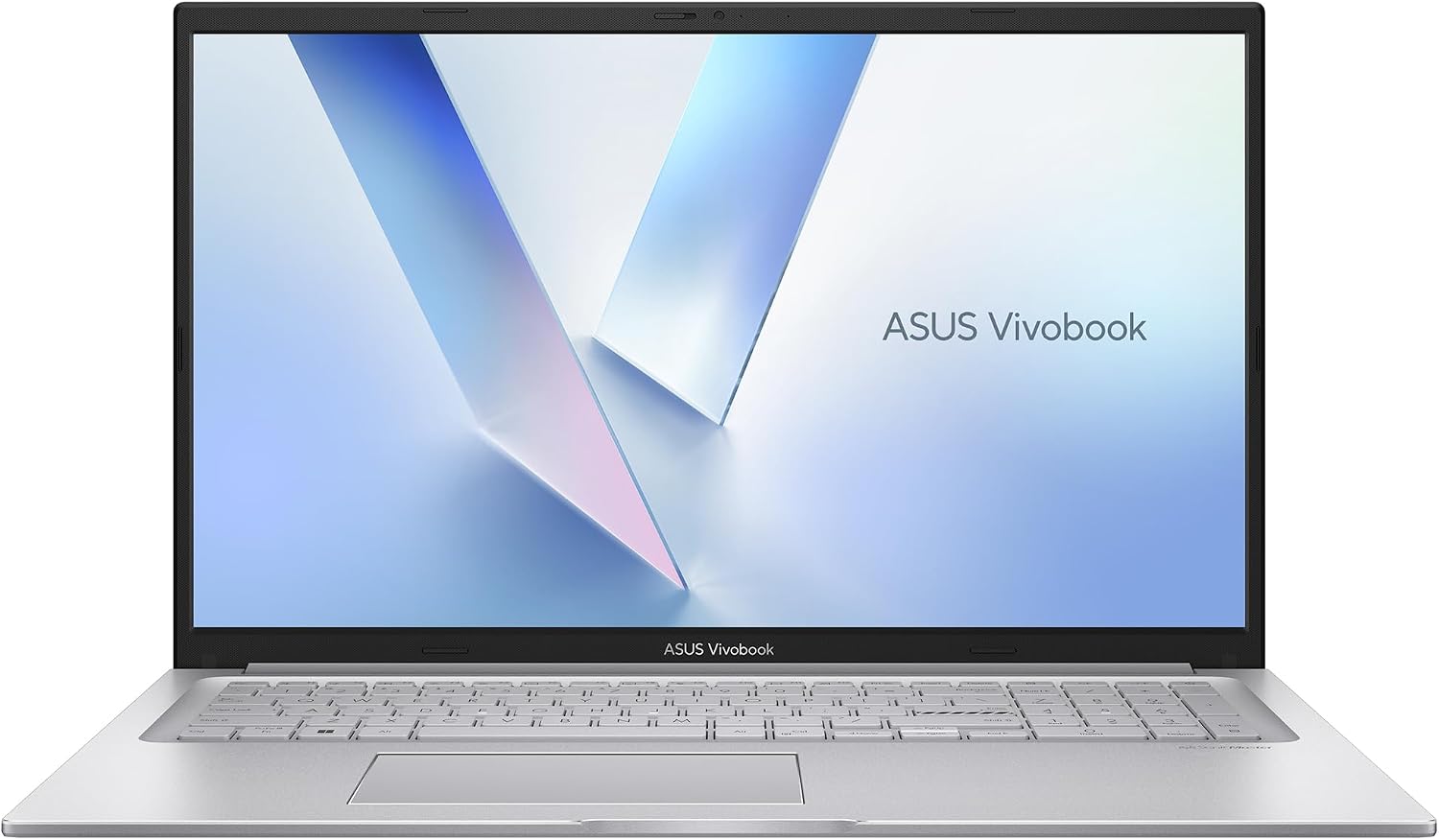
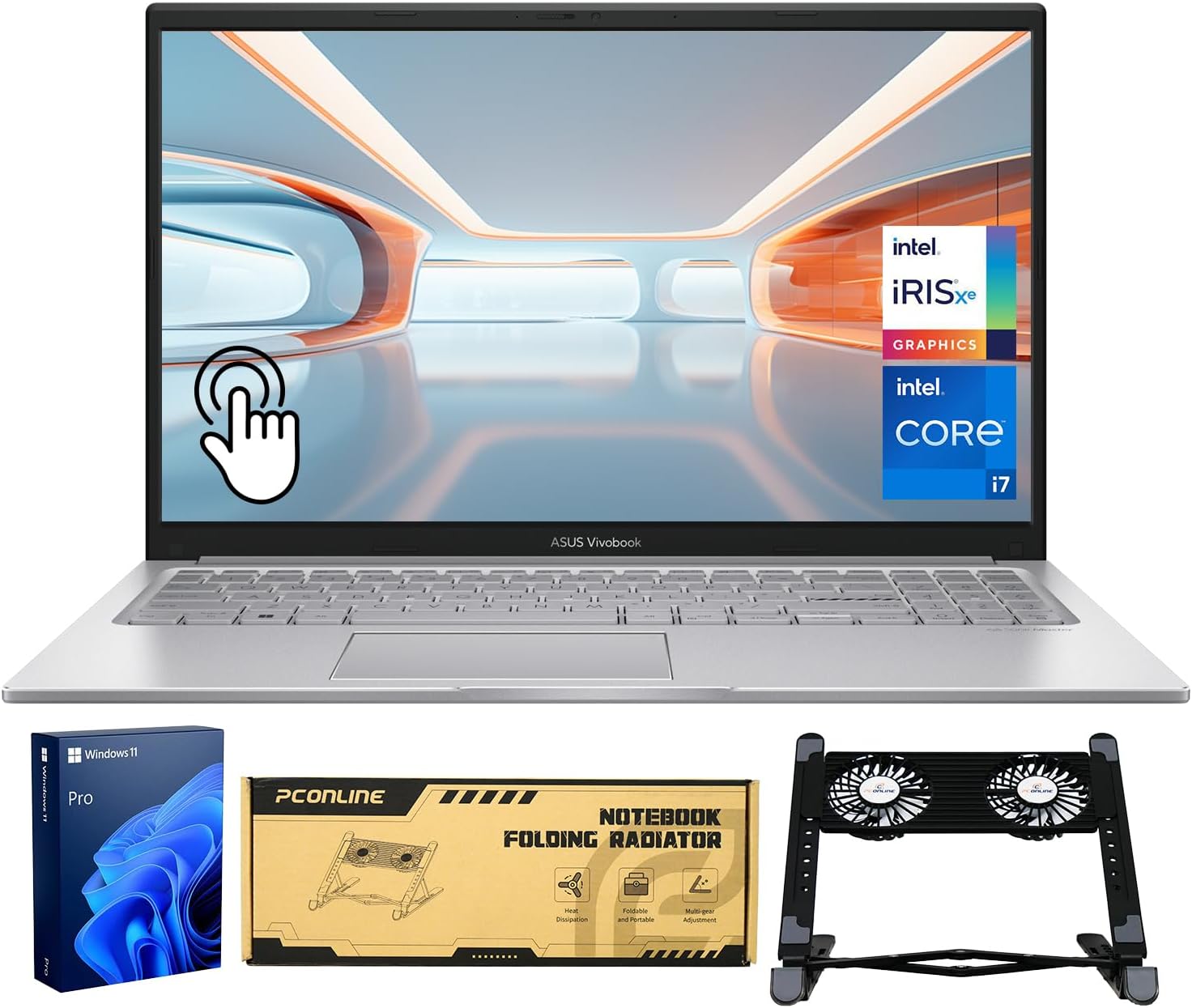
ASUS Vivobook 14" FHD Business Laptop, Intel 10-Core 5 120U(Beats i7-1335U), 16GB RAM 1TB SSD, School Laptop for College Student with Copilot AI NumberPad Private Webcam Wi-Fi 6 Win 11 W/Accessories
Product Information
About this item
- 【10-Core Intel Power for All-Day Productivity】 Handle schoolwork and business tasks via the Intel Core 5 120U (Beats i7-1335U). This ASUS Vivobook 14 laptop computer delivers 10-core speed for college students and pros needing a high-performance notebook.
- 【Ample Storage for Academic Needs】Store all your large projects with the high-speed 1TB PCIe SSD, making this 16GB ram laptop an ideal workstation for video editing and complex business files. Unlike a limited netbook, this laptop computer offers immense space for college students to save years of coursework and media. Experience a premium device that combines lightning-fast boot times with massive storage.
- 【FHD IPS Screen for Business & Home Entertainment】 Enjoy an immersive movie experience or sharp presentation prep on the 14" Full HD IPS display. This ASUS Vivobook 14 is the ultimate notebook for families and college students who want premium visuals for work and play.
- 【Windows 11 Copilot AI for Smarter Workflow】Master your day with windows 11 Copilot AI. This ASUS Vivobook 14 laptop computer is the perfect notebook for interactive learning and business efficiency, offering a smart, modern experience for college students.
- 【Secure WiFi 6 & Privacy for Business Travel】 With WiFi 6, BT 5.2, and a Private Webcam, this ASUS Vivobook is built for secure business trips. The NumberPad boosts productivity, making it a better laptop computer for remote work than any traditional small netbook.
- 【Ready for Professionals with Premium Value】 Comes with quality accessories for a complete setup. Perfect for Zoom and light video editing, this ASUS Vivobook 14 laptop computer is the durable choice for those who value premium quality in a lightweight notebook.
Product Description
We sells laptop-computer with upgraded configurations. If the computer has modifications (listed above), then the manufacturer box is opened for it to be tested and inspected and to install the upgrades to achieve the specifications as advertised. If no modifications are listed, the item is unopened and untested. Defects & blemishes are significantly reduced by our in depth inspection & testing. Microprocessor: Intel Core 5 120U(10 cores and 12 threads up to 5 GHz) Memory: Upgraded to 16GB DDR4 RAM Solid state drive capacity: Upgraded to 1TB SSD(expandable up to 2TB) Video graphics: Intel Graphics Display: 14" FHD IPS (1920×1080) display and smooth 60Hz refresh rate Wireless connectivity: Wi-Fi 6 and Bluetooth 5.2 External ports: 1 x USB 3.2 Type-C | 2 x USB 3.2 Type-A | 1 x USB 2.0 Type-A | 1 x HDMI 1.4 | 1 x DC Jack Minimum dimensions (W x D x H): 12.79 x 8.42 x 0.7 in Weight: 3.09 LB Battery life mixed usage: Up to 8 hours Operating system: Windows 11 Home in S Mode Switching out of S mode in Windows 11 Windows 11 in S mode is designed for security and performance, exclusively running apps from the Microsoft Store. If you want to install an app that isn't available in the Microsoft Store, you'll need to switch out of S mode 1. On your PC running Windows 11 in S mode, open Settings > System > Activation. 2. In the Switch to Windows 11 Pro section, select Go to the Store. (If you also see an "Upgrade your edition of Windows" section, be careful not to click the "Go to the Store" link that appears there.) 3. On the Switch out of S mode (or similar) page that appears in the Microsoft Store, select the Get button. After you see a confirmation message on the page, you'll be able to install apps from outside of the Microsoft Store.