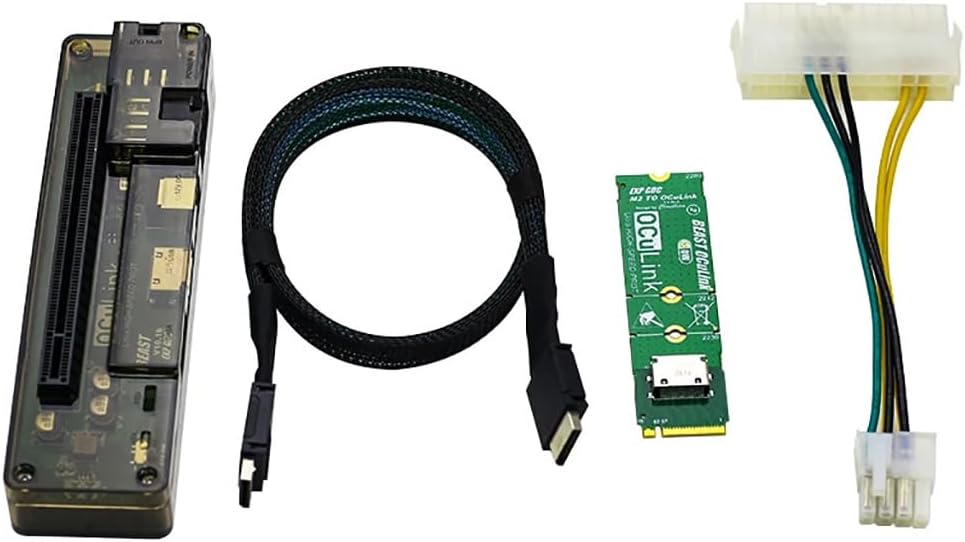
JMT M.2 M Key to OCulink-Compatible GPU Docking Station PCIe 4.0 X4 64GB/s for Mini PC Notebook Laptop to External Video Graphic Card (with M.2 Adapter)
Product Information
About this item
- OCulink-compatible Data Line Interface: Use an OCulink-compatible data cable to connect to a computer with OCulink-compatible interface. Connect a computer with M.2 M key using the OCulink-compatible to M.2 adapter board.
- PCI-E Interface: PCI-E 4.0 x16 interface. ( actual running speed Max PCI-E4.0 X4). 6P Power Supply Output Port: When using DC power supply , the power output of this interface.
- 8P Power Supply Output Port: Power adapter for Dell minicomputer( maximum power is 220W). Use desktop power supply with patch cord ( unlimited power).
- DC Power Input Port: Use a 12V power adapter ( maximum power is 150W), Power interface 2.5 * 5.5.
- High Speed: Support PCIe 4.0 X4 64GB/s max. Data Line length: About 50cm. Supported Power Supplier:?DC/FLEX/SFX/ATX. Power: DC/8P [M.2?Adapter Card(with OCulink-compatible Port?) Optional].
Product Description
JMT M.2 M Key to OCulink-compatible GPU Docking Station PCIe 4.0 X4 64GB/s for Mini PC Notebook Laptop to External Video Graphic Card M.2 Adapter Card(with OCulink-compatible Port ) Optional Produduct Detail: OCulink-compatible version Board interface: 1.6P power supply output port When using DC power supply , the power output of this interface 2.8P power supply input port 1.Power adapter for Dell minicomputer( maximum power is 220W) 2.Use desktop power supply with patch cord ( unlimited power). 3.DC power input port Use a 12V power adapter ( maximum power is 150W) Note : power interface 2.5 * 5.5. 4.OCulink-compatible data line interface 1.Use an OCulink-compatible data cable to connect to a computer with OCulink-compatible interface. 2. Connect a computer with M.2 M key using the OCulink-compatible to M.2 adapter board. 5.PCI-E interface PCI-E 4.0 x16 interface. ( actual running speed Max PCI-E4.0 X4) M.2 M Key Docking Station parameter£º Product Size: 140*38*26mm Speed: PCIe 4.0 X4 64GB/s max. Data Line length: About 50cm. Supported Power Supplier: DC/FLEX/SFX/ATX Power: DC/8P Installation Mode: Disassembling/OCulink-compatible interface does not need to be disassembled.
Similar Items
 Linkidea Hard Travel Case for TKL Keyboard, Computer 87 Key Keyboard Carrying Case Protective Storage Box Bag, Compatible with Razer Huntsman V2 TKL Tenkeyless Keyboard$21.95
 Mad Catz S.T.R.I.K.E. 6 RGB Mechanical Wired Gaming Keyboard Compact 60% Form Factor$59.99
 Mac mini Dock for M6, M5 Pro, M4 & M4 Pro with NVMe SSD Enclosure$49.99
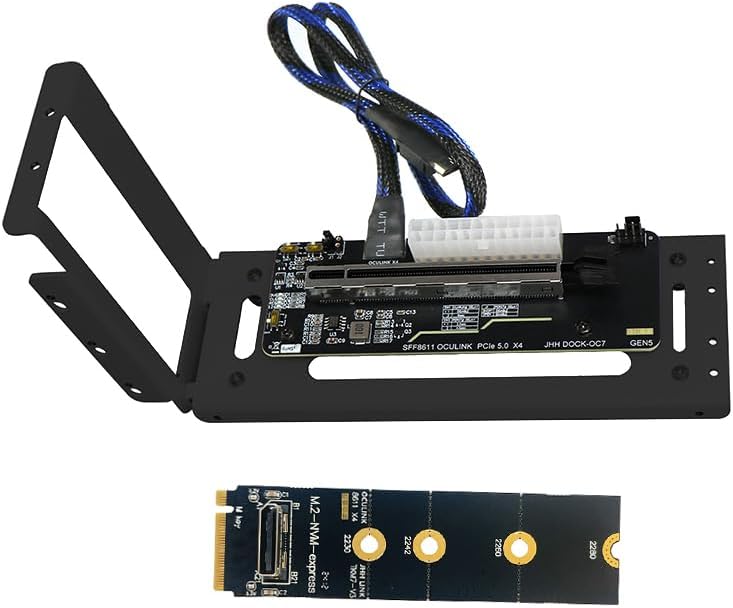 JMT PCIe 5.0 X16 to Oculink 4i GPU Expansion Dock 128G GEN4 High Speed Direct-Connect Dock-OC7 Kit Compatible with M.2 NVMe Docking Station GDP Laptop (+ Card TKM7,Dock-OC7)$85.98
 StarTech.com Dual 4K Monitor Mini Thunderbolt 3 Dock with DisplayPort - Mac & Windows Docking Station - Discontinued, Limited Stock, & Replaced by TB3DKM2DPL (TB3DKM2DP)$44.83
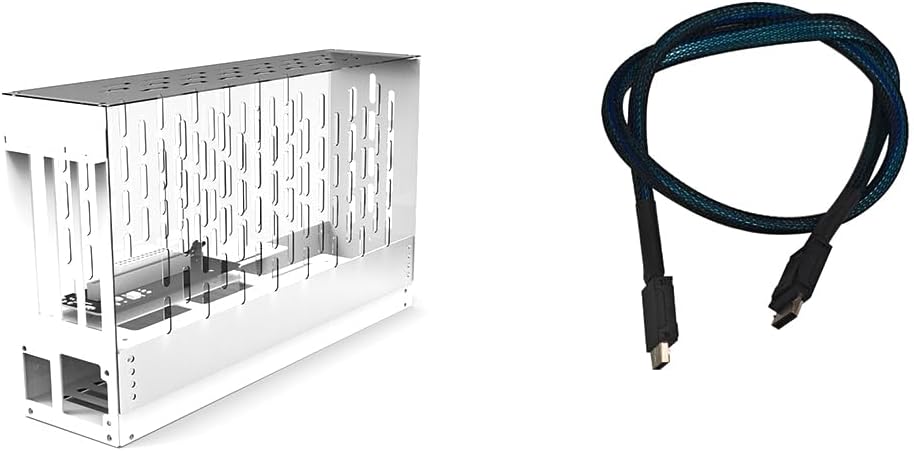 JMT PCIe 4.0 X16 to Oculink SFF-8612 eGPU Graphics Card Docking Station 64GB/s External GPU Enclosure Support Small 1U / Flex Power Supply (Acrylic,AC7 38 * 35 * 14cm)$153.98
 Mac mini M4/M4/M5 Pro/M6 Dock Stand with NVMe SSD Enclosure, 4K@60Hz HDMI$44.99
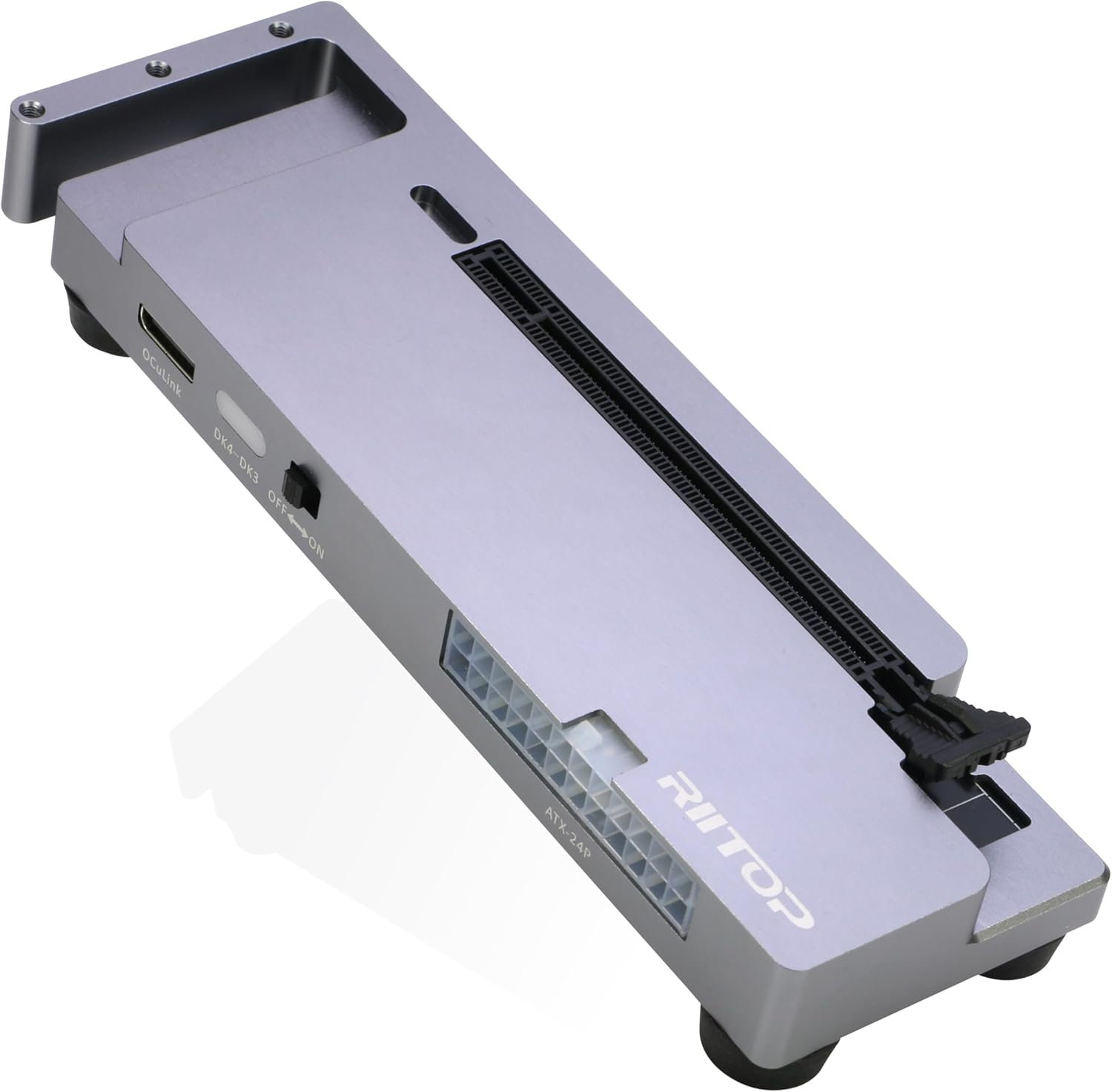 RIITOP OCuLink eGPU Dock 64Gpbs Oculink SFF-8612 External GPU Enclosure for PCIe 4.0 x16 Graphics Cards$123.49