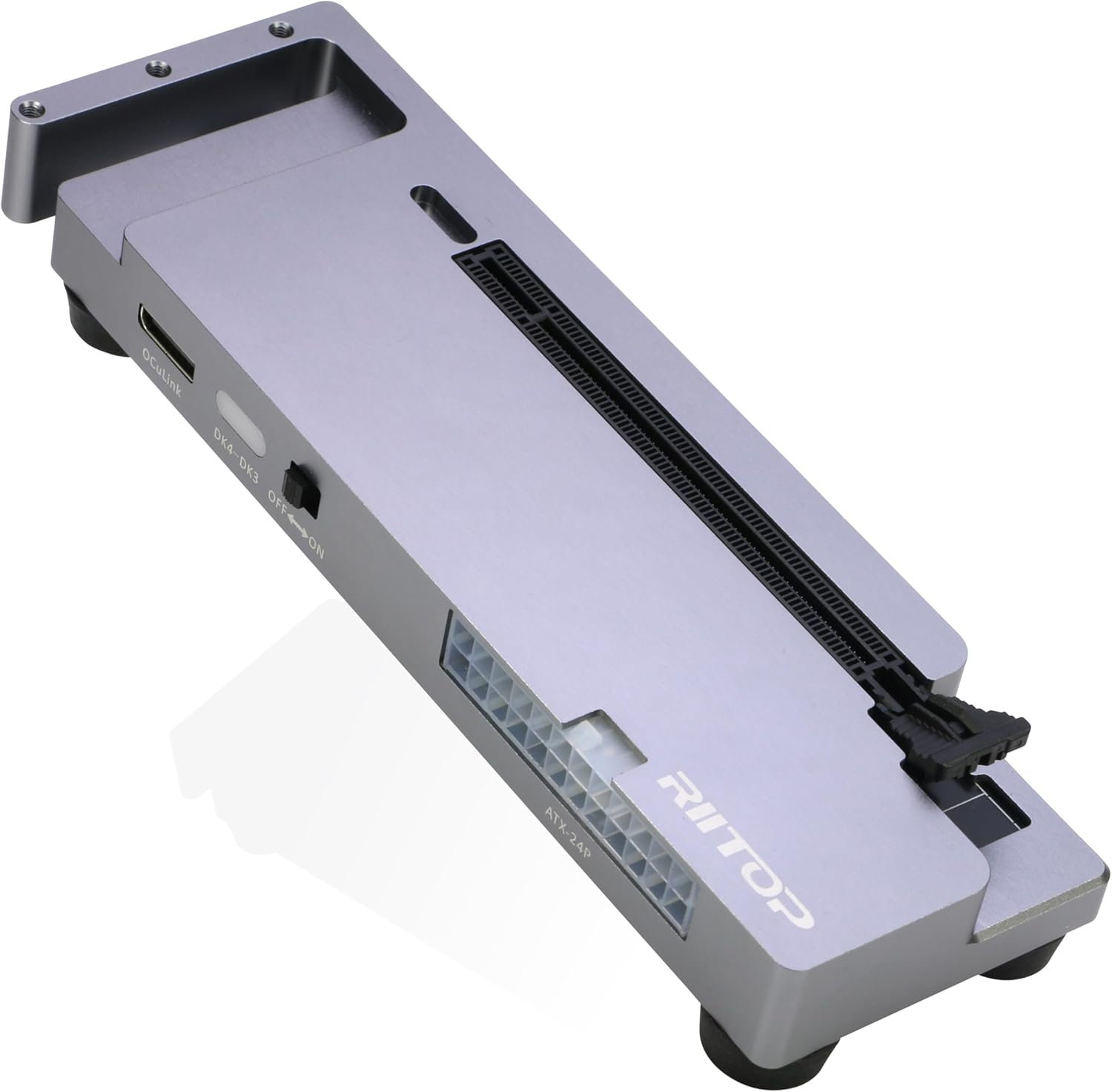
RIITOP OCuLink eGPU Dock 64Gpbs Oculink SFF-8612 External GPU Enclosure for PCIe 4.0 x16 Graphics Cards
$123.49
Product Information
ASINB0FGJQ1V5Z
CategoryComputers & Accessories
MerchantRIITOP
About this item
- OCuLink eGPU Dock: RIITOP OCuLink eGPU Docking Station Compensates for the performance limitations of graphics card on thin/ light or older laptops, gaming rigs MINI PC and NUCs, which comes with Oculink SFF-8612 Port . Supports the latest NVIDIA (RTX 50 Series: 5090 D/5080/5070 Ti/5070), AMD (RX 7000 Series) GPUs. Delivering high-performance graphics for AI Computing, cinematic experiences, large-scale rendering, video editing, gaming and creative workloads
- Hardware Requirement: 1x Available Oculink SFF-8612 Port on your laptop, MINI PC or any other device you want to connect, otherwise it can not be used; 1x PCIe 4.0 x16 Graphics card; 1x ATX/SFX Power Supply (It should match the graphics card requirement)
- Wide Compatibility: Open design, No restrictions on graphics card size, Supports the most latest graphics card, such as NVIDIA (RTX 50 Series: 5090 D/5080/5070 Ti/5070) and AMD (RX 7000 Series) GPU; Compatible with Windows 10/11 64-bit, Linux, and Mac OS
- Simple Installation Guide: Step 1: Fit the graphics card, securing it with the dedicated graphics card support pillar. Step 2: Mount the power supply using the black retention bracket. Step 3: Connect all necessary cables: 8-pin and 24-pin ATX power cable; Oculink cable; Monitor video cable; Step 4: Switch on the power button; Step 5: Install the graphics card drivers
- Please Note: (1) The OCULINK interface does not support hot-plugging. Ensure the power is switched off before unplugging or connecting the cable (2) The OCULINK interface is designed with “fixed lock”. When disconnecting, you must press the release switch to unlock it first. (3) About Mac OS: Compatible with Mac OS 10.13.4 and above, but can only support AMD Graphics Card, no driver need. Not support NVIDIA on Mac OS
- Packing Including: 1x RIITOP OcuLink GPU Dock (Graphics Card and Power supply not included); 1x OcuLink SF-8611 4i cable; 2x Fixing Cooper Pillar for Graphics; 1x Fixing bracket for power supply; 1 x User Manual; Screws
Similar Items
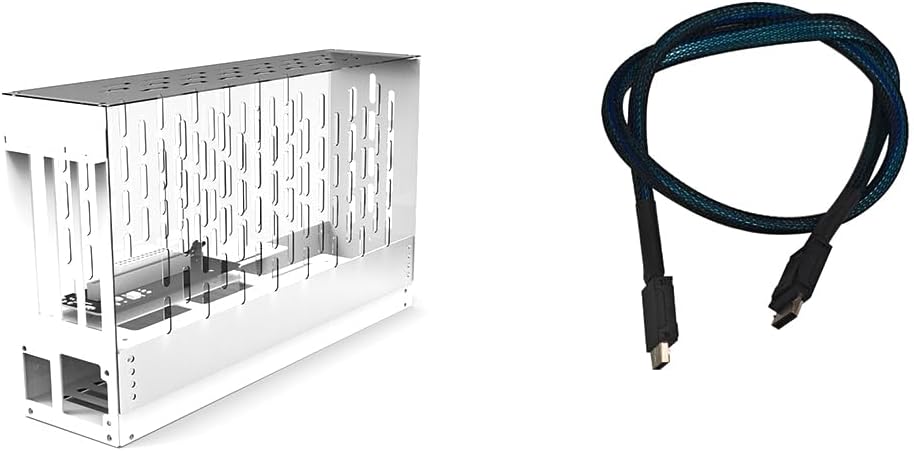 JMT PCIe 4.0 X16 to Oculink SFF-8612 eGPU Graphics Card Docking Station 64GB/s External GPU Enclosure Support Small 1U / Flex Power Supply (Acrylic,AC7 38 * 35 * 14cm)$153.98
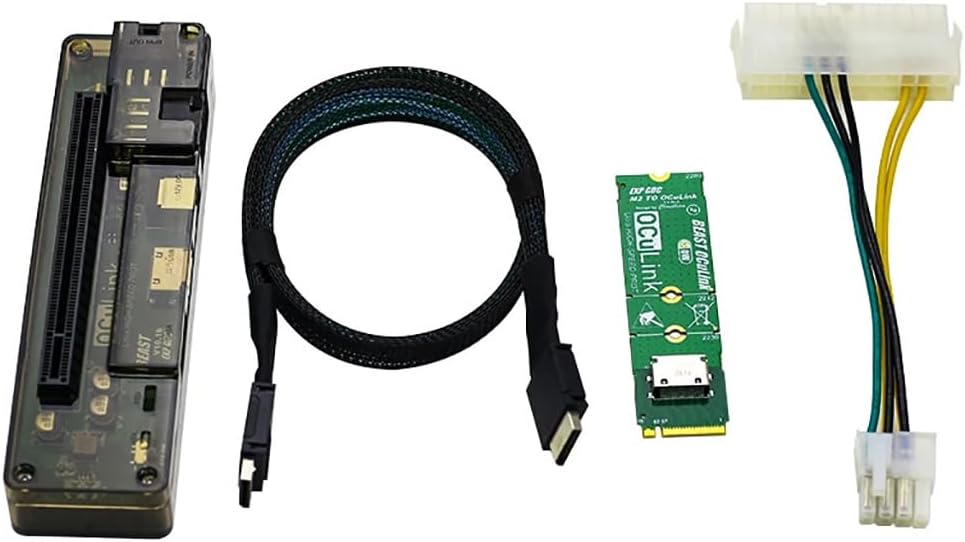 JMT M.2 M Key to OCulink-Compatible GPU Docking Station PCIe 4.0 X4 64GB/s for Mini PC Notebook Laptop to External Video Graphic Card (with M.2 Adapter)$79.98
 Mac mini M4/M4/M5 Pro/M6 Dock Stand with NVMe SSD Enclosure, 4K@60Hz HDMI$44.99
 2-Pack 5.9ft Mini USB Cable, Built-in Ferrite Core, USB 2.0 A to Mini B Cable, 480Mbps Data Sync & Charging, Pure Copper Cord for PS3 Controller, Digital Camera, Hard Drive, GPS, MP3, Dash Cam$4.99
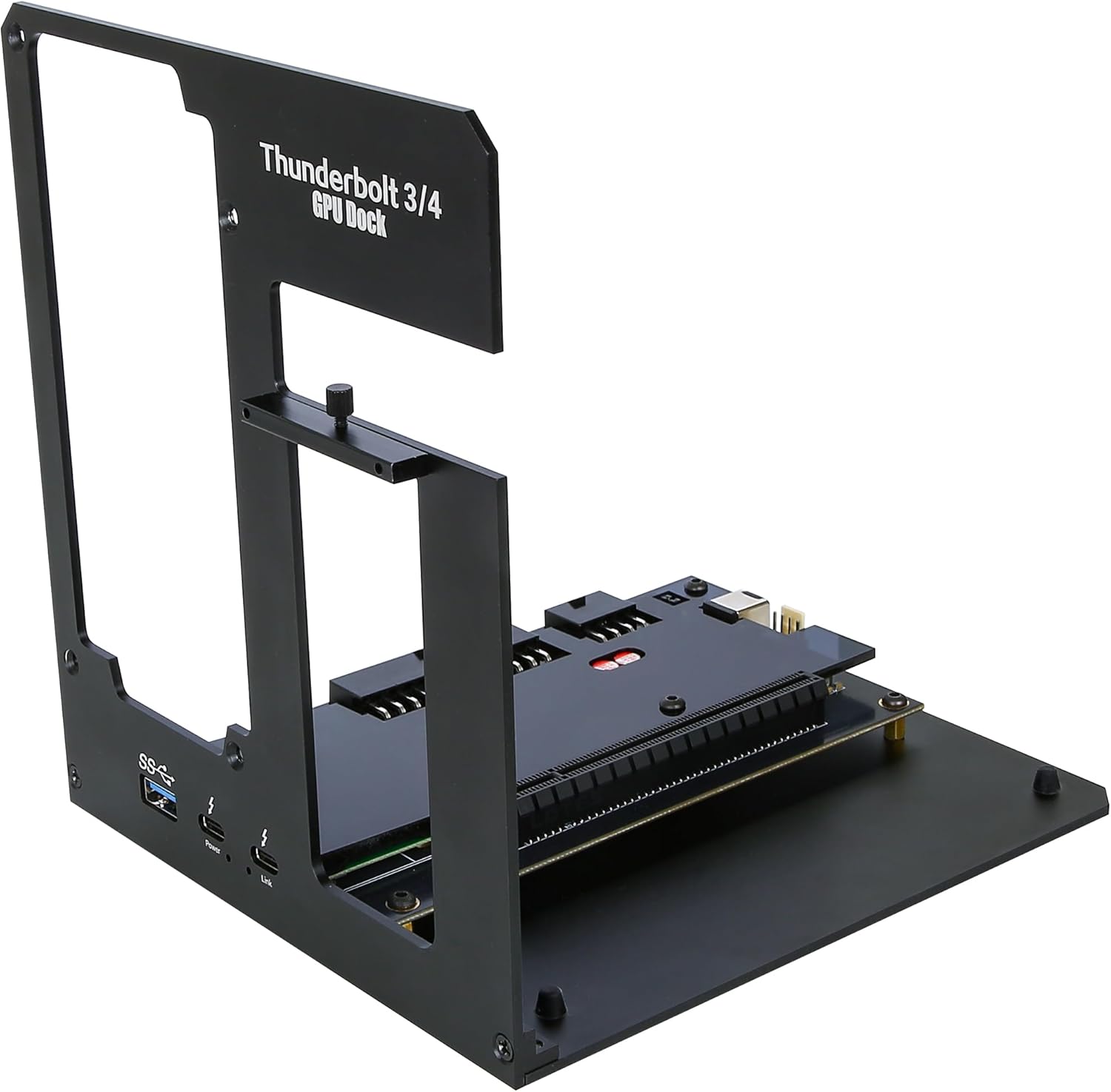 Thunderbolt 3/4 USB4 eGPU Enclosure Dock, External GPU Docking Station for Laptops and Mini PCs, Support NVIDIA AMD Graphics Card and PCIe Cards, PD 85W Charging$159.99
 Linsoul Kiwi Ears Cadenza II 10mm Titanium Driver in Ear Monitor IEMs$47.49
 ACMER S1 Laser Engraver 3500mW, Engraving & Cutting Machine for DIY Crafts$116.99
 JMT PCIe 4.0 X16 to Oculink SFF-8612 eGPU Graphics Card Docking Station 64GB/s External GPU Enclosure Support Small 1U / Flex Power Supply (White,AC6 29 * 25 * 14cm)$143.98